How to Transfer a Minecraft World to Your Server
Take a world you built in single player and run it on your own Java or Bedrock server. The server keeps the terrain, the builds and the seed; it only needs to be told the folder's name.
Before you start
Close the world in the game first, so every chunk is written to disk. Then make a copy of the world folder (below) somewhere outside the game folder: if anything goes wrong, that copy is your world.
If the server already runs a world you want to keep, stop the server and copy that one too. Run the server on the version you last played the world on, or a later one; a later server converts the world when it first loads it.
Java Edition
Every single-player world is a folder in saves, named after the world:
| System | Folder |
|---|---|
| Windows | %AppData%\.minecraft\saves |
| macOS | ~/Library/Application Support/minecraft/saves |
| Linux | ~/.minecraft/saves |
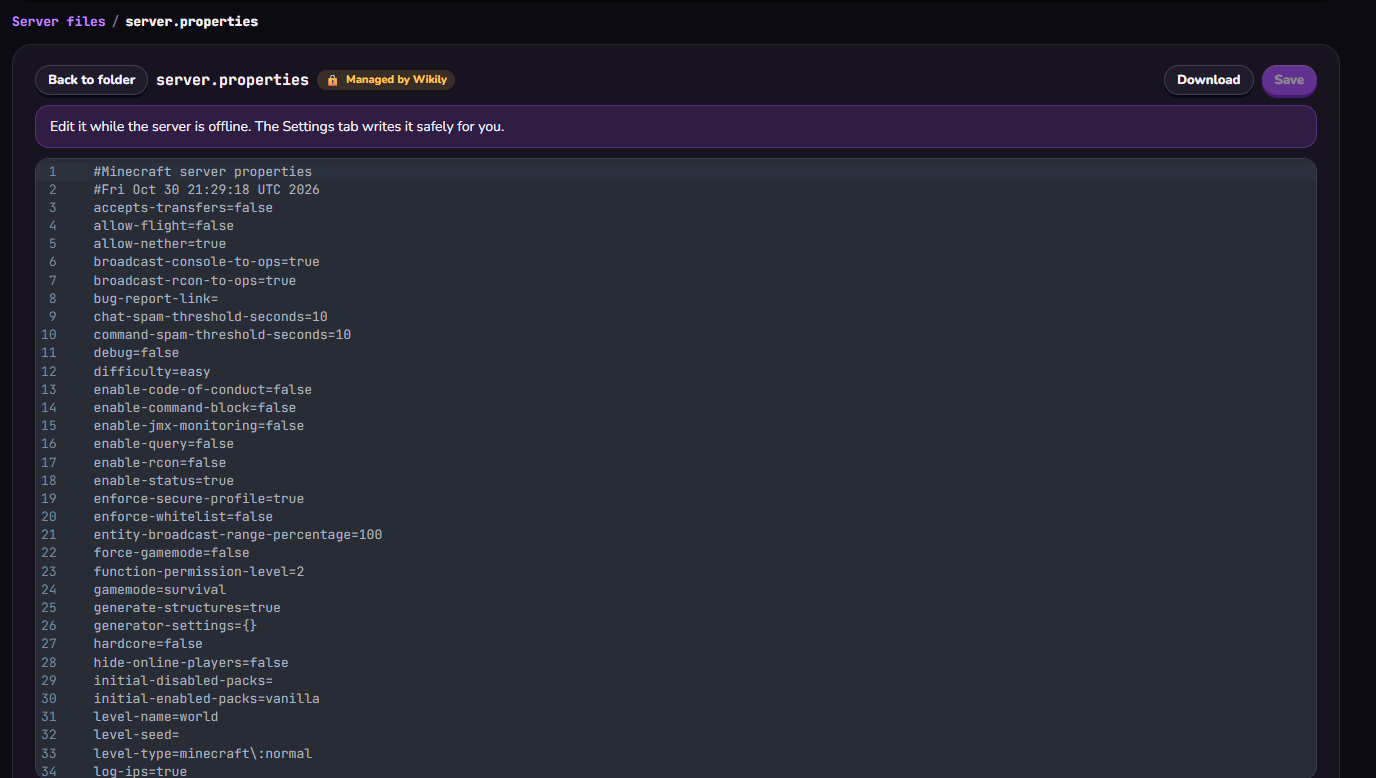
1. Stop the server with stop. 2. Put a copy of the world's folder in the server folder, beside server.jar. 3. Open server.properties and write the folder's name after level-name=. Spaces in the name are fine. 4. Start the server.
level-name=YOUR-WORLD-FOLDER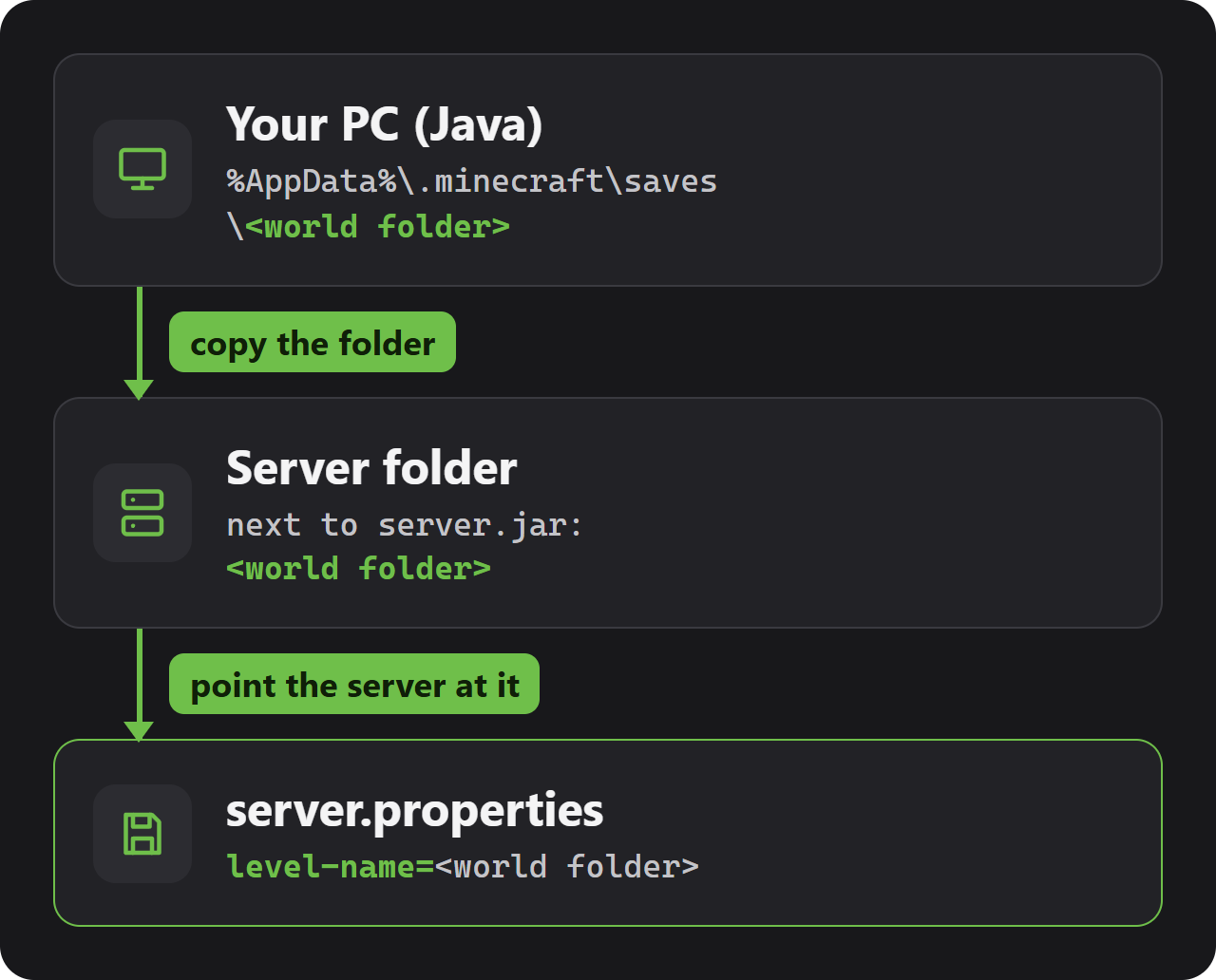
The console now prints Preparing level followed by your folder's name. Unfamiliar terrain means the name did not match: the server then starts a fresh world and gives it the name from server.properties. Fix the spelling and restart.
Bedrock Edition
On Windows, Bedrock keeps its worlds in this folder:
%AppData%\Minecraft Bedrock\Users\<your user ID>\games\com.mojang\minecraftWorldsThe folders there have short random names instead of the world's name. Open levelname.txt inside each one to see which world it is.
1. Start the server once if it is new, so it creates its worlds folder, and stop it. 2. Copy the world's folder into worlds in the server folder. 3. Give the copied folder a name you will recognise, such as YOUR-WORLD-FOLDER.
4. Put that folder name after level-name= in server.properties. Upper and lower case must match too. 5. Start the server.
level-name=YOUR-WORLD-FOLDER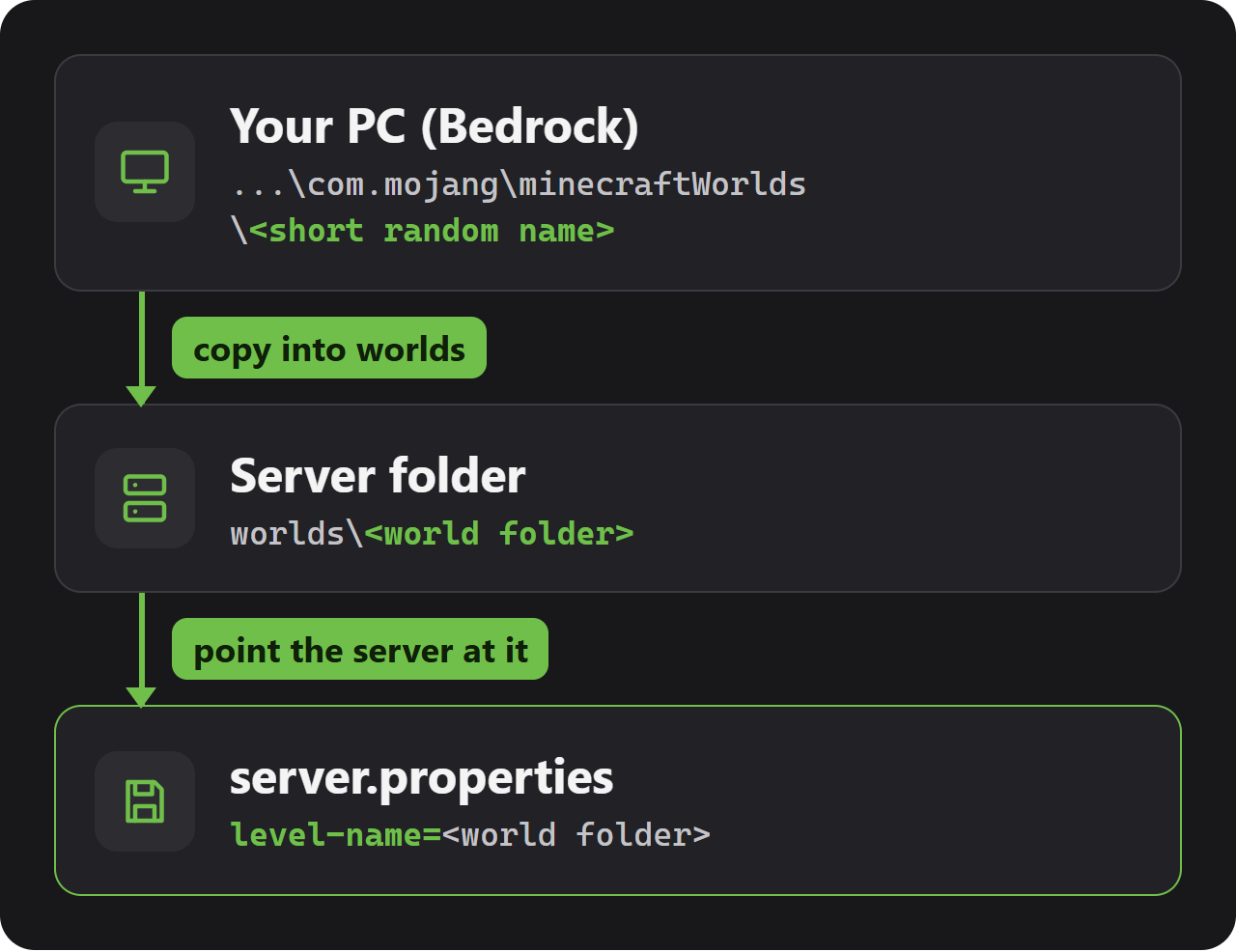
On start the console shows Level Name with your folder's name and LOADING VANILLA WORLD. If it says CREATING VANILLA WORLD instead, level-name does not match the folder, and the server has just made an empty world under that name.
levelname.txt inside the folder may keep the world's old name. That does not matter: the server goes by the folder's name.
Put it on a Wikily Servers server
1. Stop the server in the panel. 2. On your PC, pack the world folder into a .zip. Each upload can be up to 50 MB. 3. In the Files tab, drop the .zip into the top folder (Server files) for Java, or into worlds for Bedrock, and choose Unpack in its row menu.
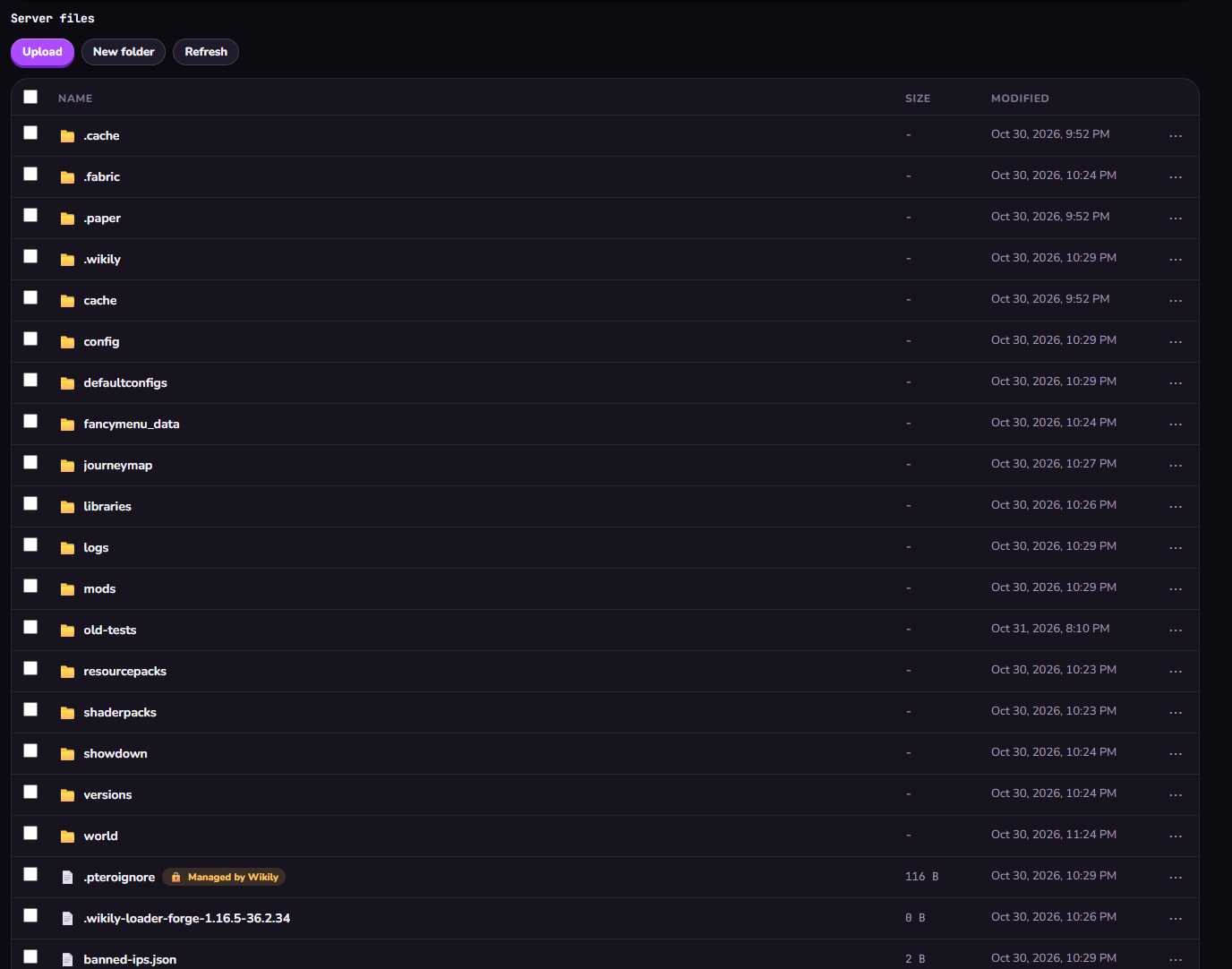
4. With the server still offline, open server.properties in the Files tab, set level-name= to the world folder's name and press Save. 5. Start the server.