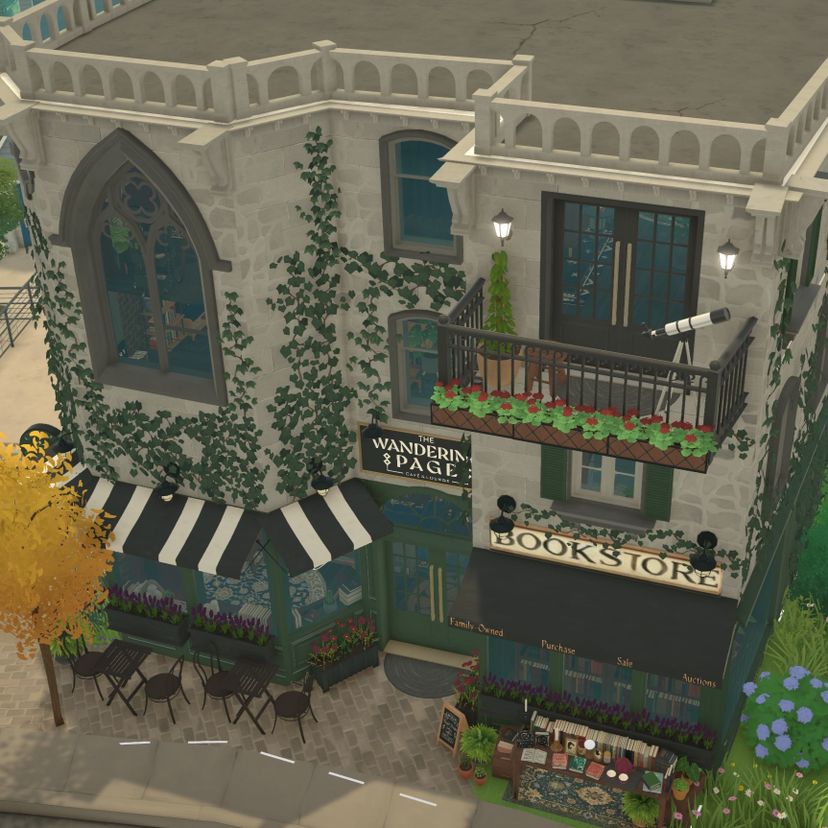
The Wandering Page Bookshop Coffee Cafe & Lounge

Workshop stats
Lifetime subscribers
Current subscribers
Lifetime favorites
Views
File size
Last updated
Published
Screenshots

Mod description
The Wandering Page Bookshop Coffee Cafe & Lounge Live in Bookstore with 1BR Apartment Above Shop
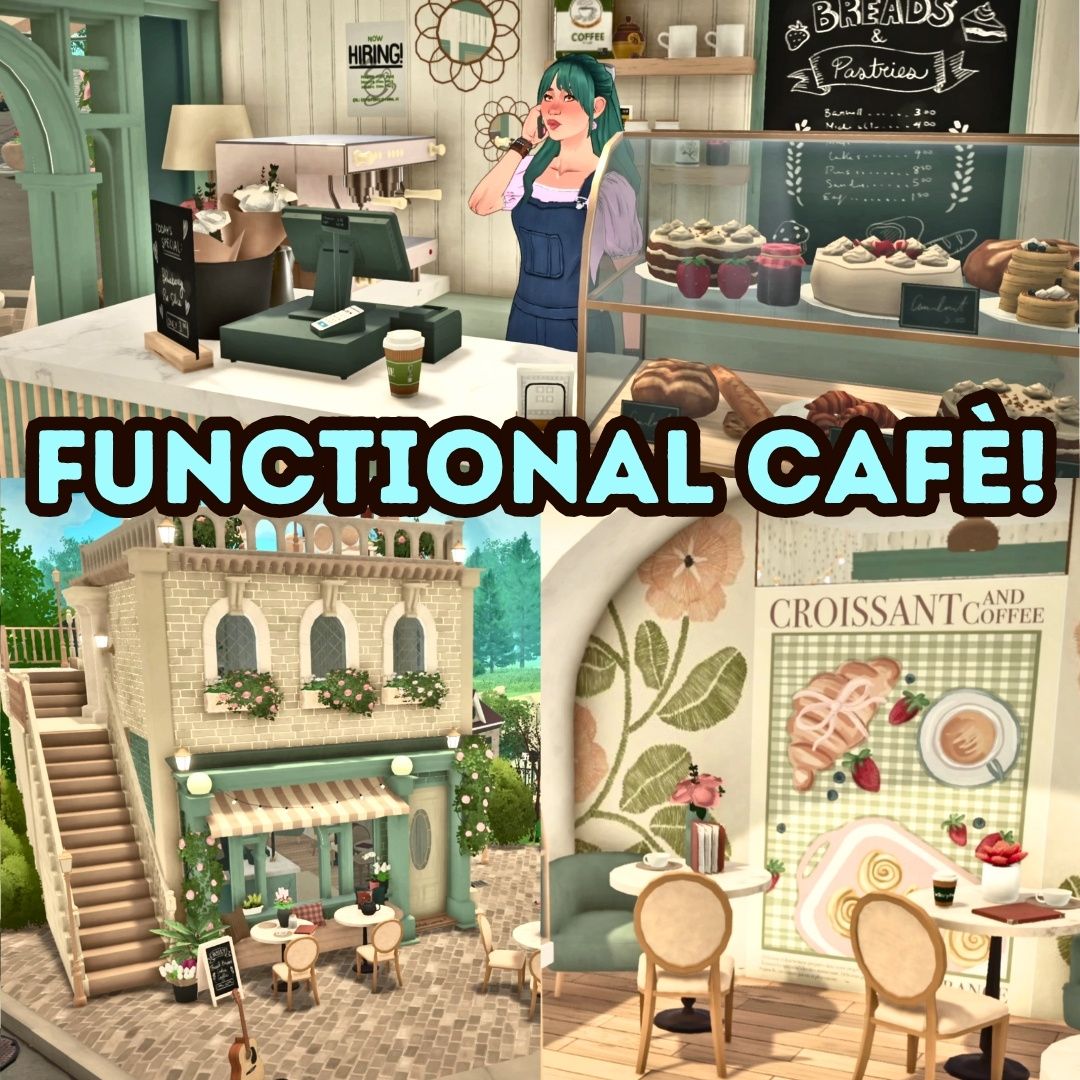
For those of us already dreaming of fall, this cozy coffee shop is the perfect autumn escape. In our hearts, it’s never too early to run off to a cozy coffee shop with a good book! Located in the heart of town, The Wandering Page is a Bookshop Coffee Cafe and Lounge. Stop by this shop to find a moment to relax and unwind with your favorite titles. Grab a cup of coffee and check out our latest staff picks!
This mixed-use space offers a comfortable cafe atmosphere filled with custom bookshelves, plenty of plants, and all the cozy vibes. The main level is a cafe and coffee shop with a barista service area, counter seating, cafe tables, and couches. Upstairs is a mezzanine with additional seating, bookshelves, and a welcoming reading nook. Out front is a display table and a small patio.
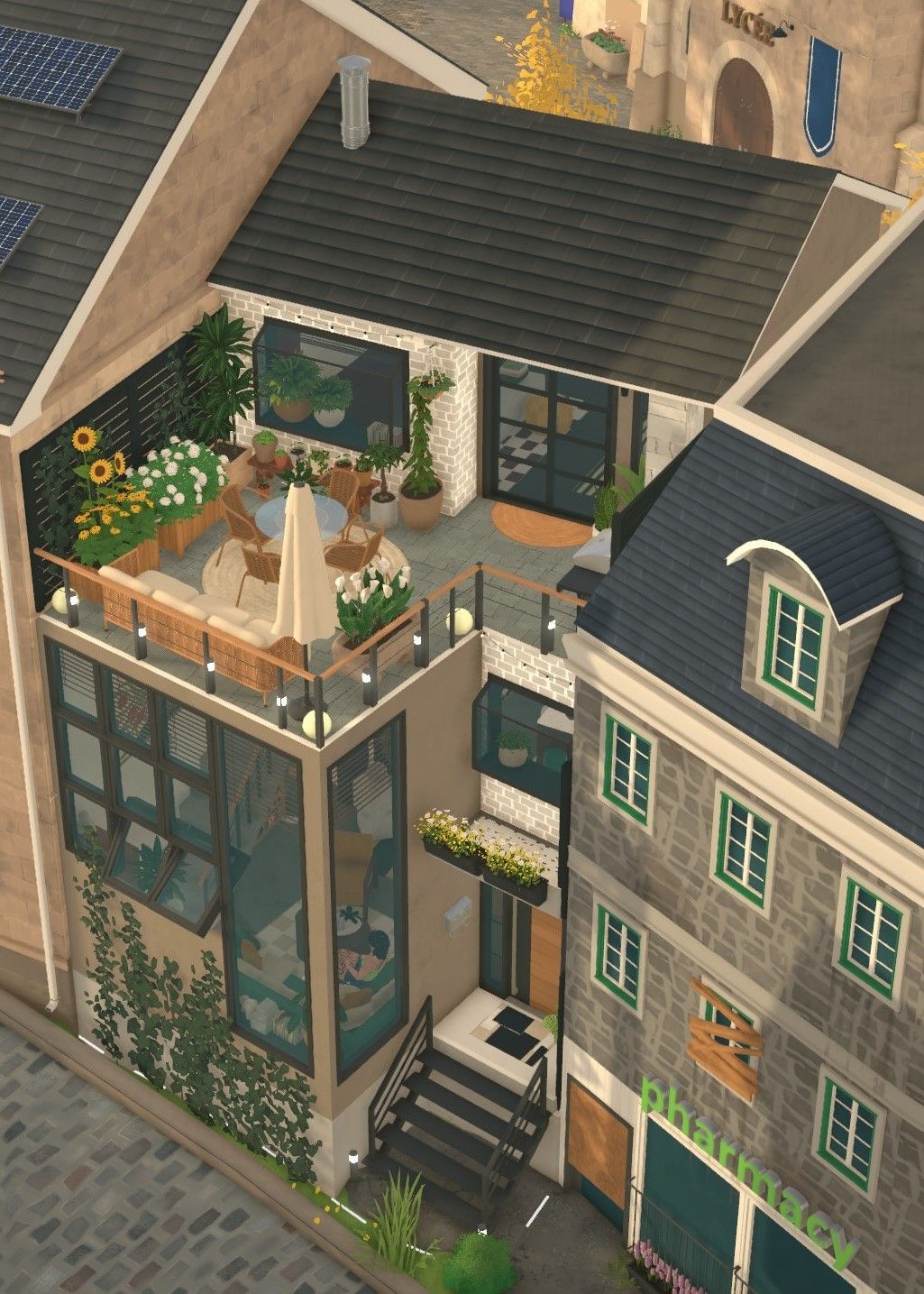
Private third-floor apartment (1BR/1BA) fully furnished.
⚠ IMPORTANT: Please note, this build uses Steam Workshop custom content. To ensure proper usage, make sure to download all required CC items before placing the lot to avoid missing objects
Recommended Interaction Mod Read From Book Clutter Items
BUILD PLACEMENT This lot is to be placed next to stairs by the elementary school by the train station. When placing the build there is a tree in the neighboring park that needs to be moved or deleted from the town. (To do this, Save your game. Enable Cheats using CTRL+SHIFT+C and a dialogue box will appear. Type “Toggleedittown” in the box and ENTER. Then enter Build Mode, and click on the tree to move or delete the item. To Disable the cheat, open the dialogue box again and type “toggleedittown” again. Also, use “setmoney100000” to afford the lot. Bulldoze the original building from the map view. Then place Wandering Page from your Lot Library.)
For the best effect, add brick terrain paint to the front patio area in front of the shop.
Also note, sometimes when the build loads, the custom artwork needs to be adjusted.
Built by TofuCryptid, I’m an amateur gamer who enjoys creating in wholesome games.
Written by the mod author on the Steam Workshop and shown in its original language.


More mods of this type
The most subscribed mods with the same Workshop tag. The number on each card is its lifetime subscribers.