Functional Elevator

Workshop stats
Lifetime subscribers
Current subscribers
Lifetime favorites
Views
File size
Last updated
Published
Screenshots

Mod description
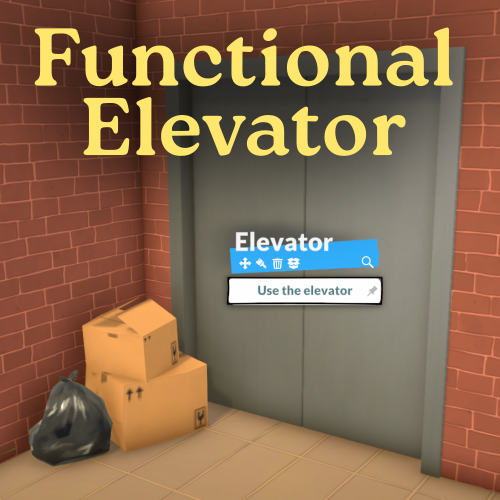
A functional elevator for your Paras! *It's not perfect, but it's the best I could do without making a script mod*
Find the Elevator Doors objects under Doors > Closet Doors. It snaps to a wall just like a regular door.
The simple elevator doors can be resized horizontally and vertically. *NEW*: The Animated elevator doors cannot be resized, but they will open and close just like real elevator doors when your paras walk through them.
Since it's just a door without an elevator shaft, you will need to build your own cavity if you want one - this is optional!
Once an elevator is placed down, click "Edit item text" in the bottom menu to add a floor number. This number will appear on the elevator card when your Para attempts to travel. You may need to save and reload if the numbers don't update at first.
To use it, simply click on the elevator and select Use the elevator. Your para will walk over to it and then the "Select a destination" screen will come up, similarly to the bus system. You might need to zoom in or out to see all your elevator cards.
Troubleshooting If you notice a para teleports to the floor above the selected floor, check there is nothing directly in front of the door - even separator walls can sometimes cause an issue.
Written by the mod author on the Steam Workshop and shown in its original language.
More mods of this type
The most subscribed mods with the same Workshop tag. The number on each card is its lifetime subscribers.