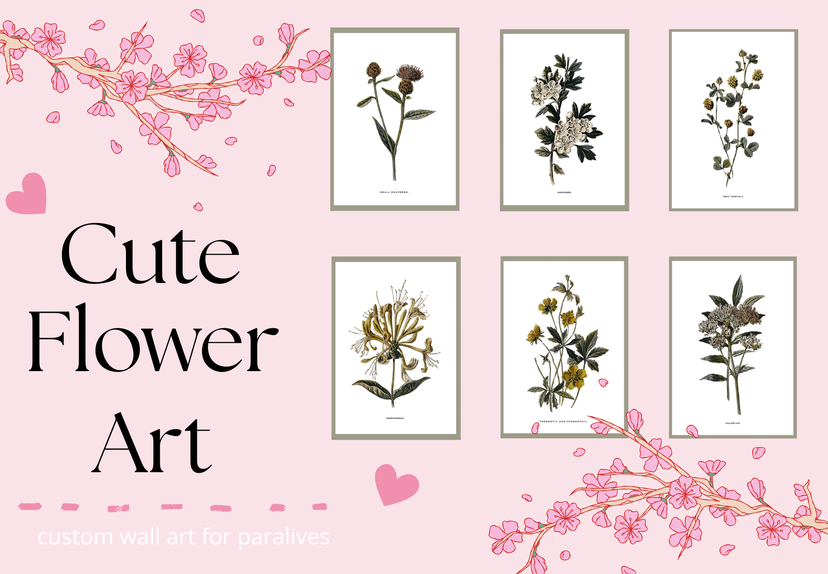
Flower art

Workshop stats
Lifetime subscribers
Current subscribers
Lifetime favorites
Views
File size
Last updated
Published
Screenshots

Mod description
My very first art project! It's simple, but super cute. The perfect little flowers to brighten up your beautiful home! <3
How to instal
1. Place the fram that you want to use. 2. Select "Change Image," scroll to the bottom of the picture menu, and click the + button. 3. Select "Mod" at the bottom of the menu. 4.Choose "Flower Art" and click "Confirm." 5. Choose which folder you want to select art from. 6. Select the pictures you want to use, then click "Confirm." 7. That's it! Your mod is installed, and you're ready to decorate your game.
Written by the mod author on the Steam Workshop and shown in its original language.
More mods of this type
The most subscribed mods with the same Workshop tag. The number on each card is its lifetime subscribers.