
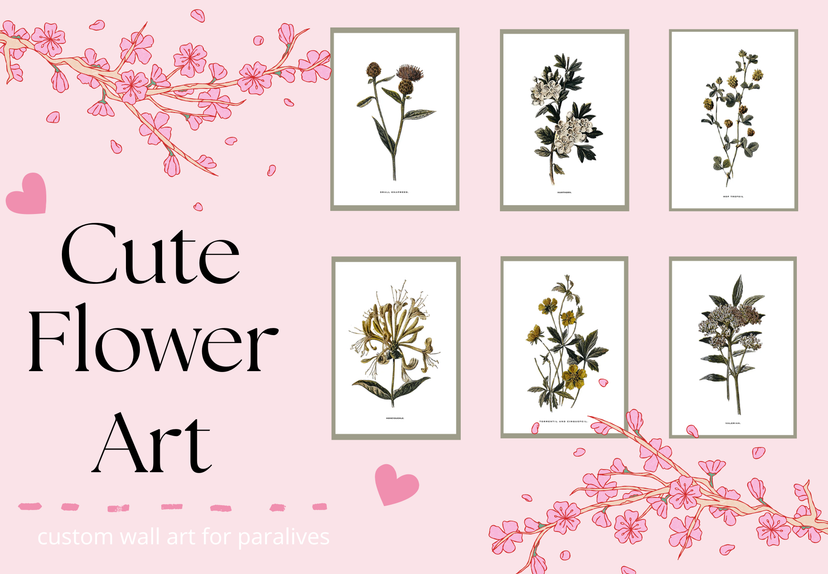
Flower art

ワークショップの統計
累計購読者数
現在の購読者数
累計お気に入り数
閲覧数
ファイルサイズ
最終更新
公開日
スクリーンショット

MODの説明
My very first art project! It's simple, but super cute. The perfect little flowers to brighten up your beautiful home! <3
How to instal
1. Place the fram that you want to use. 2. Select "Change Image," scroll to the bottom of the picture menu, and click the + button. 3. Select "Mod" at the bottom of the menu. 4.Choose "Flower Art" and click "Confirm." 5. Choose which folder you want to select art from. 6. Select the pictures you want to use, then click "Confirm." 7. That's it! Your mod is installed, and you're ready to decorate your game.
MODの作者がSteamワークショップに書いたもので、原文のまま表示している。



Loading discussion...