Find where a page is used
Updated 2026-10-05
Before you delete, replace or merge a page, look at what links to it. Used in lists every place that opens the page: other pages, map points, the sidebar, the home page, redirects and layouts. From the same list you can send those links to another page.
Open the list
- Go to Manage Pages.
- Find the page and click Used in on its row. The number on the button is how many pages and map points link to it.
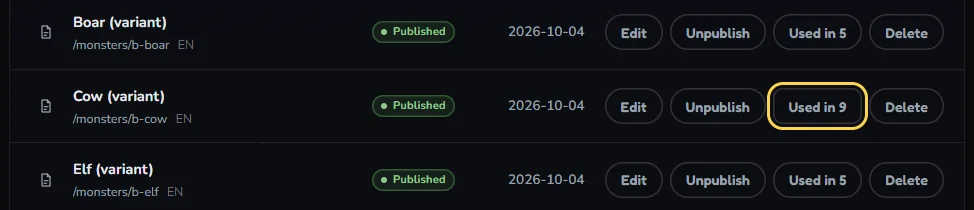
The delete dialog leads to the same list: when something still links to the page, it shows See every place and link them to another page.
Two more ways in: the page editor's More options menu has Where is this used, and each link in Map Studio's Links tab has Used elsewhere.

Read the list
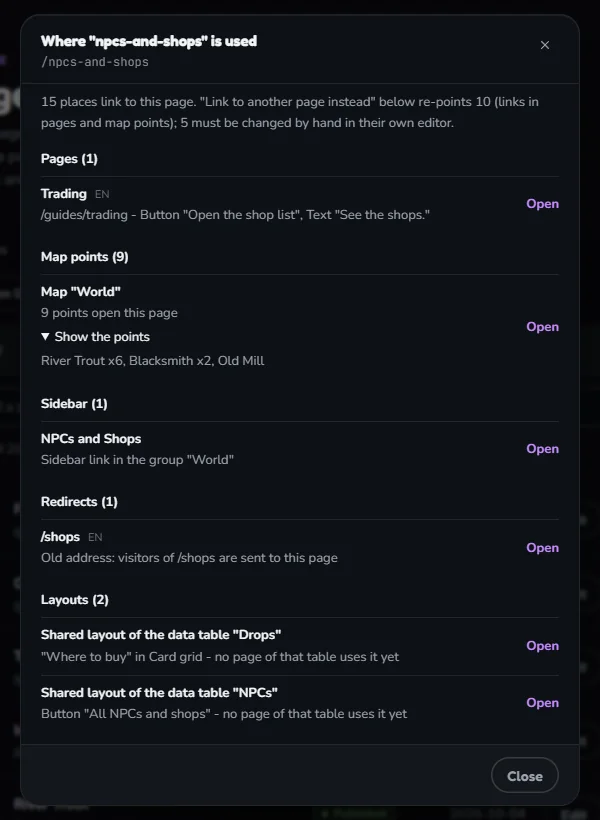
PagesPages that link here, with the block the link sits on (a button, a card, a text). Open goes to the editor.
Map pointsMarkers whose Open page goes here, per map. Show the points names them. See Change where map points link.
Data tablesRows whose cell holds a link to the page, with the table and the column. Open goes to the data manager.
Sidebar, Home pageA sidebar link with the group it sits in, or the block on the home page.
RedirectsOld addresses that send readers to this page.
LayoutsA data table's shared layout that links here: the table's name, the block with the link, and how many pages show it. Open goes to that layout's editor.
Reusable blocksA saved block that links here, by name, with how many pages it is placed on.
Only exact links count. A link to weapons/sword is not a link to weapons, so a parent page is not blamed for its children.
Send the links to another page
- Under Link to another page instead, search the page that replaces this one.
- Click Preview. It says how many links, pages and map points will change, and lists what you have to change by hand. Nothing is saved yet.
- Click Apply.
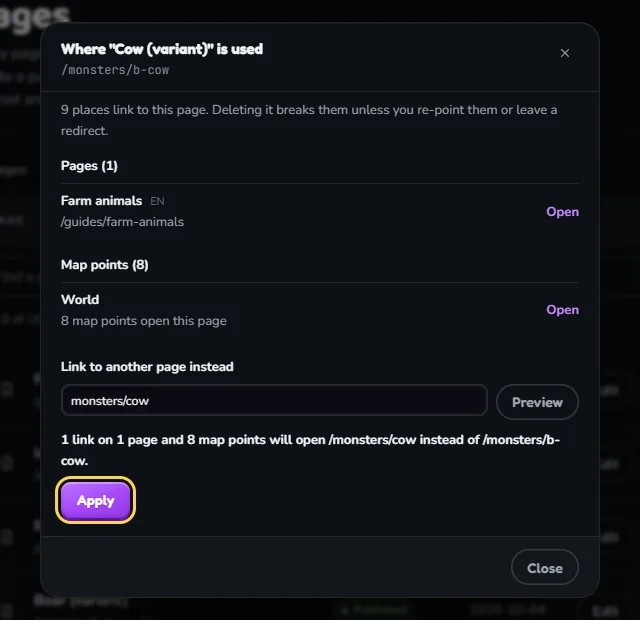
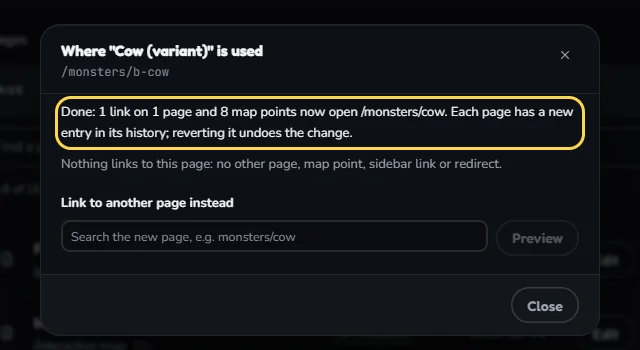
Changed for youLinks in pages (each page gets a new entry in its history) and map points.
Change by handSidebar links, the home page, redirects, layouts, reusable blocks and data-table cells. Also a [[wikitext]] link when the new page sits in a folder, because that syntax cannot name it. The preview lists each one with a link to open it.
UndoRevert the new entry in a page's history, or run Used in on the new page and send the links back.
WhoWiki admins. If your changes need review, the replace waits until a moderator accepts it.
Broken links and unlinked pages
Above the page list, two buttons check the whole wiki with the same index.
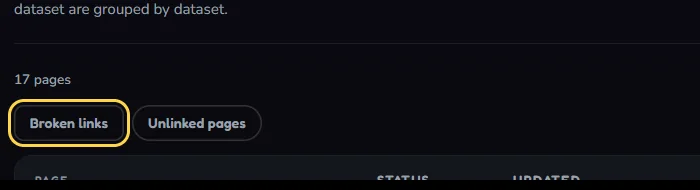
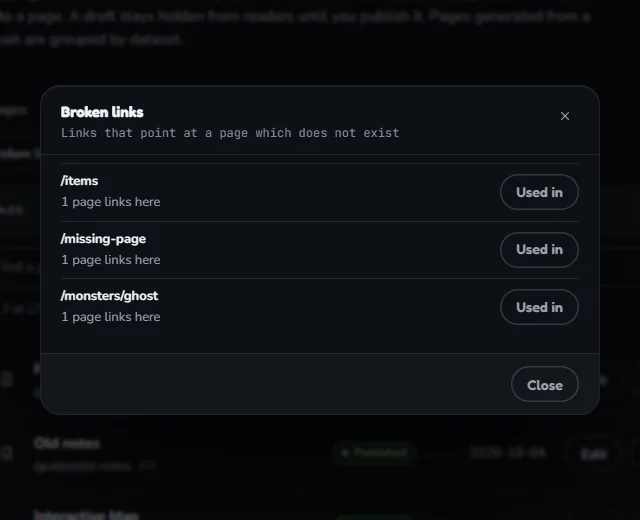
Broken linksAddresses that pages link to but where no page exists, most linked first. Used in on a row shows the pages to fix, and can send them to the right page.
Unlinked pagesPublished pages no other page links to. Readers reach them only through the sidebar, search or a direct address.
Merging two pages
- Move anything worth keeping onto the page that stays.
- On the page that goes, open Used in and send its links to the page that stays.
- Delete the old page. In the delete dialog, fill in Send this address to another page so visitors from outside still arrive.