[Fernkveld] Window Channels

Estadísticas del Workshop
Suscriptores totales
Suscriptores actuales
Favoritos totales
Visitas
Tamaño del archivo
Última actualización
Publicado

Descripción del mod
Turn any TV into a window with a view! This mod adds 5 cozy ambient "channels" you can watch on any television in the game — perfect for background atmosphere while your Paras relax, study, or just vibe.
Channels included
Rain — grey overcast sky with rain streaking down the glass
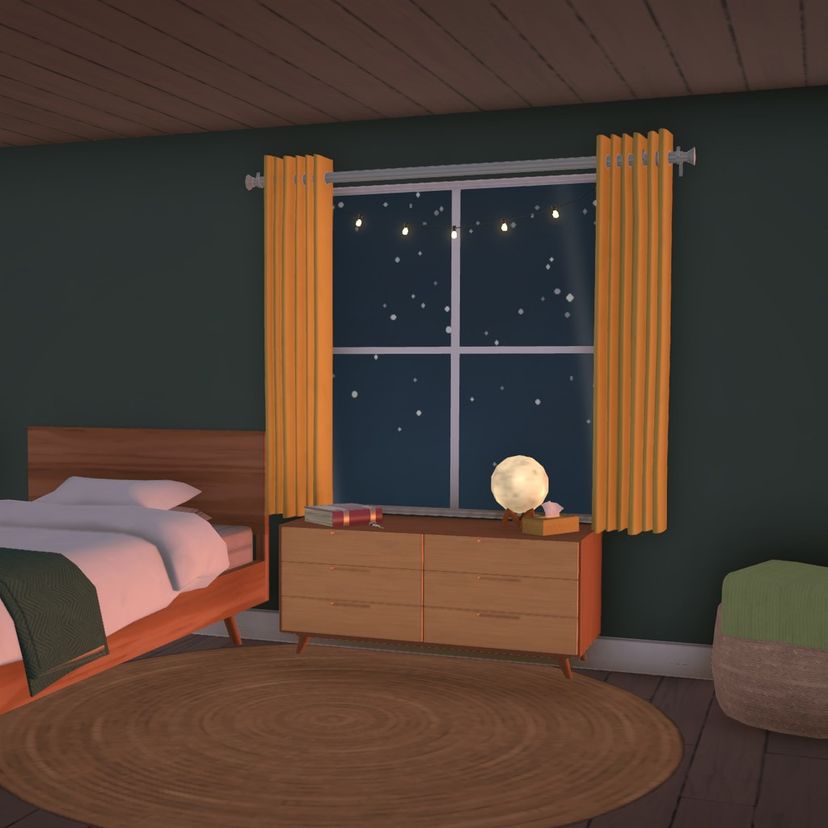
Snow — soft snowfall drifting past a gentle streetlight glow
Autumn Leaves — warm amber sky with leaves swirling by
Starry Night — a deep blue night sky with twinkling stars
Thunderstorm — a dark broody sky with rain and flashes of lightlning
Just click any TV in Live mode and pick your favorite channel from the watch menu.
Notes
Visual only — no audio.
Works on any regular TV, base game or custom — no special object required.
Doesn't touch or override any existing channels, so it's fully compatible alongside other channel mods.
Enjoy the view!
Escrito por el autor del mod en Steam Workshop y mostrado en su idioma original.
Más mods de este tipo
Los mods con más suscriptores que tienen la misma etiqueta del Workshop. El número de cada tarjeta son sus suscriptores totales.