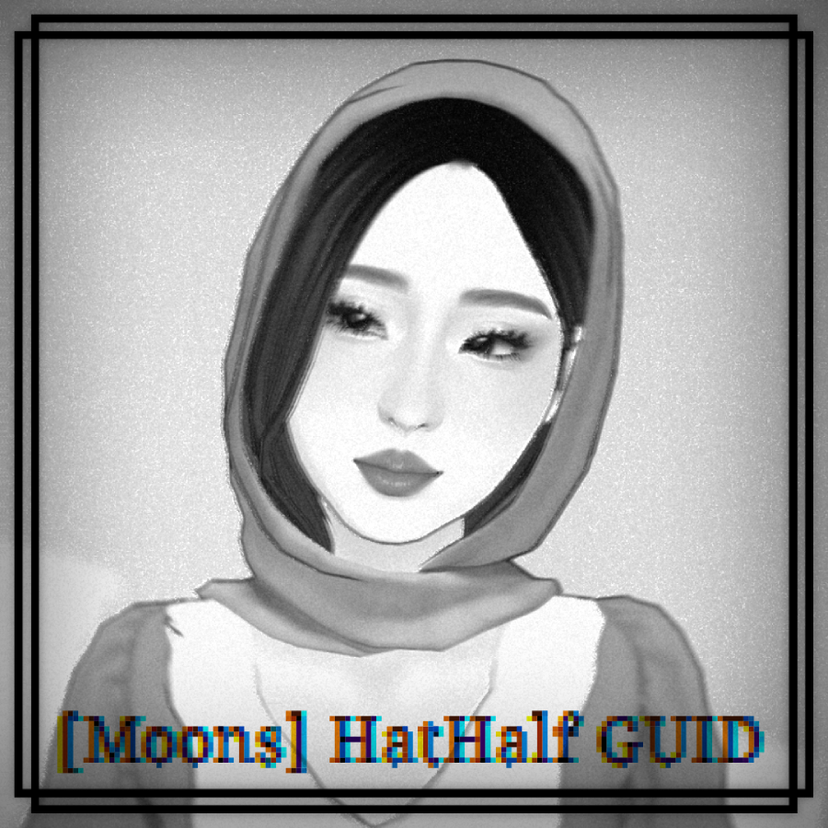
[Moons] HatHalf GUID

创意工坊数据
累计订阅者
当前订阅者
累计收藏
浏览量
文件大小
最后更新
发布日期
截图

模组说明
THE HAIRS AND HEADWEAR USING HATHALF WILL ONLY WORK IF THIS MOD IS INSTALLED AS IT CONTAINS THE HOST FILE CODE. THIS MOD CONTAINS ONLY THE CODE AND THE MESH GUIDES.
When creating a custom hair, add the hat chops as you'd do normally (HatFull, HatAngled, HatStraight).
For this GUID, you'll need to follow the guide inside the FBX file ~ Moons_HatHalf_Guide. To do this you only need to drag the FBX file into your Parafolk blender file. It will show up in the proper position and size.
This .FBX contains 3 mesh guides
- HatHalf_Back ~ Flat cylinder cutting across the back so you can cut the hair along it
- HatHalf_BottomLimit ~ Flat cylinder across the collarbones. This is a guide for whenever you want to hide the hair under a hoodie
- HatHalf_Shape_Limit ~ Overall shape you'll need to push hair inside and to create your own HatHalf headwear
When importing into the game for your mod, do the same you did for any other hat chop. This time you'll need to open the file Equipment file inside the Settings folder of your mod.
After you added a slot GUID and MESH GUID in game, you can now edit the Equipment file and change the GUID numbers to:
=SlotBasedVisibilityEntries @5416497818726615494 =GUID:5416497818726615494 =MustBeOccupied:True
Or simply find the correct GUID line and change it to 5416497818726615494 (this is the code every hair and headwear will use for HatHalf, it can't be another number or it won't show up on your Para)
If you use my mod for your own mod creations please credit me and redirect the users to this mod on Steam. Do not claim as your own.
由模组作者在 Steam 创意工坊撰写,按原文语言显示。