
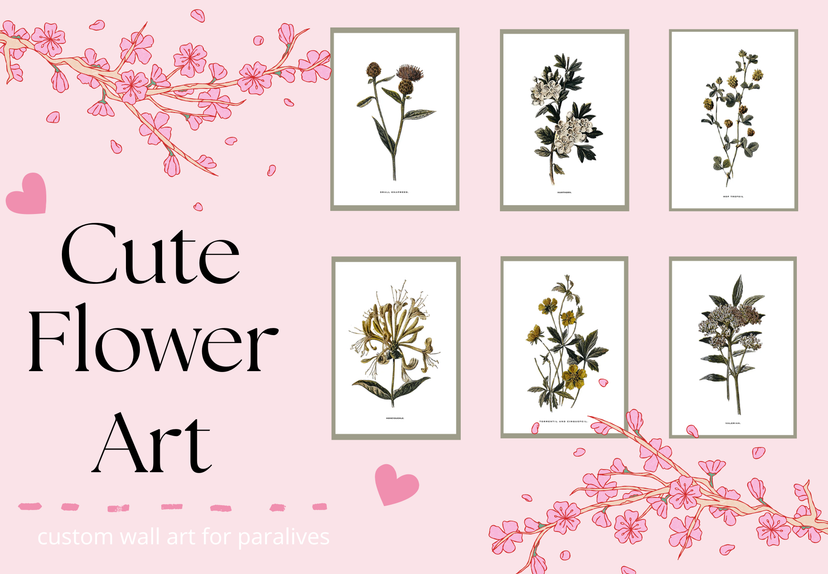
Flower art

创意工坊数据
累计订阅者
当前订阅者
累计收藏
浏览量
文件大小
最后更新
发布日期
截图

模组说明
My very first art project! It's simple, but super cute. The perfect little flowers to brighten up your beautiful home! <3
How to instal
1. Place the fram that you want to use. 2. Select "Change Image," scroll to the bottom of the picture menu, and click the + button. 3. Select "Mod" at the bottom of the menu. 4.Choose "Flower Art" and click "Confirm." 5. Choose which folder you want to select art from. 6. Select the pictures you want to use, then click "Confirm." 7. That's it! Your mod is installed, and you're ready to decorate your game.
由模组作者在 Steam 创意工坊撰写,按原文语言显示。


Loading discussion...