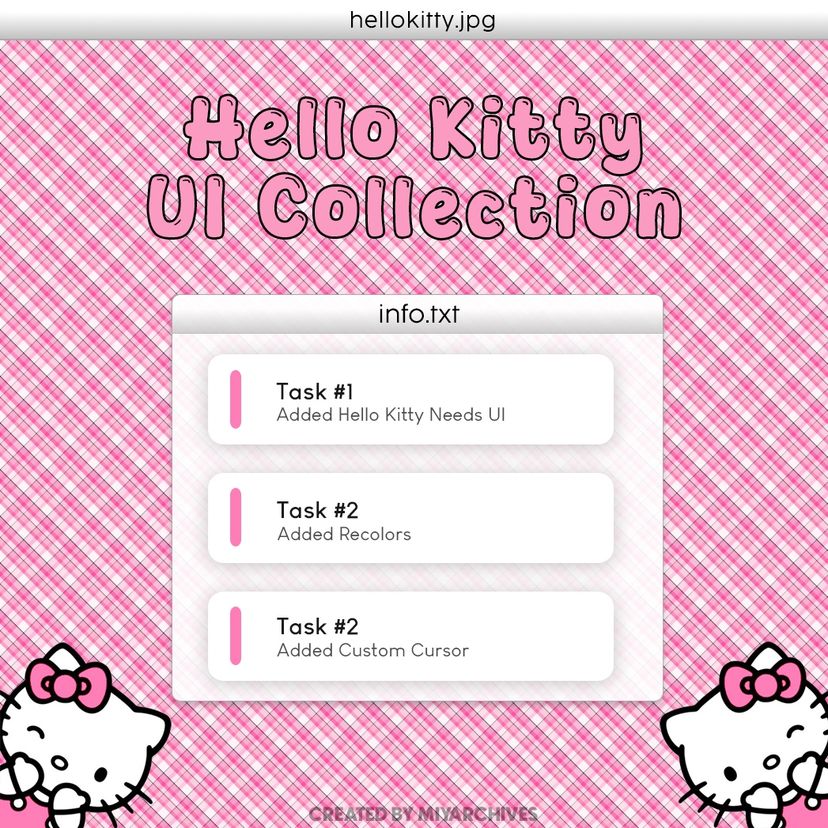
Hello Kitty UI Collection

Statistiche del Workshop
Iscritti totali
Iscritti attuali
Preferiti totali
Visualizzazioni
Dimensione del file
Ultimo aggiornamento
Pubblicata
Screenshot

Descrizione della mod
This mod replaces default needs icons, recolors portions of the interface, and adds a matching Hello Kitty cursor for a cohesive cozy experience.
Included Features
♡ Custom Hello Kitty need icons (Separate needs icons for babies and toddlers) ♡ Hello Kitty-themed character selector ♡ Hello Kitty Cursor ♡ UI recolors
ENJOY!
🎀Quick Note!
If you can't see the cursor in-game, please move this mod from the Steam folder to your local mods folder. Unfortunately, this is currently the only fix available. I'm hoping this issue can be resolved in a future update, but until then, thank you so much for your support and for using my mod! ♡
I do not claim ownership of any copyrighted characters or artwork used in this mod. This project is a creation made for fellow Hello Kitty fans and Paralives players.
Scritta dall'autore della mod nello Steam Workshop e mostrata nella lingua originale.
Altre mod di questo tipo
Le mod con più iscritti che hanno lo stesso tag del Workshop. Il numero su ogni scheda indica gli iscritti totali.