
GTA 6 操作與設定
PS5 和 Xbox Series X|S 上的按鍵配置、三種控制模式,以及每個設定分頁包含的內容,均取自遊戲本身的選單。
預設操作
遊戲操作畫面所顯示的預設配置。Xbox 按鍵位於相同位置;Xbox 的瞄準畫面未被展示,其他畫面則一致。
- L2LTAim, interactAim, interactBrake, reverseThrottle downLock on, strafeBrake, reverseBrake left
- L1LBHolsterHolsterHolsterHolster-HolsterHolster
- Left stickLeft stickMoveMoveTurnPitch and rollMoveTurn, leanTurn
- L3LS clickRunRunHorn, nitrousUndercarriage-Bell-
- D-pad ↑D-pad ↑PhoneZoom scope inPhonePhone---
- D-pad ←D-pad ←RadioSwitch shoulderIndicate leftRadio---
- D-pad ↓D-pad ↓Objective, minimapZoom scope outObjective, minimapObjective, minimap---
- D-pad →D-pad →Detonate explosivesDetonate explosivesIndicate right----
- Touch padViewMapMapMapMap---
- R2RTShootShootAccelerateThrottle upGrapplePedalBrake right
- R1RBCoverCoverShootShoot-ShootShoot
- △YInteractQuick swap weaponExit vehicleExit vehicle-DismountDetach parachute
- ○BCrouchCrouchHeadlightsYaw right-Bunnyhop-
- □XMeleeMeleeMeleeYaw leftPunch, kickMelee-
- ✕AJump, climb-Handbrake-Block, dodgeSprintOpen parachute
- Right stickRight stickLookLookLookLookLookLookLook
- R3RS clickLook behindZoom, throw pathLook behindLook behind-Look behindLook behind
- OptionsMenuPausePausePausePause---
破折號表示操作畫面中該按鍵在該情況下沒有對應動作。
控制模式
控制模式分頁提供預設、經典和左手三種選項。經典會將正面按鍵恢復成 Grand Theft Auto V 的位置;在預設中,奔跑改到了左搖桿。
更多
每種模式在各情況下都有一張控制器圖:步行、瞄準、近戰、陸上與水上載具、飛行器、自行車、游泳和降落傘。
來源:Eurogamer、Finger Guns、The Outer Haven
長按按鍵與專注
- 專注
- 同時按下 L3 和 R3(兩個搖桿)。遊戲本身的提示:「Focus L3 R3」。
- 配備
- 長按 L1(LB)開啟武器配備。
- 長按方向鍵
- 長按方向鍵可開啟 WAINK 應用程式、電台選單、快速導航和搭檔選單。
- 休息
- 步行時長按 Circle(B)。
- 與人交談
- 在某人附近長按 L2(LT)可打招呼、挑釁或安撫對方。
Sources: Digital Foundry, Eurogamer, VGC
經典模式
經典會將步行時的正面按鍵換回 Grand Theft Auto V 的配置:跳躍和攀爬為 Square(Xbox 上為 X),近戰為 Circle(B),奔跑為 Cross(A),蹲下為 L3(按下左搖桿)。
武器輪盤
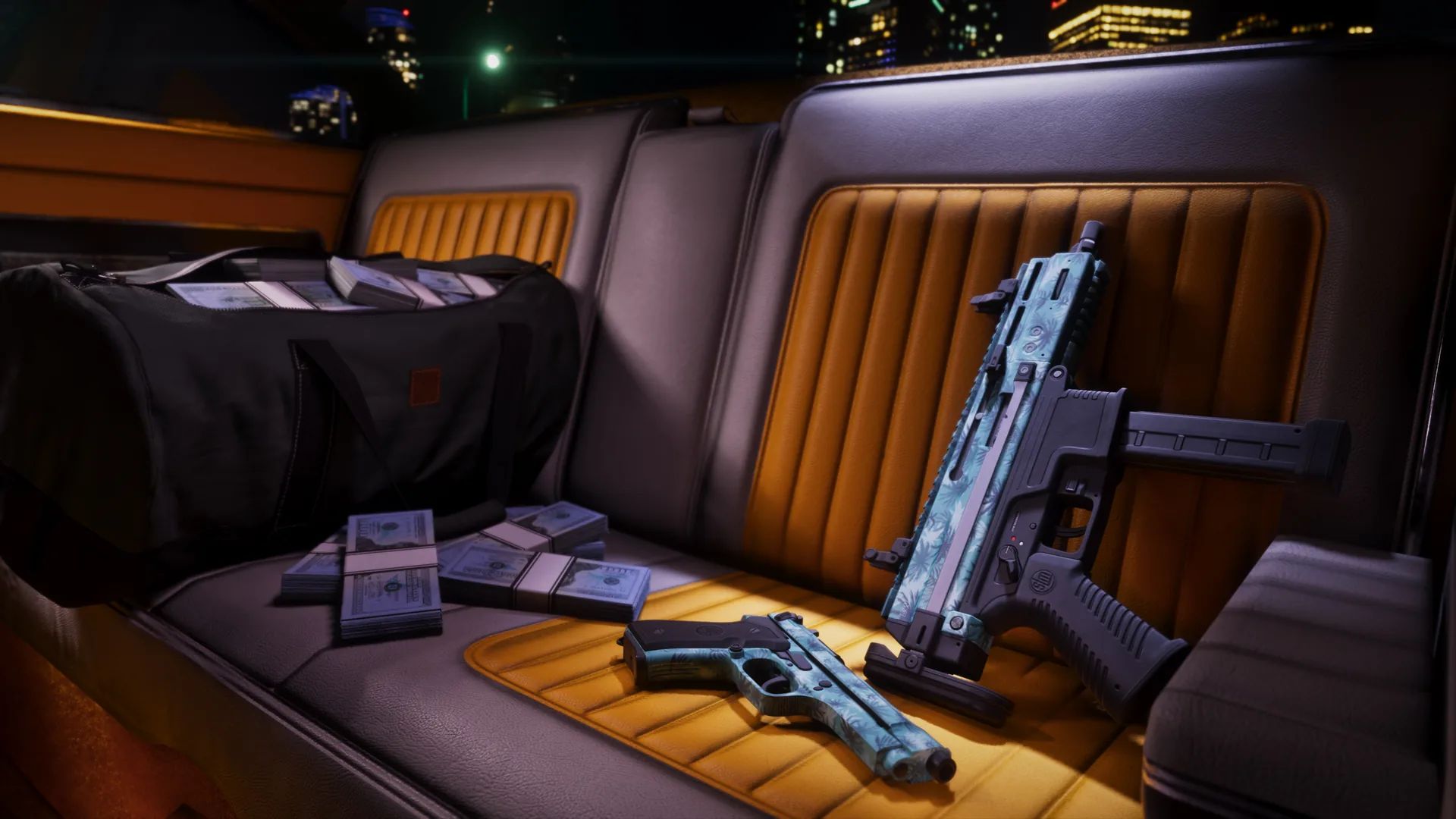
棕櫚樹武器圖案。
長按 L1(LB)開啟武器輪盤。R1 可在武器和物品分頁之間切換。
更多
輪盤上有手持物品、隨身武器、長槍和爆裂物的欄位,並顯示每把槍的傷害、精準度、操控性和射程,還可選擇丟棄。角落有兩個消耗品,分別位於 Square 和 Triangle(Xbox 上為 X 和 Y)。
設定選單
- 控制器
- 靈敏度、瞄準曲線、反轉操作、震動和死區;PS5 上還有自適應扳機和燈條。
More
Look and aim sensitivity and acceleration, aim response curve, inverted look, movement and aircraft controls, vibration strength, stick deadzones, and on PS5 the adaptive trigger resistance and vibration, an adaptive speed limiter and the light bar.
- 遊戲玩法
- 瞄準模式、瞄準輔助、鎖定、射擊與駕車射擊輔助、移動速度和無障礙選項。
More
Targeting (Lock-On, Partial or Free Aim), aim assist strength, lock-on time, shooting and drive-by assist, quick draw, cover selection, holstering in vehicles, movement speeds, and the accessibility options below.
- 顯示
- HDR 與亮度、動態模糊、血腥與肢解、閃光彈效果和高對比著色器。
More
HDR (on an HDR screen), brightness calibration, safe zone, motion blur strength, dismemberment, blood and gore intensity, flashbang effect, a focus trail colour-blind mode, brightness reduction and high contrast shaders.
- 使用者介面
- 語言、文字大小、字幕、小地圖與指南針、GPS、準星、通知和單位。
More
Language, text size, subtitles, a dynamic or fixed minimap and compass, the GPS route, markers, the reticle, which notifications appear (Criminal Profile and relationship among them), and imperial or metric units.
- 相機
- 相機高度與跟隨速度、武器晃動、震動與擺動,以及電影式鏡頭的播放頻率。
More
Camera height and follow speed on foot, in vehicles, in aircraft and underwater; weapon sway, camera shake and bob; how often cinematic kill shots and crash cameras play.
- 音訊
- 單聲道音訊、耳鳴減輕、控制器喇叭與警用無線電、音樂靜音、音量和口述影像。
More
Mono audio, tinnitus reduction, the controller speaker and police scanner through it, GPS voice, muting licensed music, volume sliders, screen narration and audio descriptions for cutscenes (English only).
- 帳戶
- 顧客支援、你的 Rockstar Games 帳戶、GTA+ 加成、製作人員名單和法律頁面。
Rockstar Support 列出了相同的八個分頁,可從暫停選單的設定進入,並指出畫面底部的全部還原和恢復為預設值會重設你所做的變更。
畫面與效能
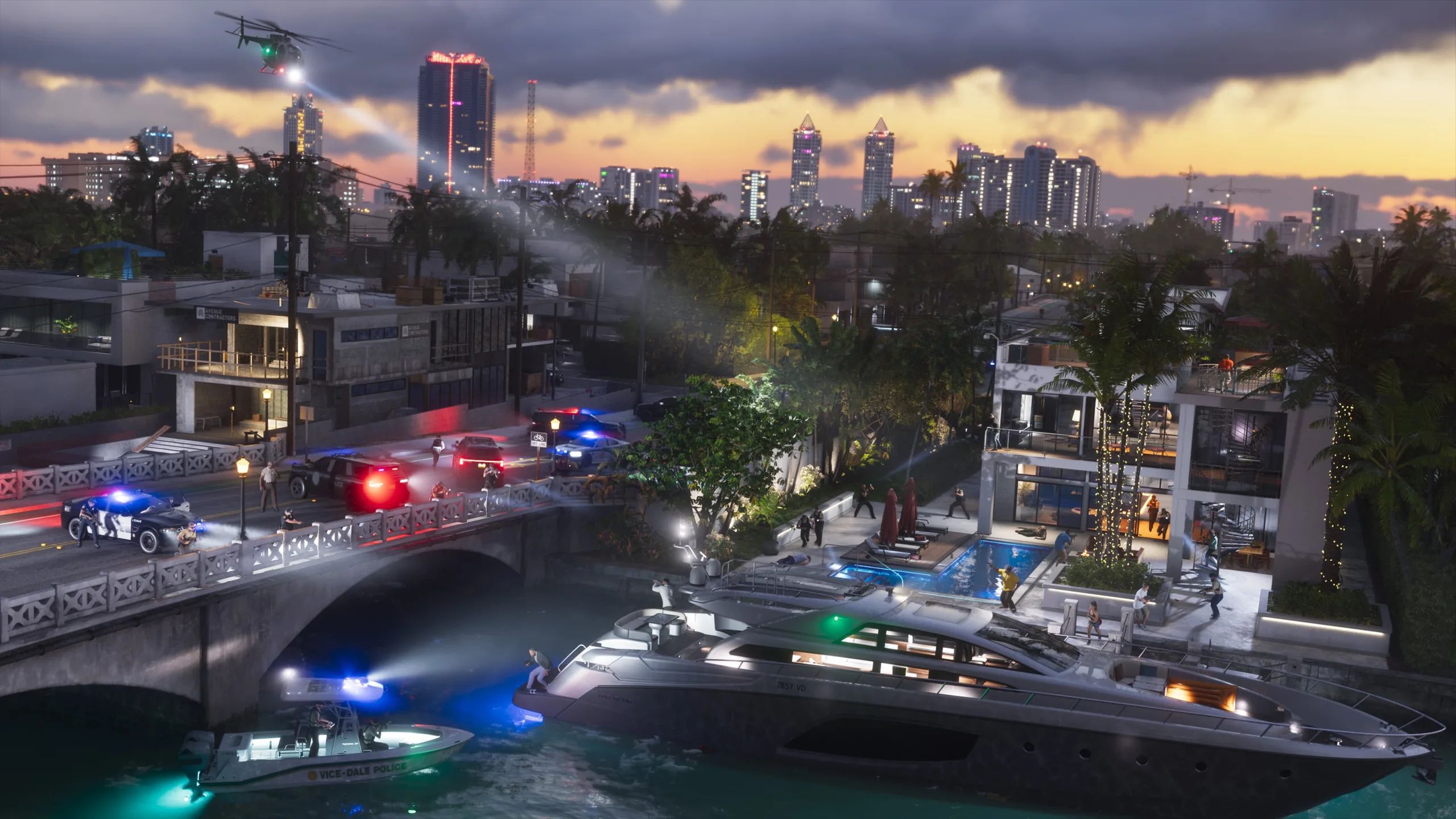
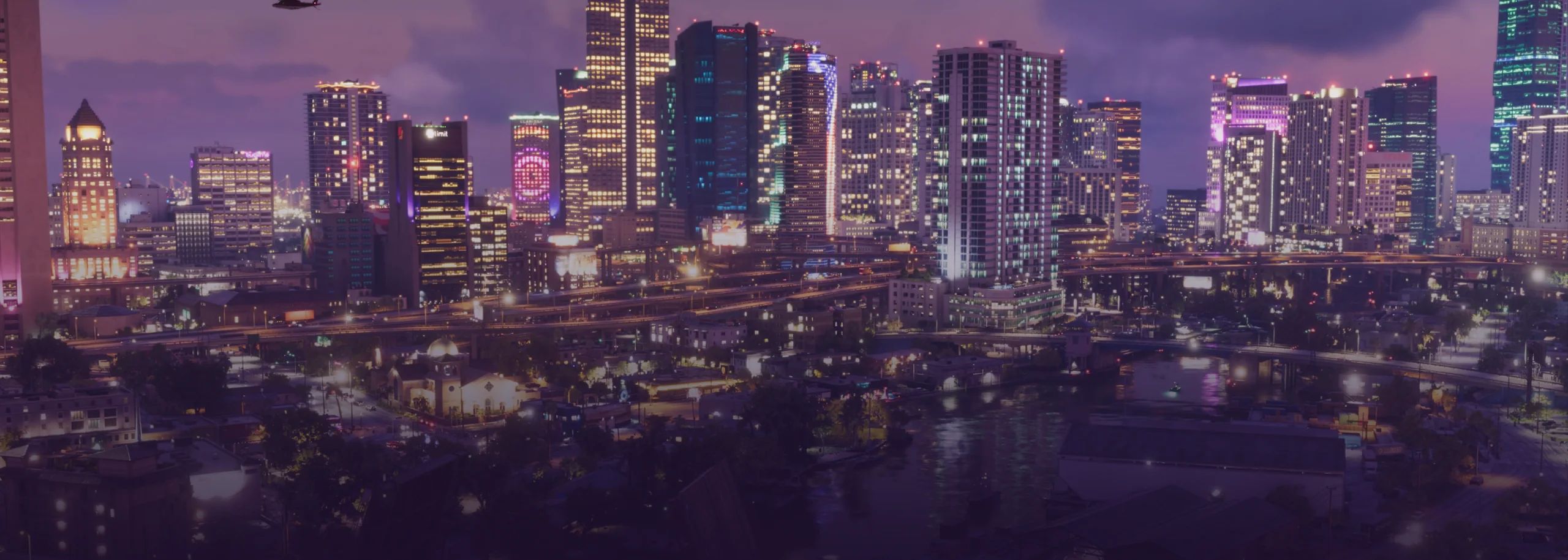
夜晚的濱水住宅。
顯示分頁沒有效能或畫質模式、影格率選項或視野滑桿,PS5 Pro 上也沒有。遊戲在每台主機上都以每秒 30 影格執行。
來源:Rockstar 對 Wccftech 的聲明、Digital Foundry
上市時沒有完整的第一人稱模式,相機分頁也沒有第一人稱選項。部分槍枝在瞄準時會切換為第一人稱視角,駕駛時則可使用第一人稱鏡頭。
來源:TheSixthAxis、Vice 對 Rockstar 的訪問、Beebom、Everyeye.it、Windows Central
無障礙
- 輸入
- 點按與長按輔助、專注、瞄準和配備可設為長按或切換、簡化釣魚和氮氣加速。
More
Tap and hold assists, hold delay, and hold-or-toggle choices for Focus, aiming, interacting, the loadout and the D-pad actions; a simpler fishing control and nitrous option.
- 輔助
- 簡化小遊戲、自動駕駛、無障礙戰鬥(敵人生命值和所受傷害降低)、降低載具損傷和自動裝備頭盔。
Sources: Eurogamer, TechRadar
- 視覺
- 高對比著色器、亮度降低和適用於專注軌跡的色盲模式;文字大小和字幕設定。
Sources: Eurogamer, TechRadar
- 聽覺
- 耳鳴減輕、單聲道音訊、螢幕旁白和口述影像。
Sources: Eurogamer, TechRadar, a Rockstar developer, to The Outer Haven
- HUD
- 小地圖和指南針可以調整或隱藏。
Sources: Eurogamer, Digital Foundry, Finger Guns
暫停選單、地圖與 HUD
- 暫停選單
- 地圖、遊戲、商店、說明、攝影工坊和設定,以及從檢查點重試或重新開始任務。
More
Map, Game, Store, Help, Photo Studio and Settings, with the current chapter and mission shown and options to retry from the checkpoint or restart the mission.
- 地圖畫面
- Four tabs四個分頁:傑森與露西亞、地圖、簡報和進度;地圖以 3D 開啟,並顯示時間和現金。
More
Four tabs: Jason & Lucia, Map, Brief and Progress. The map opens in 3D (R3 switches to 2D) and shows the time and your cash; Square adds a marker and Cross sets a destination.
- 傑森與露西亞
- Levels out of 4每個角色一張資料表:犯罪側寫、現金、睡眠、營養、體態,以及力量、心肺和專注等級。
More
A sheet for each of them: Criminal Profile, cash on hand, height and weight, sleep, nutrition and calories, body shape, muscle and body fat, Strength, Cardio and Focus levels out of 4, and money spent.
- 地圖索引
- 地圖左緣的圖示列出你已發現的任務和地點,包括故事清單。
More
A row of icons on the map's left edge opens an index of the tasks and places you have found, including the story list. Each place has a card with a short description and what it offers.
- 進度
- 十二張卡片,依序為能力值、載具、武器、動物、裝備、收藏、活動、聯絡人、幫派、搶劫和挑戰。
- 故事清單
- 暫停選單的故事清單會顯示可進行的工作;第一個任務完成後,會同時開放好幾個。
More
The pause menu's story list shows the jobs open to you; after the first mission several are open at once.
- HUD
- 左上角是健康、耐力和專注量條,右上角是現金和通緝星,需要時會顯示小地圖。
More
Three bars top left for Health, Stamina and Focus; cash on hand and the cash in your stash top right with the wanted stars; a compass at the top; the minimap appears when it is needed or on D-pad down.
- 手機
- 一開始有十個應用程式,其中包括哩賀、聯絡人、Snapmatic、健身、相簿、天氣、WAINK 和設定。
More
A home screen with the time, weather, reminders and ten apps, among them WhatUp (messages), Contacts, Snapmatic, Fitness, Gallery, Weather, WAINK and Settings. WAINK scans cars and points of interest.
- 健身應用程式
- 力量、心肺和專注等級(滿級 4),最佳訓練時段,以及體態和營養。
More
Shows each character's health, Strength, Cardio and Focus levels out of 4, the best window for training, and body and nutrition. Its Focus page says Focus grows through activities that need concentration, such as basketball, fishing and meditation; non-lethal takedowns raise it while the Criminal Profile is professional or hardened, headshots while it is violent or psycho.
更多 GTA 6 內容

各地區的解鎖時間、PS5 和 Xbox 的預先載入空間與規則、盒裝序號及其地區、特典和 GTA+。
最常被問到的 GTA 6 問題,從 PC 和價格到地圖大小和線上遊玩,依據官方來源解答。
2026年11月19日於 PS5 和 Xbox Series X|S 推出,11月10日起可預先載入,30 fps,PS5 Pro 與雲端遊玩。

標準版和終極版價格、終極版內容,以及罪惡市復古包。
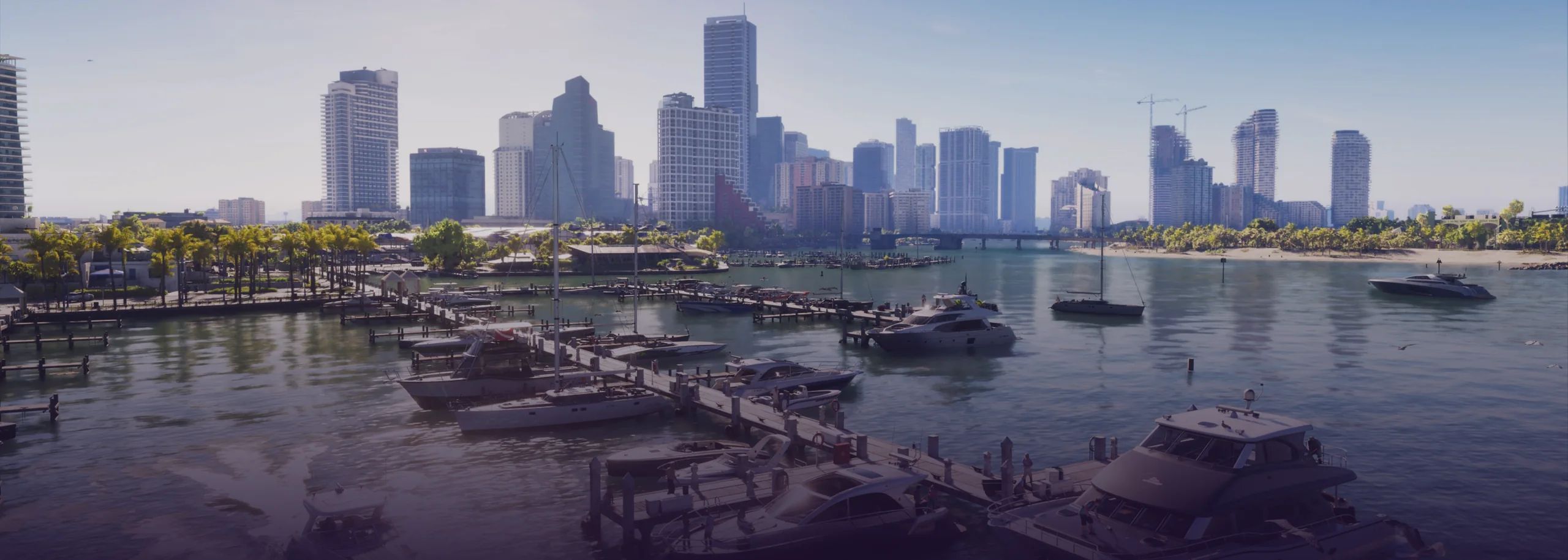
罪惡市、雷歐奈達礁島群、綠茵河區、蓋爾霍恩港、安柏希亞和卡拉加山,以及遊戲中提到的地點。
在傑森和露西亞之間切換、兩人的關係、犯罪側寫、搶劫、手機,以及 Rockstar 的說法。
GTA 6 需要玩多久、序章與章節、在傑森和露西亞之間切換、犯罪側寫和結局,無劇透。

保持犯罪側寫乾淨、甩掉警察、保留偷來的車、燃料、槍枝、金錢,以及應優先更改的設定。

六顆通緝星、顯示警方掌握哪些資訊的圖示、追緝範圍,以及換新衣服、戴面罩或分頭行動如何幫你脫身。

鑰匙複製器、追蹤器、WAINK 和滑機兄弟應用程式、銷贓商、銀行帳戶,以及為何在工作之間需要現金。
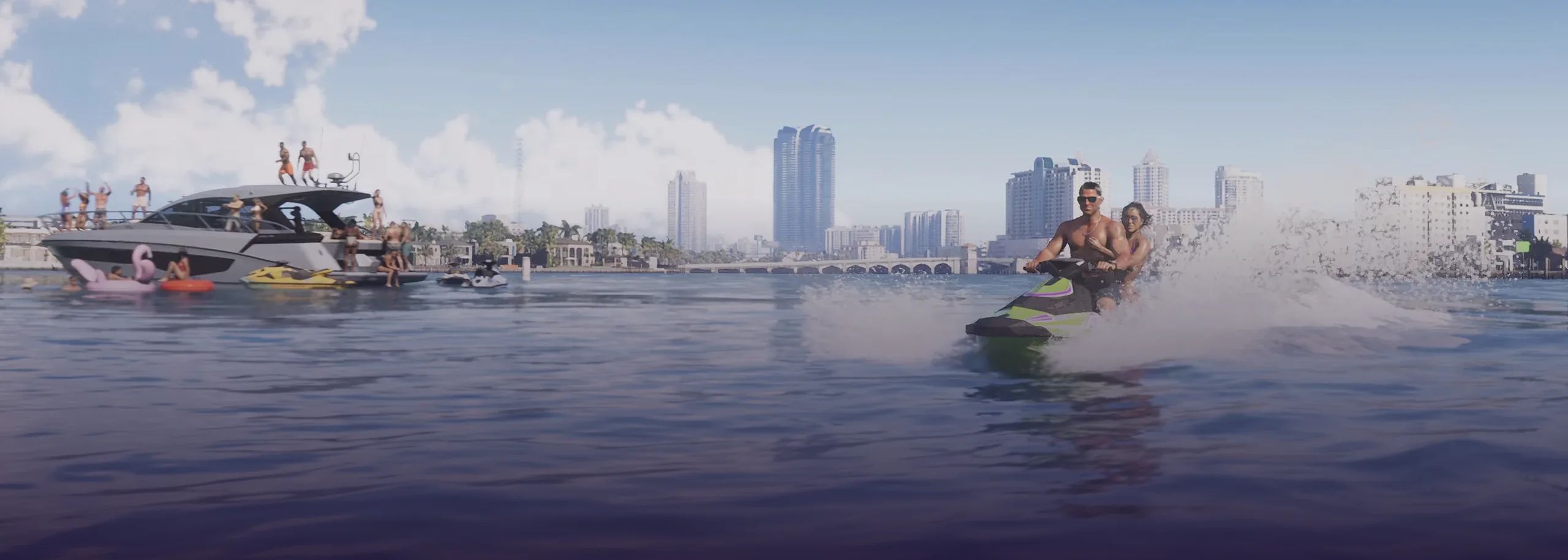
賽車、水上摩托車、潛水、健身房、俱樂部、跳傘、釣魚和終極版商店,各附其來源。
PlayStation、Xbox 和 Rockstar 對線上遊玩、離線遊玩、合作模式和 GTA+ 的說法,以及 GTA Online 的計畫。
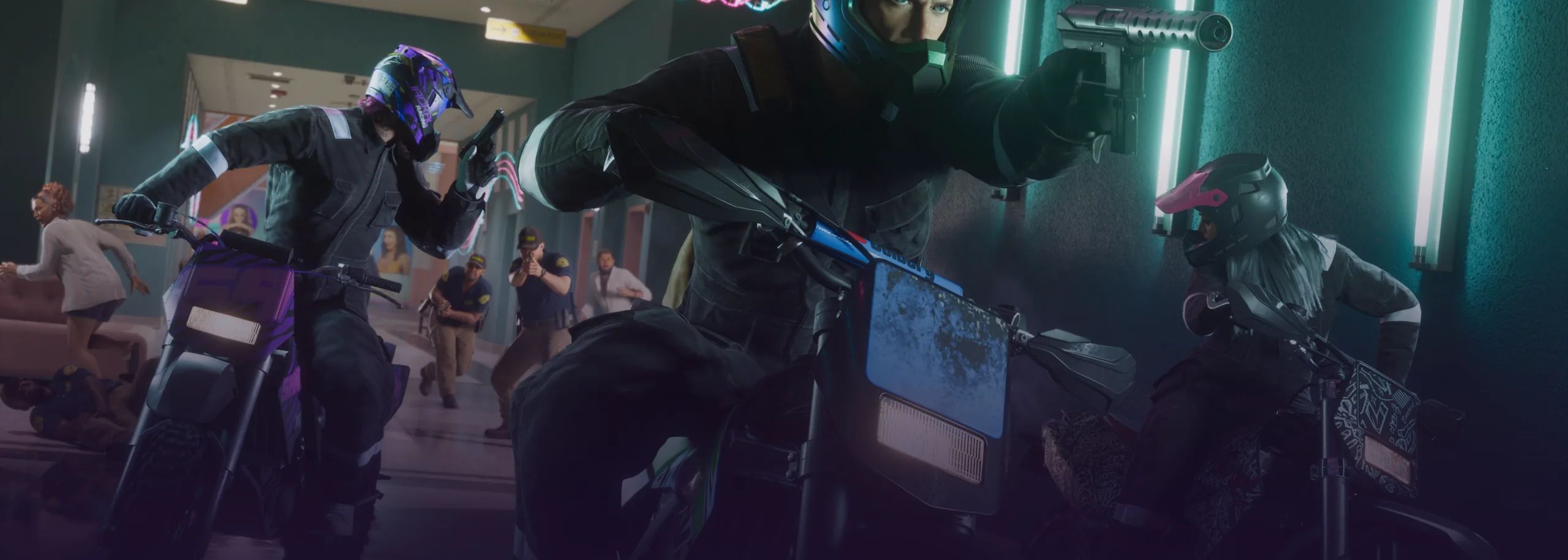
目前已公布的每一輛汽車、機車和船,附官方圖片及各自的取得方式。
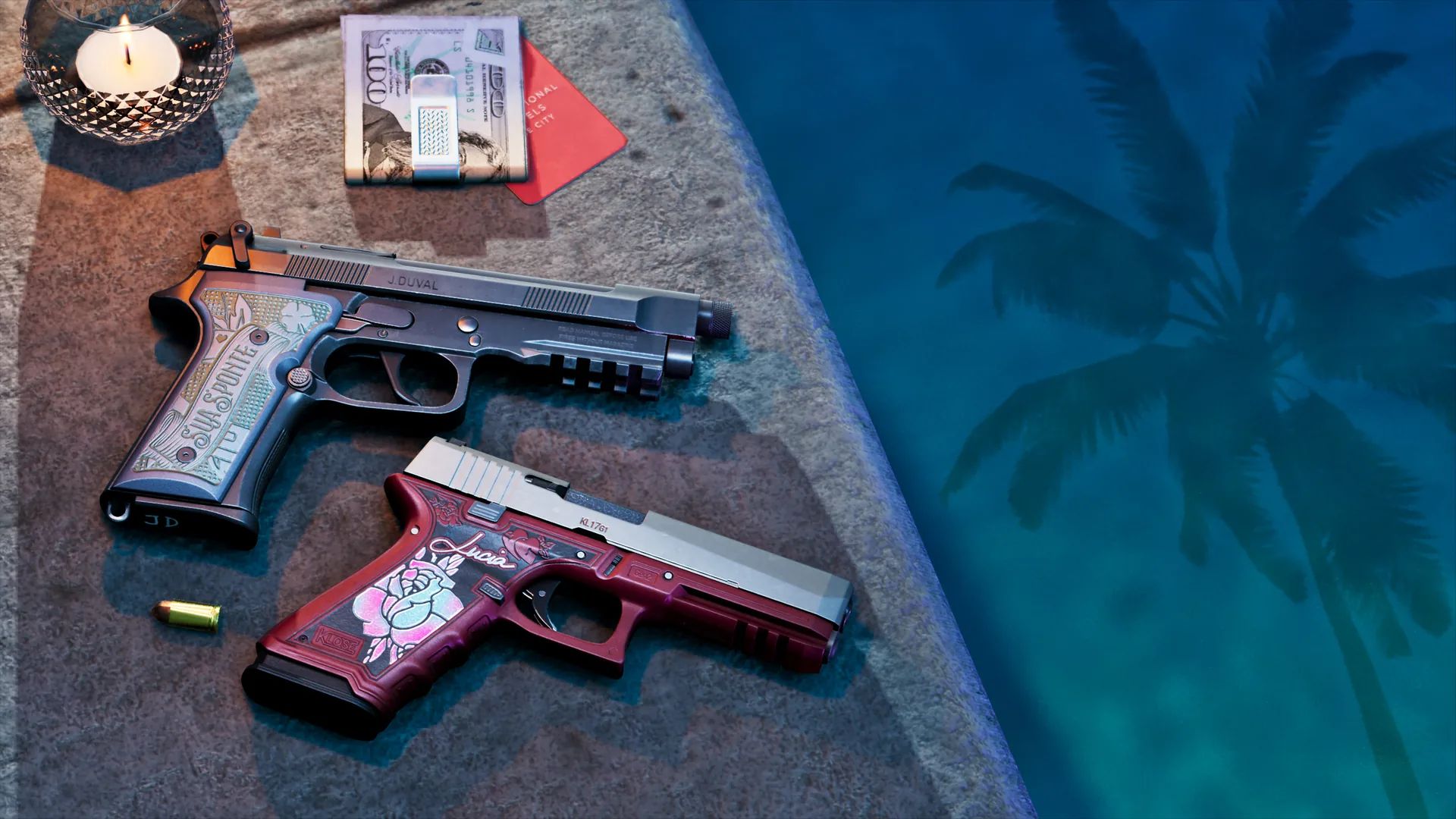
目前已公布的每一把槍,附官方圖片、槍店價格和武器改裝。

傑森.杜瓦、露西亞.卡米諾斯,以及 Rockstar Games 公布的其他角色。
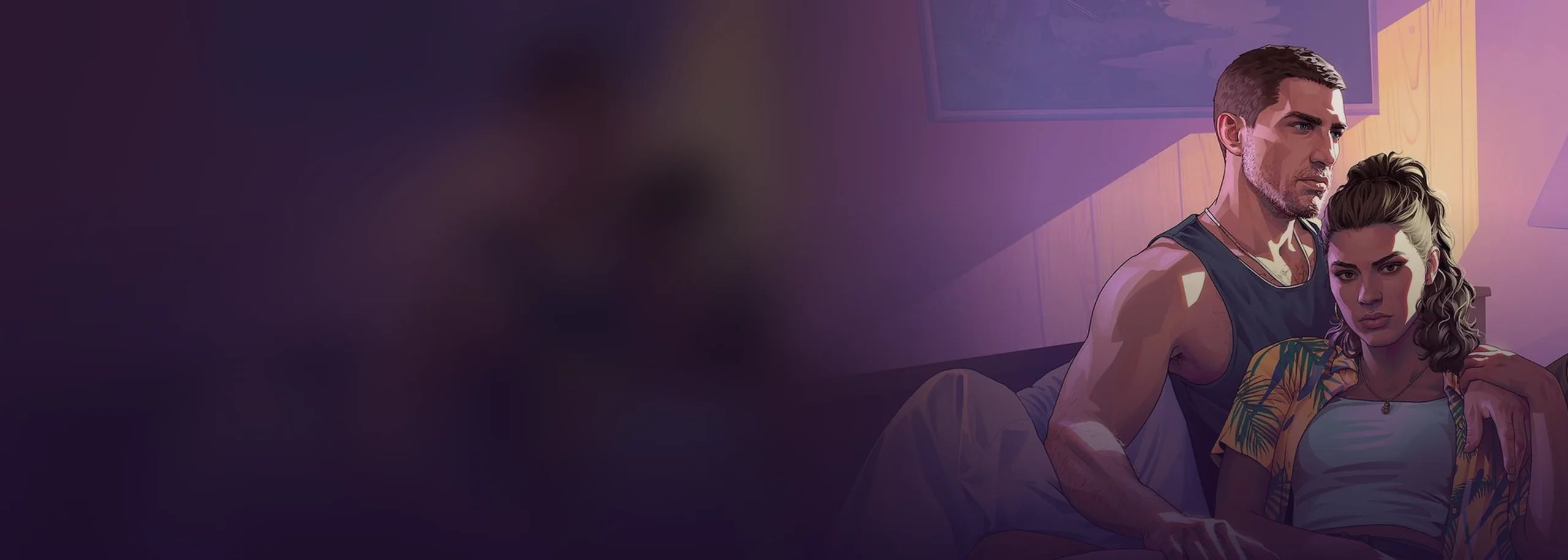
上市預告片、預告片 1、預告片 2、An Extended Look 及其他官方影片,附各影片的內容和歌曲。
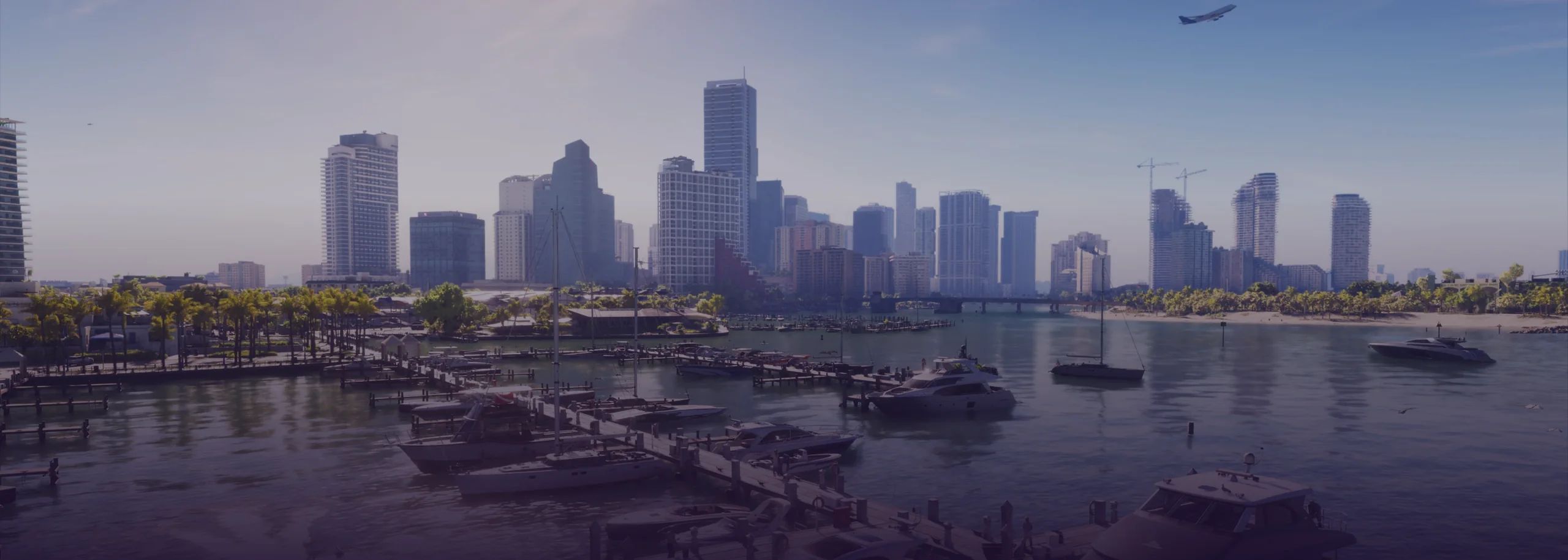
封面圖、主視覺、角色美術、樂遊雷歐奈達明信片和螢幕截圖,以及 Rockstar 的完整下載內容。
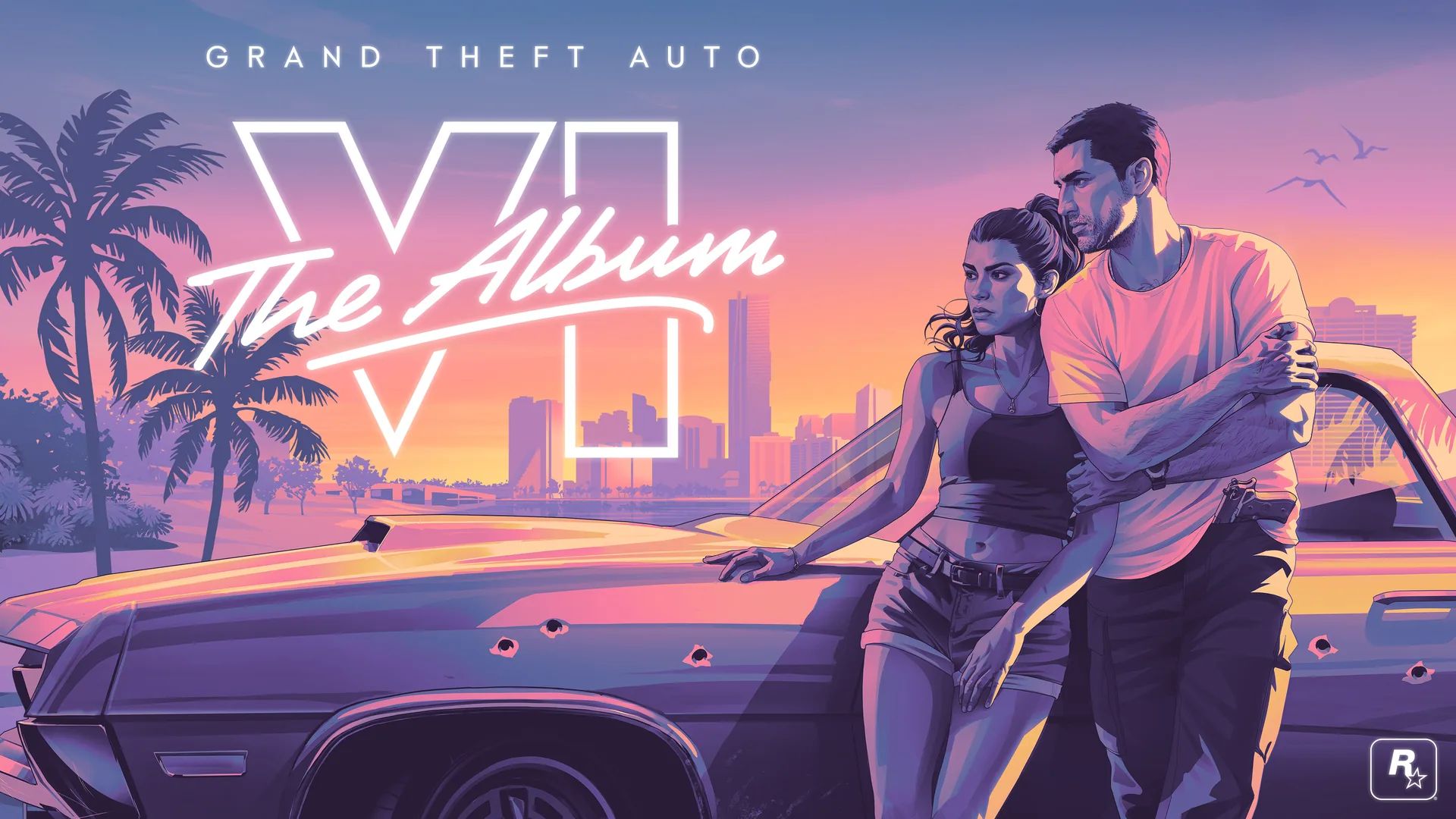
已公布的六個電台、The Album、Justice 創作的配樂,以及 The Festival。
來源
更新於 2026年11月19日。圖片為 Rockstar Games 的官方螢幕截圖和美術作品。Grand Theft Auto VI 及其名稱為 Rockstar Games 和 Take-Two Interactive 的商標。Grand Theft Auto VI 標誌 © Rockstar Games。