
GTA 6 操作与设置
PS5 和 Xbox Series X|S 上的按键布局、三种控制方案以及每个设置选项卡的内容,均读取自游戏本身的菜单。
默认操作
游戏操作界面中显示的默认布局。Xbox 按键位置相同;Xbox 的瞄准界面未展示,其余界面一致。
- L2LTAim, interactAim, interactBrake, reverseThrottle downLock on, strafeBrake, reverseBrake left
- L1LBHolsterHolsterHolsterHolster-HolsterHolster
- Left stickLeft stickMoveMoveTurnPitch and rollMoveTurn, leanTurn
- L3LS clickRunRunHorn, nitrousUndercarriage-Bell-
- D-pad ↑D-pad ↑PhoneZoom scope inPhonePhone---
- D-pad ←D-pad ←RadioSwitch shoulderIndicate leftRadio---
- D-pad ↓D-pad ↓Objective, minimapZoom scope outObjective, minimapObjective, minimap---
- D-pad →D-pad →Detonate explosivesDetonate explosivesIndicate right----
- Touch padViewMapMapMapMap---
- R2RTShootShootAccelerateThrottle upGrapplePedalBrake right
- R1RBCoverCoverShootShoot-ShootShoot
- △YInteractQuick swap weaponExit vehicleExit vehicle-DismountDetach parachute
- ○BCrouchCrouchHeadlightsYaw right-Bunnyhop-
- □XMeleeMeleeMeleeYaw leftPunch, kickMelee-
- ✕AJump, climb-Handbrake-Block, dodgeSprintOpen parachute
- Right stickRight stickLookLookLookLookLookLookLook
- R3RS clickLook behindZoom, throw pathLook behindLook behind-Look behindLook behind
- OptionsMenuPausePausePausePause---
短横线表示操作界面中该按键在该情境下没有功能。
控制方案
控制方案选项卡提供默认、经典和左利手三种方案。经典方案将正面按键恢复为 Grand Theft Auto V 中的位置;在默认方案中,奔跑改到了左摇杆上。
更多
每种方案都为每个情境提供了一张手柄示意图:步行、瞄准、近战、陆地和水上载具、飞行器、自行车、游泳和降落伞。
来源:Eurogamer、Finger Guns、The Outer Haven
长按按键与 Focus
- Focus
- 同时按下 L3 和 R3(两个摇杆)。游戏本身的提示为:“Focus L3 R3”。
- 配装
- 长按 L1(LB)打开武器配装。
- 长按方向键
- 长按方向键可以打开 WAINK 应用、电台菜单、快速导航和同伴菜单。
- 休息
- 步行时长按圆圈键(B)。
- 与人交谈
- 在某人附近长按 L2(LT)可以打招呼、挑衅或安抚对方。
Sources: Digital Foundry, Eurogamer, VGC
经典方案
经典方案将步行时的正面按键换回 Grand Theft Auto V 的布局:跳跃和攀爬为方块键(Xbox 上为 X),近战为圆圈键(B),奔跑为叉键(A),蹲下为 L3(按下左摇杆)。
武器轮盘
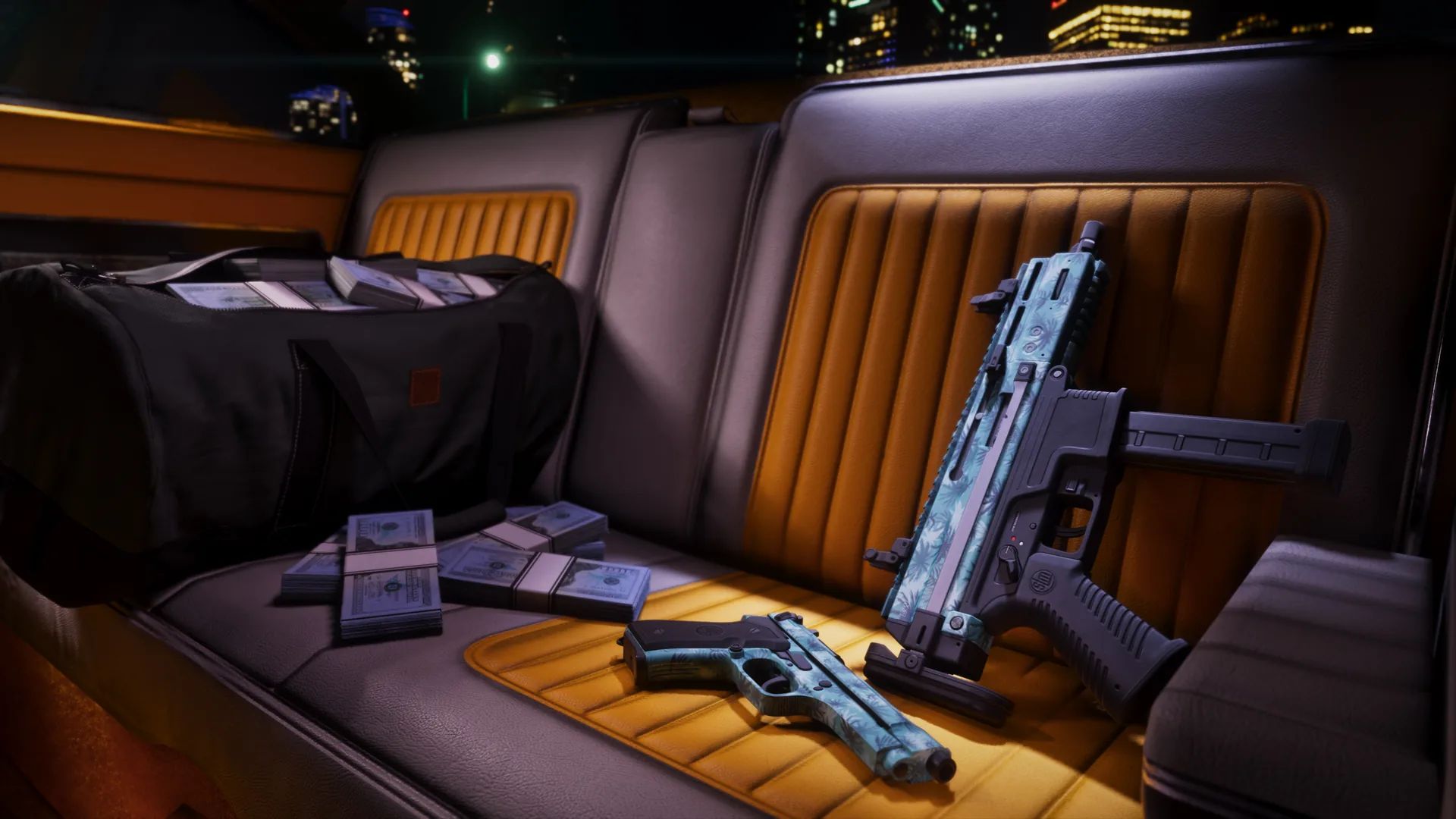
棕榈树武器图案。
长按 L1(LB)打开武器轮盘。R1 可在武器和物品选项卡之间切换。
更多
轮盘上有手持物品、副武器、长枪和爆炸物的栏位,并显示每把枪的伤害、精准度、操控性和射程,还可以选择丢弃。角落里有两个消耗品,分别对应方块键和三角键(Xbox 上为 X 和 Y)。
设置菜单
- 手柄
- 灵敏度、瞄准曲线、反转操作、振动和死区;PS5 上还有自适应扳机和灯条。
More
Look and aim sensitivity and acceleration, aim response curve, inverted look, movement and aircraft controls, vibration strength, stick deadzones, and on PS5 the adaptive trigger resistance and vibration, an adaptive speed limiter and the light bar.
- 游戏玩法
- 瞄准模式、辅助瞄准、锁定、射击和驾车射击辅助、移动速度以及辅助功能选项。
More
Targeting (Lock-On, Partial or Free Aim), aim assist strength, lock-on time, shooting and drive-by assist, quick draw, cover selection, holstering in vehicles, movement speeds, and the accessibility options below.
- 显示
- HDR 与亮度、动态模糊、血腥与肢解、闪光弹效果和高对比度着色器。
More
HDR (on an HDR screen), brightness calibration, safe zone, motion blur strength, dismemberment, blood and gore intensity, flashbang effect, a focus trail colour-blind mode, brightness reduction and high contrast shaders.
- UI
- 语言、文字大小、字幕、小地图和指南针、GPS、准星、通知和单位。
More
Language, text size, subtitles, a dynamic or fixed minimap and compass, the GPS route, markers, the reticle, which notifications appear (Criminal Profile and relationship among them), and imperial or metric units.
- 镜头
- 镜头高度和跟随速度、武器摆动、镜头抖动和晃动,以及电影镜头的播放频率。
More
Camera height and follow speed on foot, in vehicles, in aircraft and underwater; weapon sway, camera shake and bob; how often cinematic kill shots and crash cameras play.
- 音频
- 单声道音频、耳鸣减弱、手柄扬声器和警用无线电、音乐静音、音量和音频描述。
More
Mono audio, tinnitus reduction, the controller speaker and police scanner through it, GPS voice, muting licensed music, volume sliders, screen narration and audio descriptions for cutscenes (English only).
- 账户
- 客户支持、你的 Rockstar Games 账户、GTA+ 加成、制作人员名单和法律页面。
Rockstar Support 列出了同样的八个选项卡,可从暂停菜单的设置进入,并指出屏幕底部的全部还原和还原默认设置会重置你所做的更改。
画面与性能
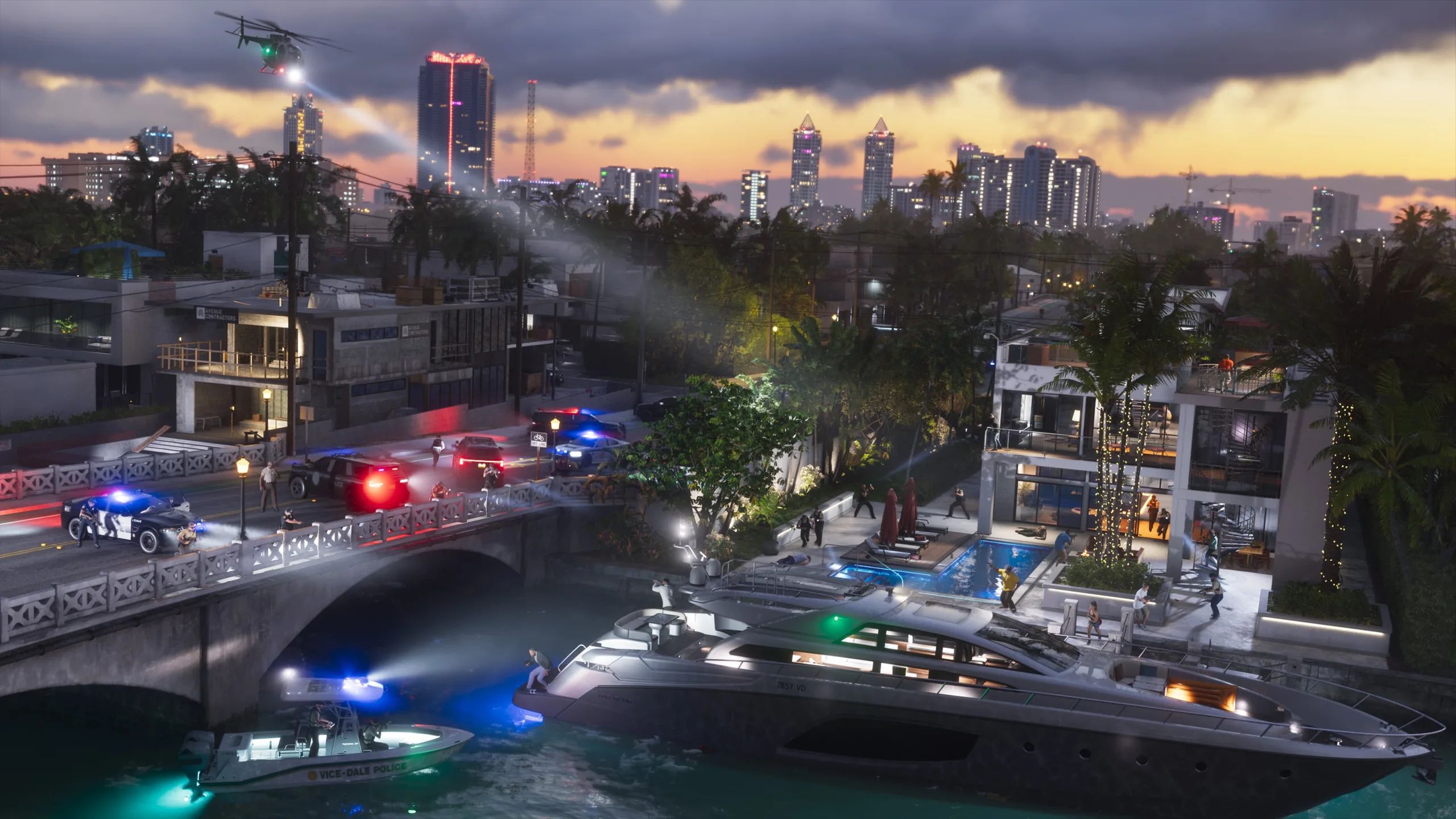
夜晚的临水住宅。
显示选项卡中没有性能模式或画质模式、帧率选项或视野滑块,PS5 Pro 上也没有。游戏在所有主机上均以每秒 30 帧运行。
来源:Rockstar(在给 Wccftech 的声明中)、Digital Foundry
发售时没有完整的第一人称模式,镜头选项卡中也没有第一人称选项。部分枪支在瞄准时会切换为第一人称视角,驾驶时也可以使用第一人称镜头。
来源:TheSixthAxis、Vice(采访 Rockstar)、Beebom、Everyeye.it、Windows Central
辅助功能
- 输入
- 点按与长按辅助、Focus、瞄准和配装可选长按或切换、简化钓鱼和氮气加速。
More
Tap and hold assists, hold delay, and hold-or-toggle choices for Focus, aiming, interacting, the loadout and the D-pad actions; a simpler fishing control and nitrous option.
- 辅助
- 简化小游戏、自动驾驶、无障碍战斗(敌人生命值更低、受到的伤害更少)、减少载具损坏和自动佩戴头盔。
Sources: Eurogamer, TechRadar
- 视觉
- 高对比度着色器、亮度降低以及 focus 轨迹的色盲模式;文字大小和字幕设置。
Sources: Eurogamer, TechRadar
- 听觉
- 耳鸣减弱、单声道音频、屏幕朗读和音频描述。
Sources: Eurogamer, TechRadar, a Rockstar developer, to The Outer Haven
- HUD
- 小地图和指南针可以更改或隐藏。
Sources: Eurogamer, Digital Foundry, Finger Guns
暂停菜单、地图与 HUD
- 暂停菜单
- 地图、游戏、商店、帮助、摄影工坊和设置,以及从检查点重试或重新开始任务。
More
Map, Game, Store, Help, Photo Studio and Settings, with the current chapter and mission shown and options to retry from the checkpoint or restart the mission.
- 地图界面
- Four tabs四个选项卡:杰森与露西娅、地图、简报和进度;地图以 3D 形式打开,并显示时间和现金。
More
Four tabs: Jason & Lucia, Map, Brief and Progress. The map opens in 3D (R3 switches to 2D) and shows the time and your cash; Square adds a marker and Cross sets a destination.
- 杰森与露西娅
- Levels out of 4每个角色一张资料页:犯罪侧写、现金、睡眠、营养、身材,以及力量、有氧和 Focus 等级。
More
A sheet for each of them: Criminal Profile, cash on hand, height and weight, sleep, nutrition and calories, body shape, muscle and body fat, Strength, Cardio and Focus levels out of 4, and money spent.
- 地图索引
- 地图左侧边缘的图标列出了你已发现的任务和地点,包括剧情列表。
More
A row of icons on the map's left edge opens an index of the tasks and places you have found, including the story list. Each place has a card with a short description and what it offers.
- 进度
- 十二张卡片,开头依次为统计、载具、武器、动物、装备、收藏、活动、联系人、帮派、抢劫和挑战。
- 剧情列表
- 暂停菜单中的剧情列表会显示可进行的行动;完成第一个任务后,会同时开放好几个。
More
The pause menu's story list shows the jobs open to you; after the first mission several are open at once.
- HUD
- 左上角是生命值、耐力和 Focus 条,右上角是现金和通缉星,小地图在需要时显示。
More
Three bars top left for Health, Stamina and Focus; cash on hand and the cash in your stash top right with the wanted stars; a compass at the top; the minimap appears when it is needed or on D-pad down.
- 手机
- 开局时有十个应用,其中包括聊么、Contacts、Snapmatic、Fitness、Gallery、天气、WAINK 和 Settings。
More
A home screen with the time, weather, reminders and ten apps, among them WhatUp (messages), Contacts, Snapmatic, Fitness, Gallery, Weather, WAINK and Settings. WAINK scans cars and points of interest.
- Fitness 应用
- 力量、有氧和 Focus 等级(满级 4 级)、最佳训练时段,以及身材和营养。
More
Shows each character's health, Strength, Cardio and Focus levels out of 4, the best window for training, and body and nutrition. Its Focus page says Focus grows through activities that need concentration, such as basketball, fishing and meditation; non-lethal takedowns raise it while the Criminal Profile is professional or hardened, headshots while it is violent or psycho.
更多 GTA 6 内容

各地区的解锁时间、PS5 和 Xbox 上的预载空间与规则、盒装版兑换码及其地区、奖励内容和 GTA+。
关于 GTA 6 最常见的问题,从 PC 版和价格到地图大小和在线游戏,均依据官方来源解答。
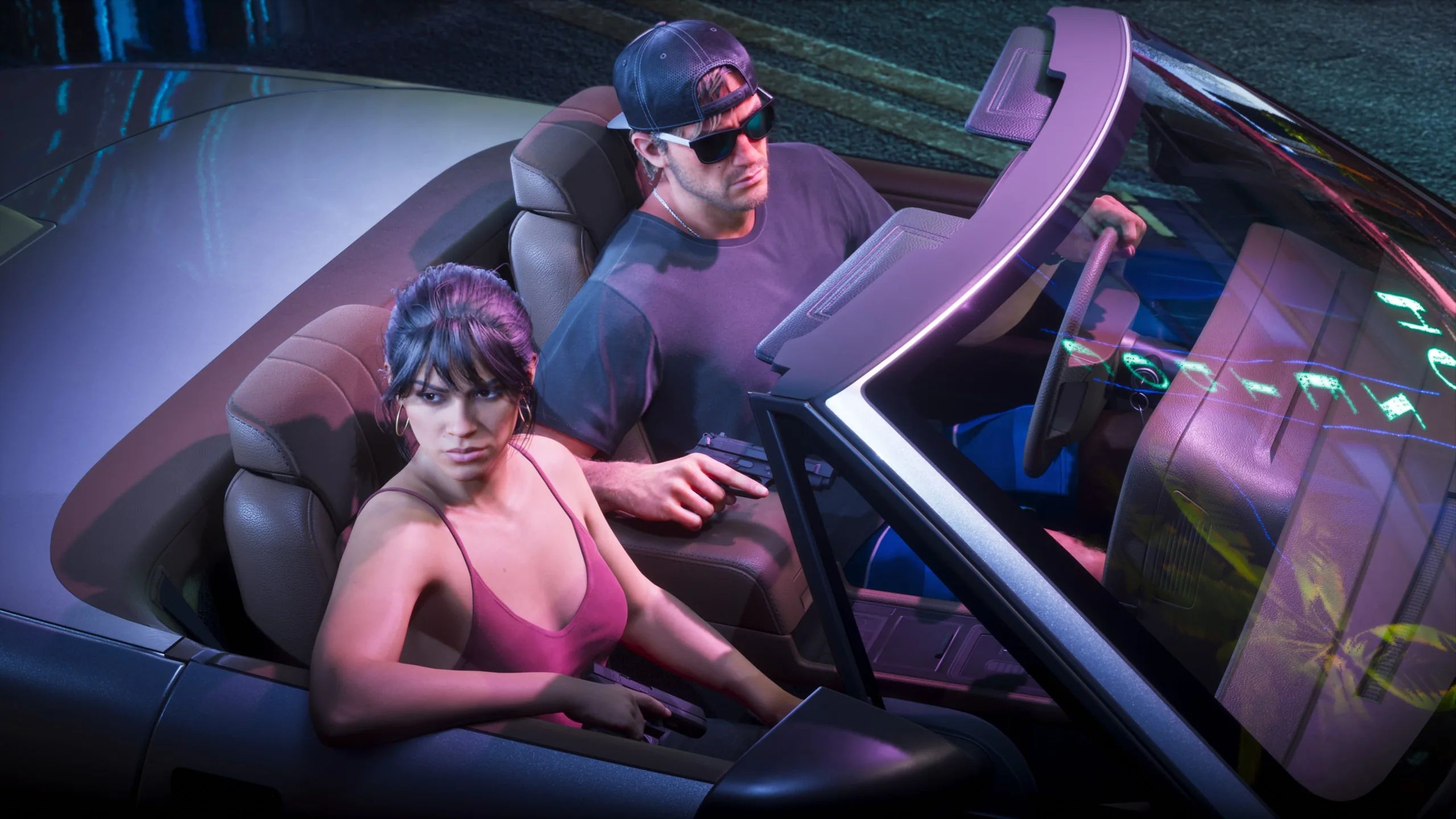
2026年11月19日登陆 PS5 和 Xbox Series X|S,11月10日起可预载,30 fps,PS5 Pro 与云游戏。

标准版和终极版的价格、终极版内容以及罪恶城怀旧内容包。
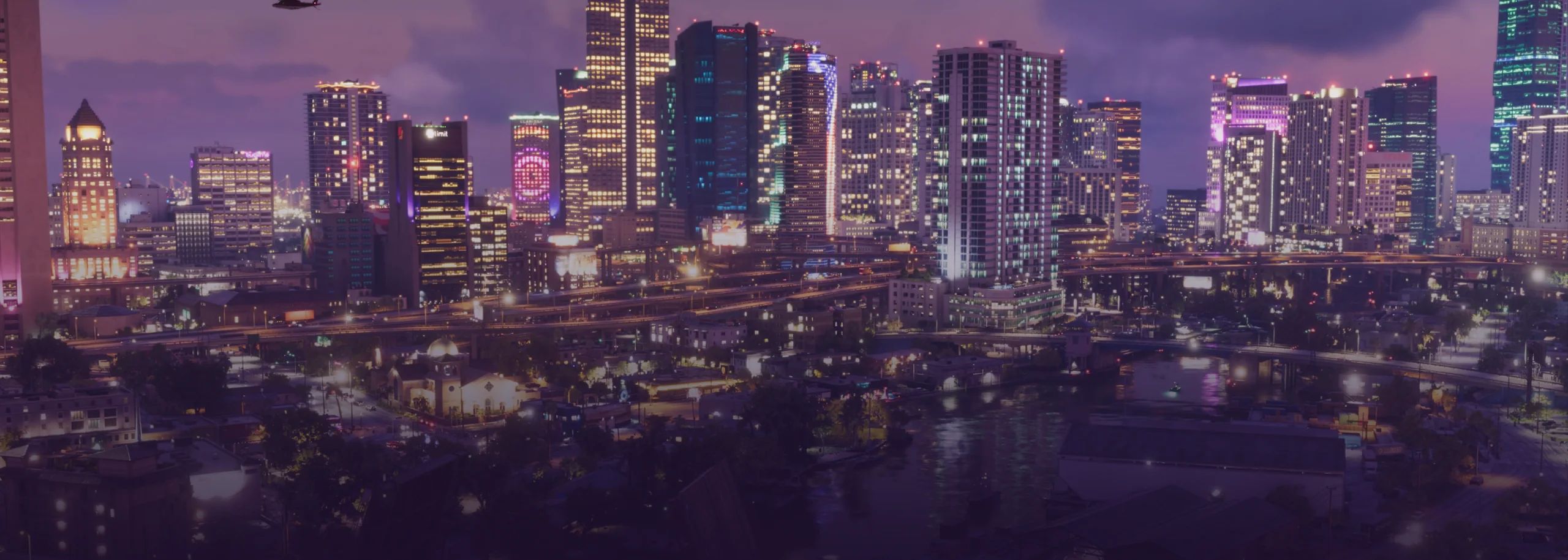
罪恶城、雷奥奈达礁岛群、大草泽、盖尔霍恩港、安柏西亚和卡拉加山,以及游戏中提到的地点。
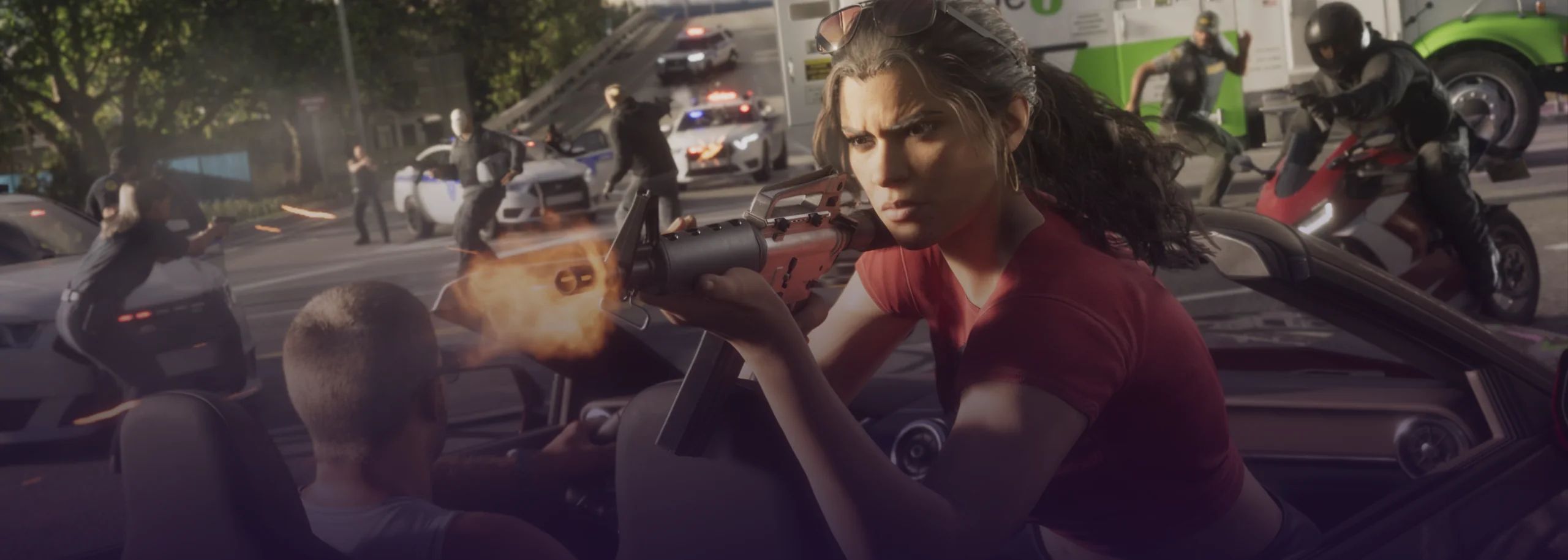
在杰森和露西娅之间切换、两人的关系、犯罪侧写、抢劫、手机以及 Rockstar 的说法。
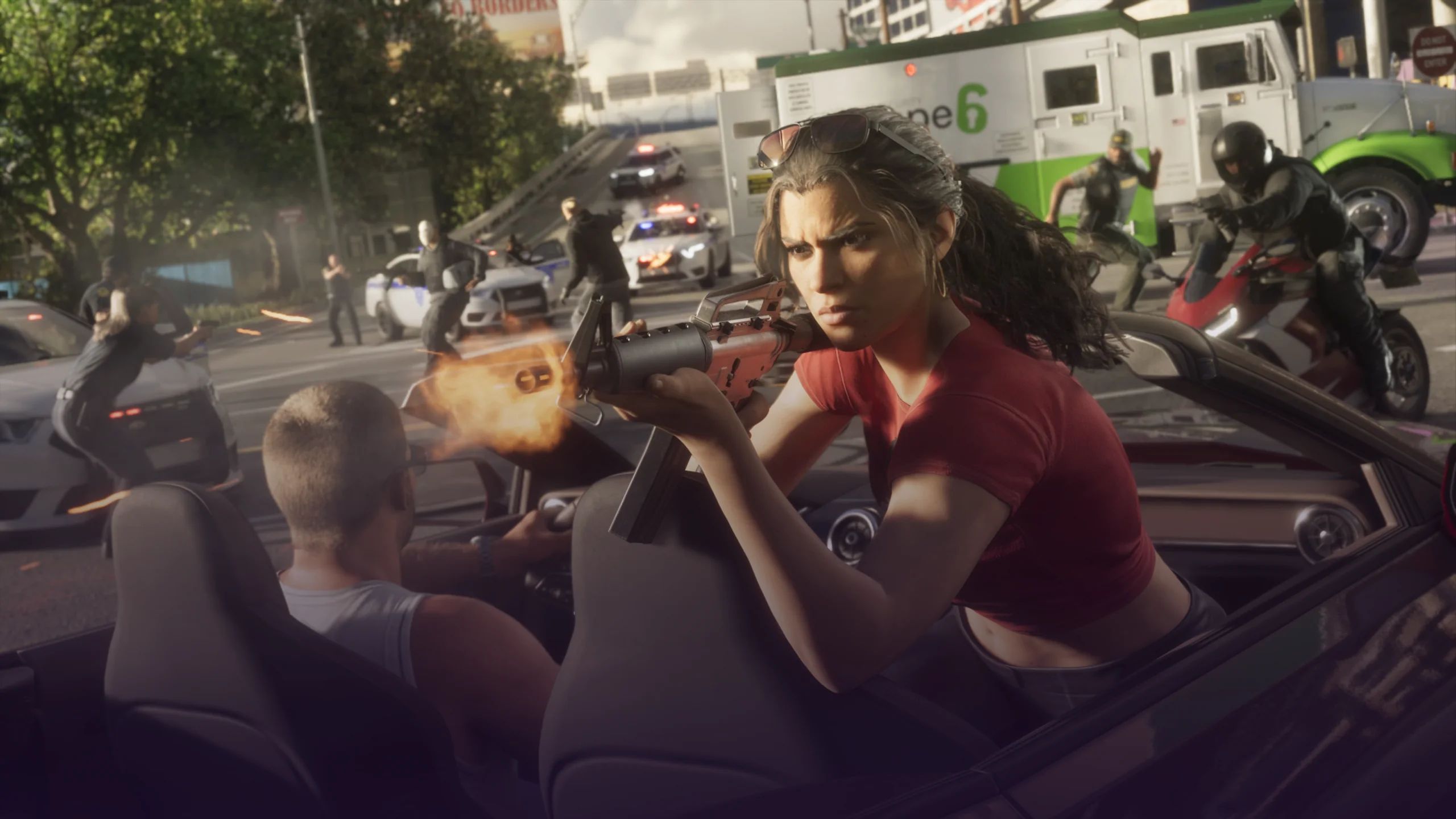
GTA 6 的流程时长、序幕与章节、在杰森和露西娅之间切换、犯罪侧写和结局,无剧透。
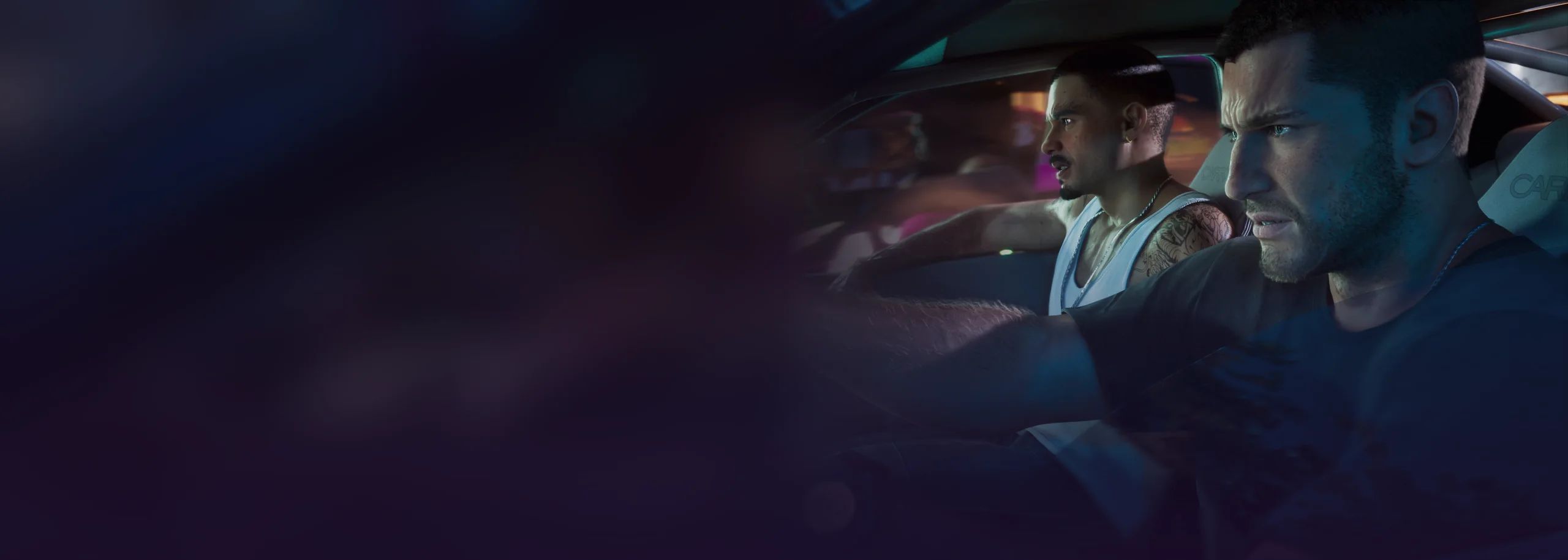
保持犯罪侧写干净、甩掉警察、保住偷来的车、燃油、枪支、金钱以及应首先更改的设置。

六颗通缉星、表示警方掌握情况的图标、热度区域,以及换新衣服、戴面具或分头行动如何帮助你脱身。

钥匙克隆器、追踪器、WAINK 和飞车兄弟应用、销赃商、银行账户,以及为什么在两次行动之间需要现金。
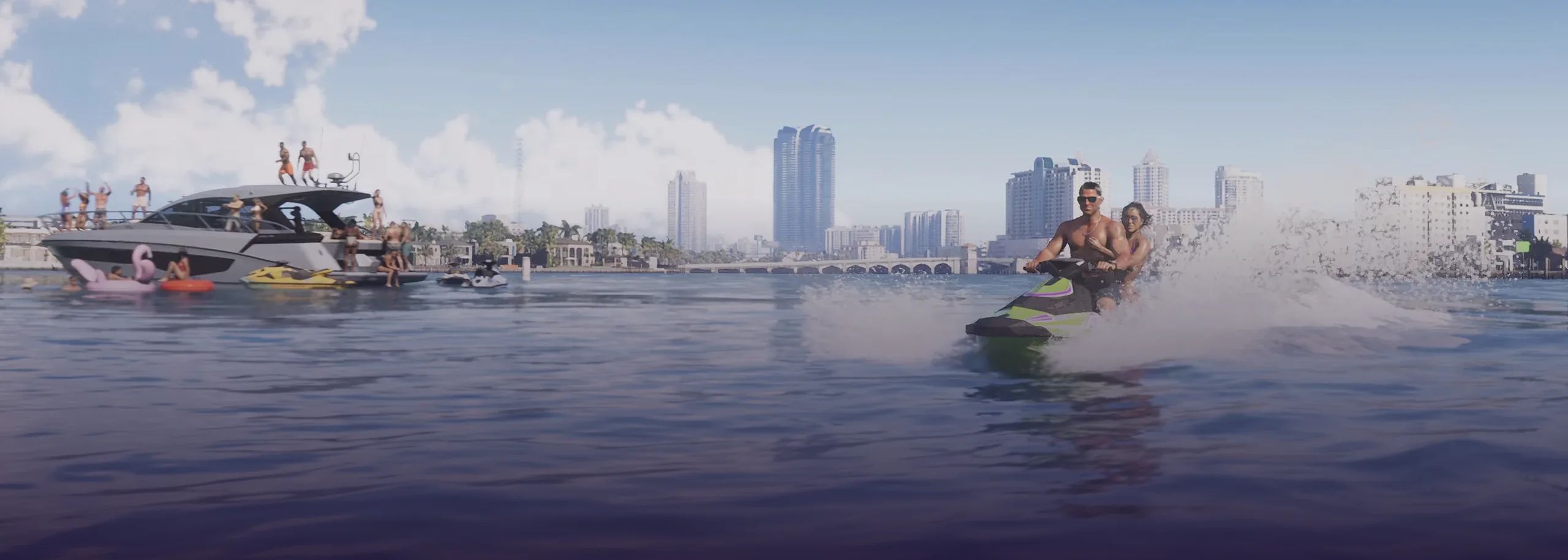
比赛、水上摩托、潜水、健身房、俱乐部、跳伞、钓鱼和终极版商店,均附来源。
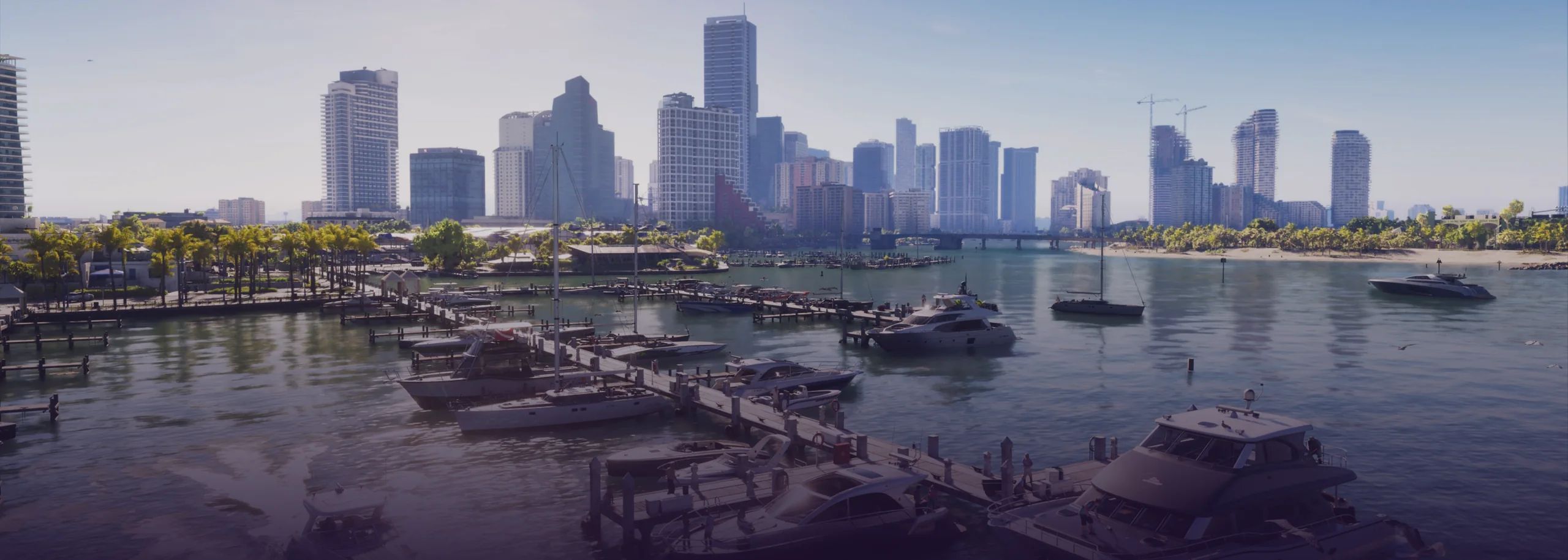
PlayStation、Xbox 和 Rockstar 关于在线游戏、离线游戏、合作模式和 GTA+ 的说法,以及 GTA Online 的计划。
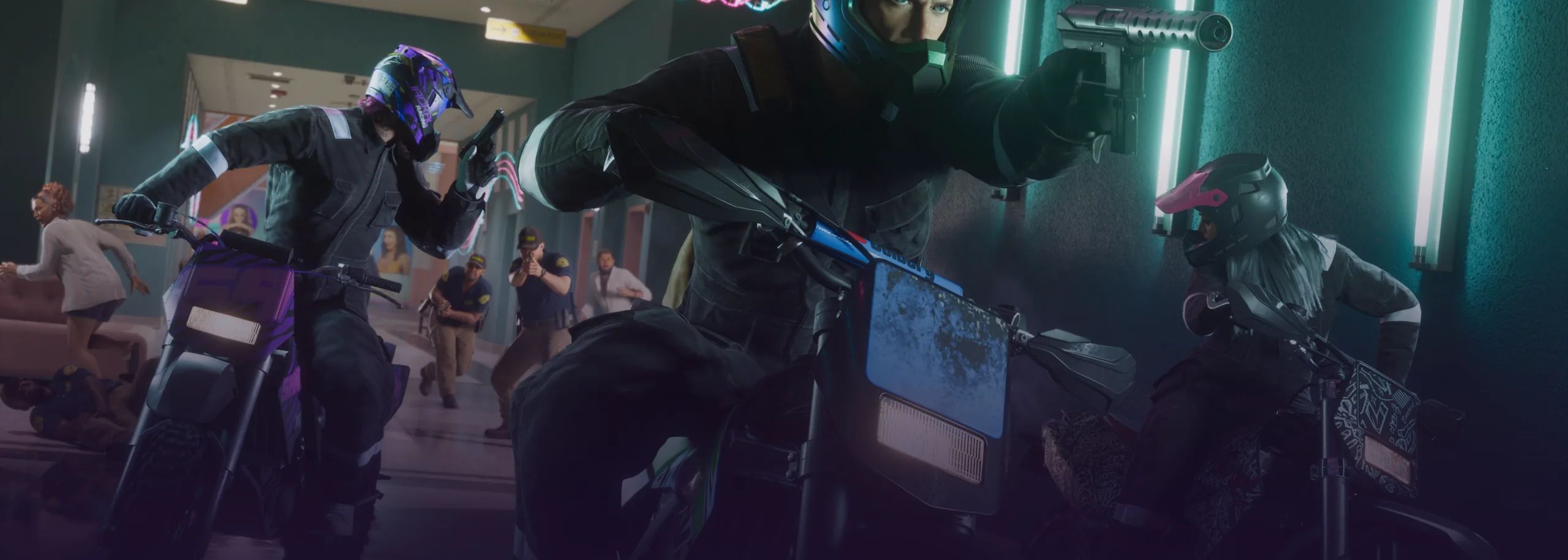
目前已知的所有汽车、摩托车和船只,附官方图片及各自的获取方式。
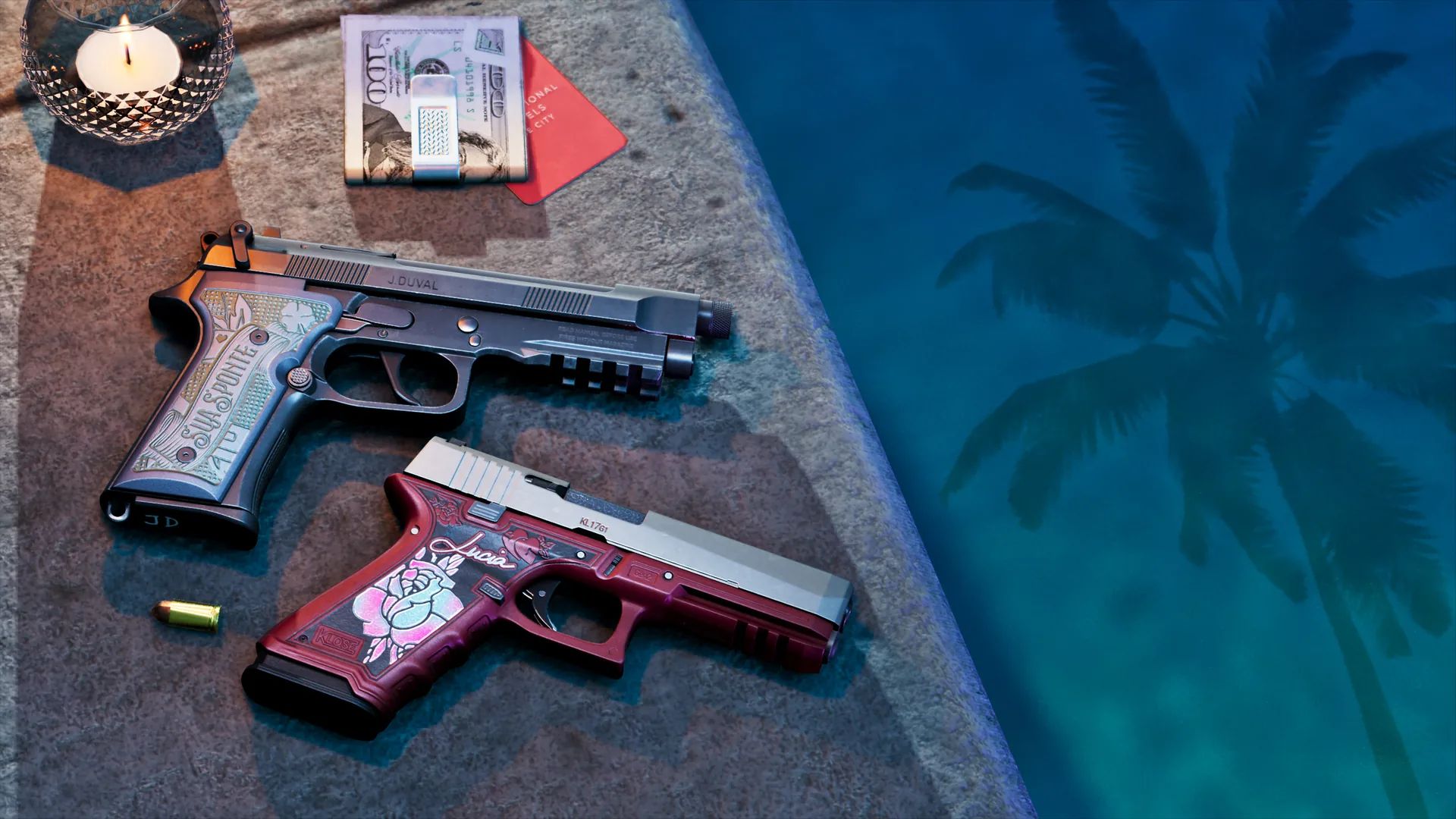
目前已知的所有枪支,附官方图片、枪店价格和武器改装。

杰森·杜瓦、露西娅·卡米诺斯以及 Rockstar Games 公布的其他角色。

发售预告片、预告片 1、预告片 2、An Extended Look 及其他官方视频,附各视频展示的内容及其歌曲。
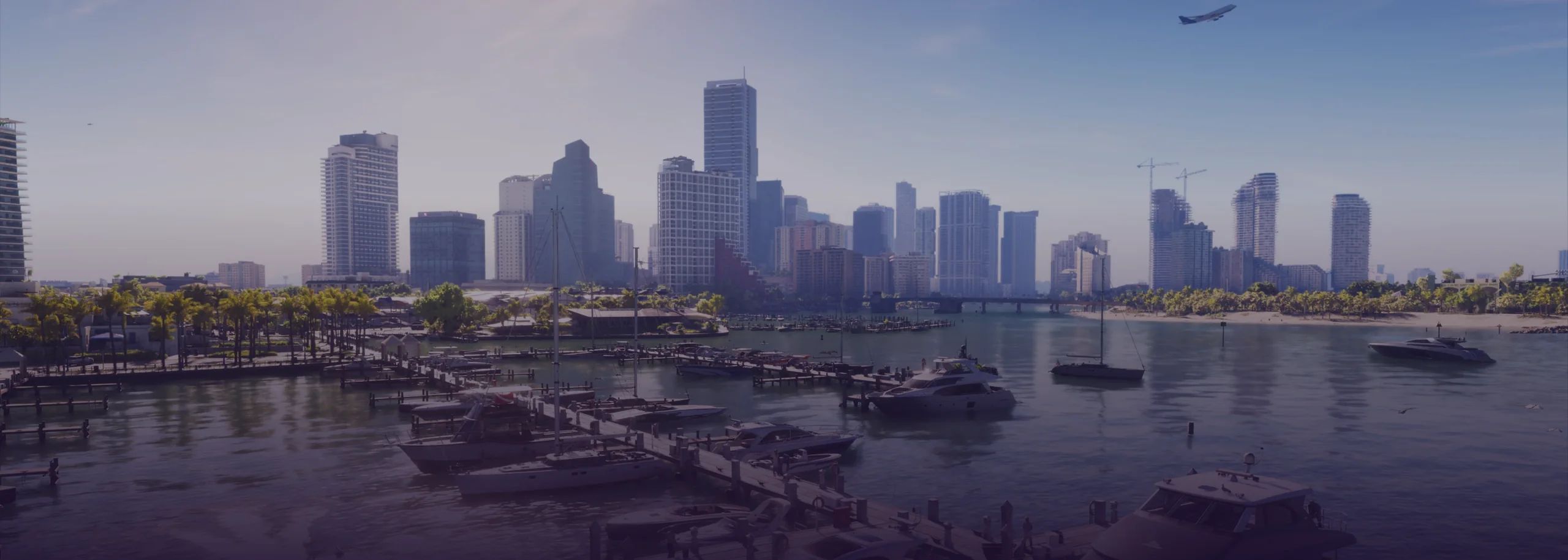
封面图、主视觉图、角色美术、游览雷奥奈达明信片和截图,附 Rockstar 提供的完整下载。
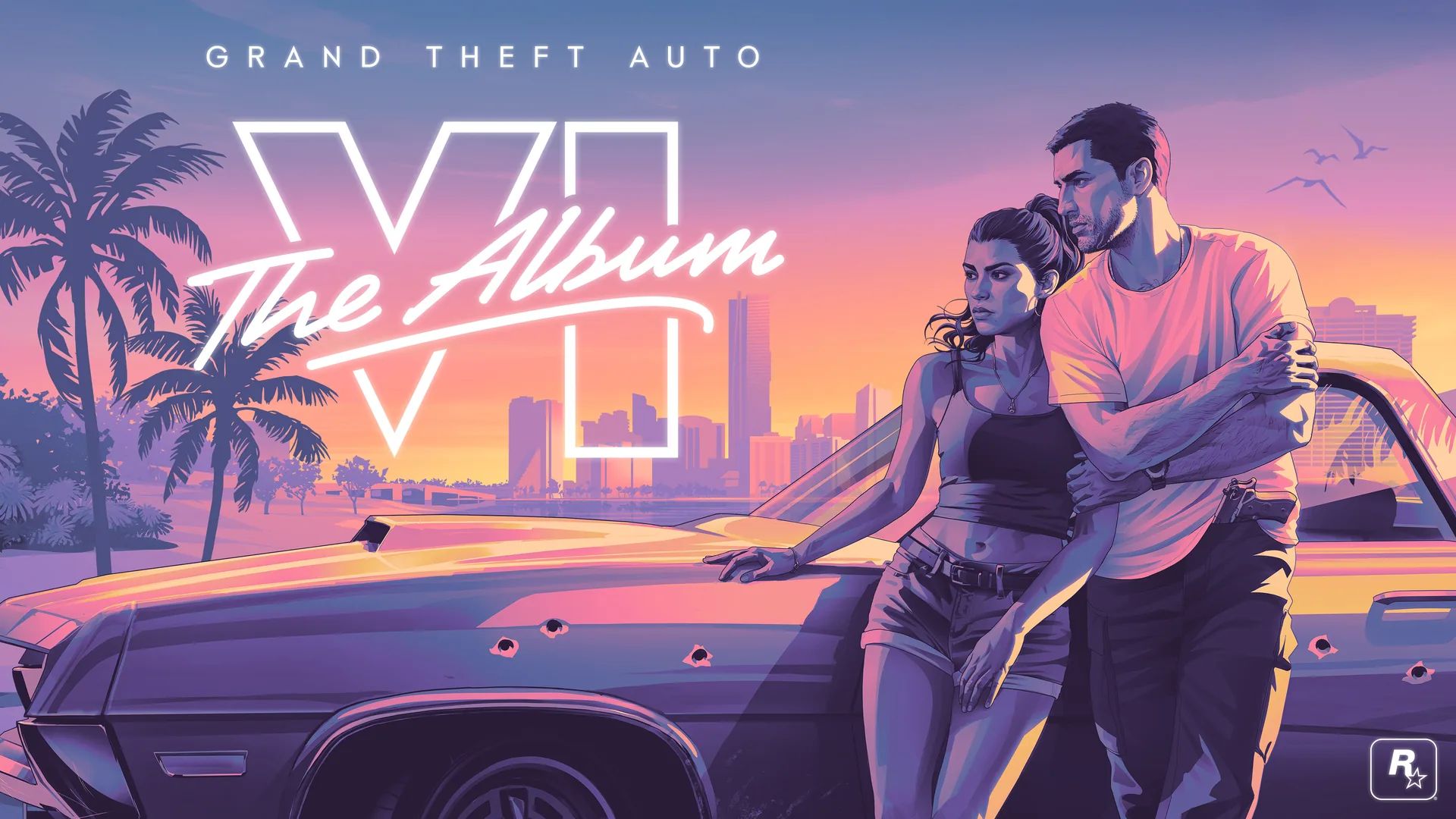
已公布的六个电台、The Album、Justice 创作的配乐以及 The Festival。
来源
更新于2026年11月19日。图片为 Rockstar Games 的官方截图和美术作品。Grand Theft Auto VI 及其名称是 Rockstar Games 和 Take-Two Interactive 的商标。Grand Theft Auto VI 标志 © Rockstar Games。