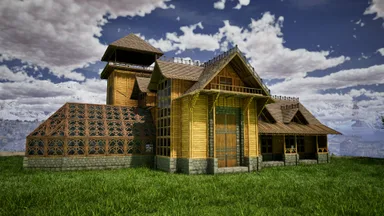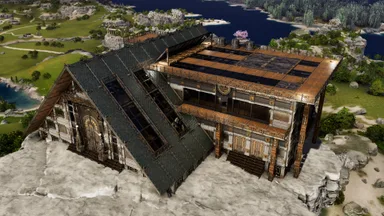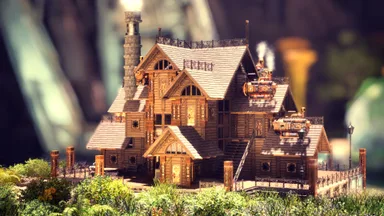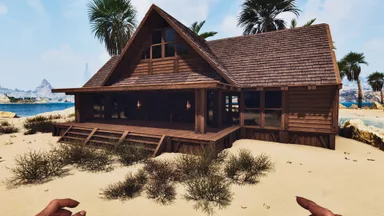
 基地
描述
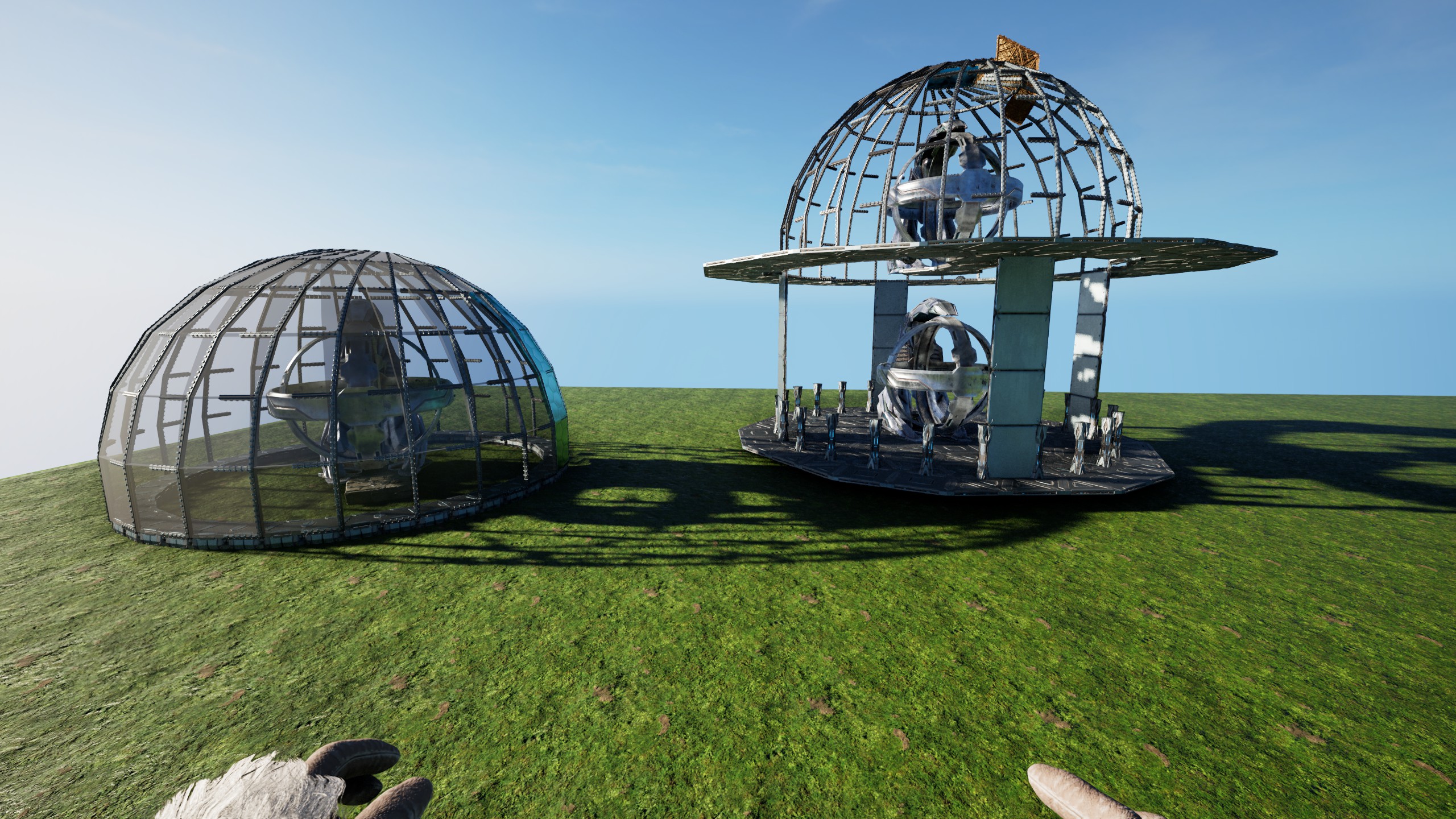
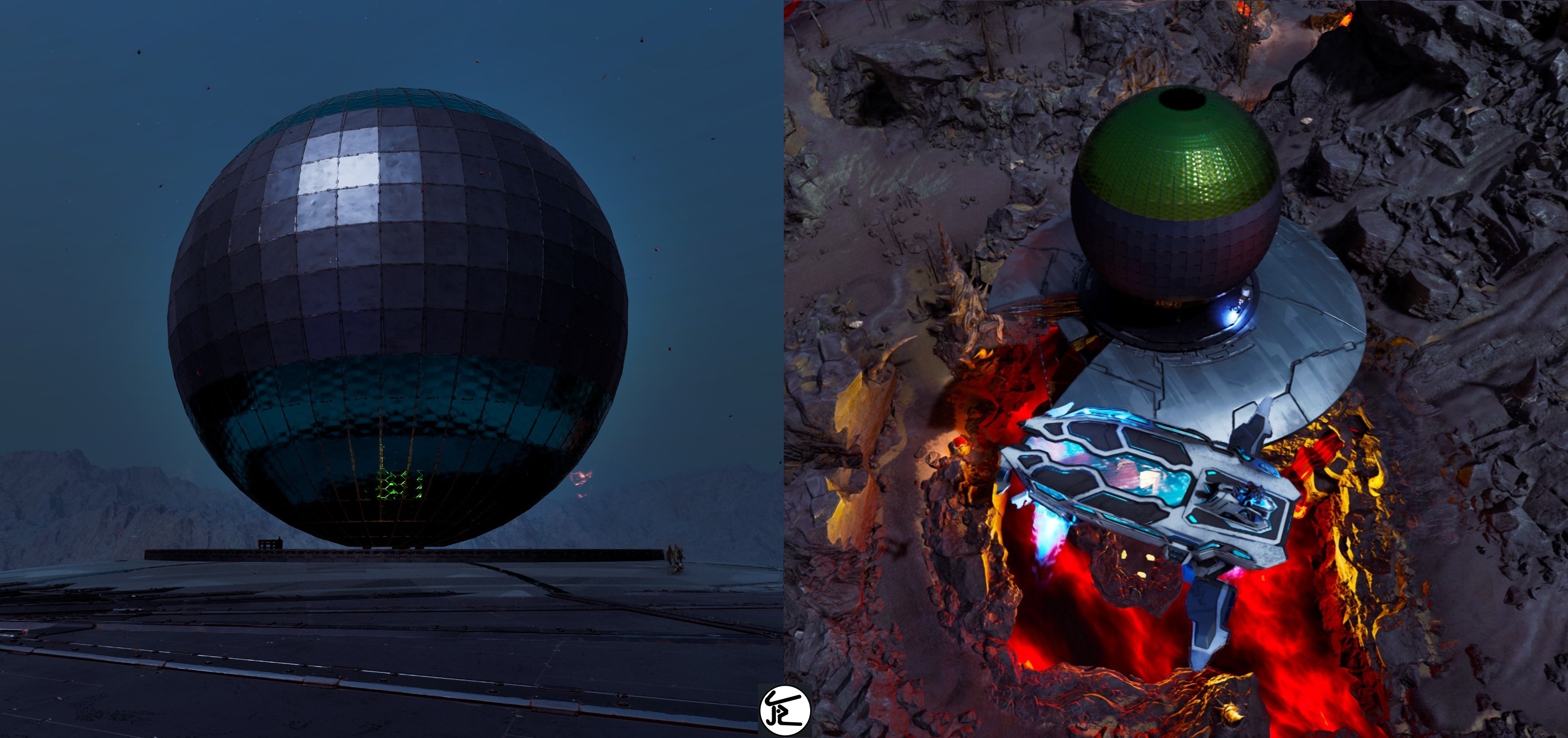
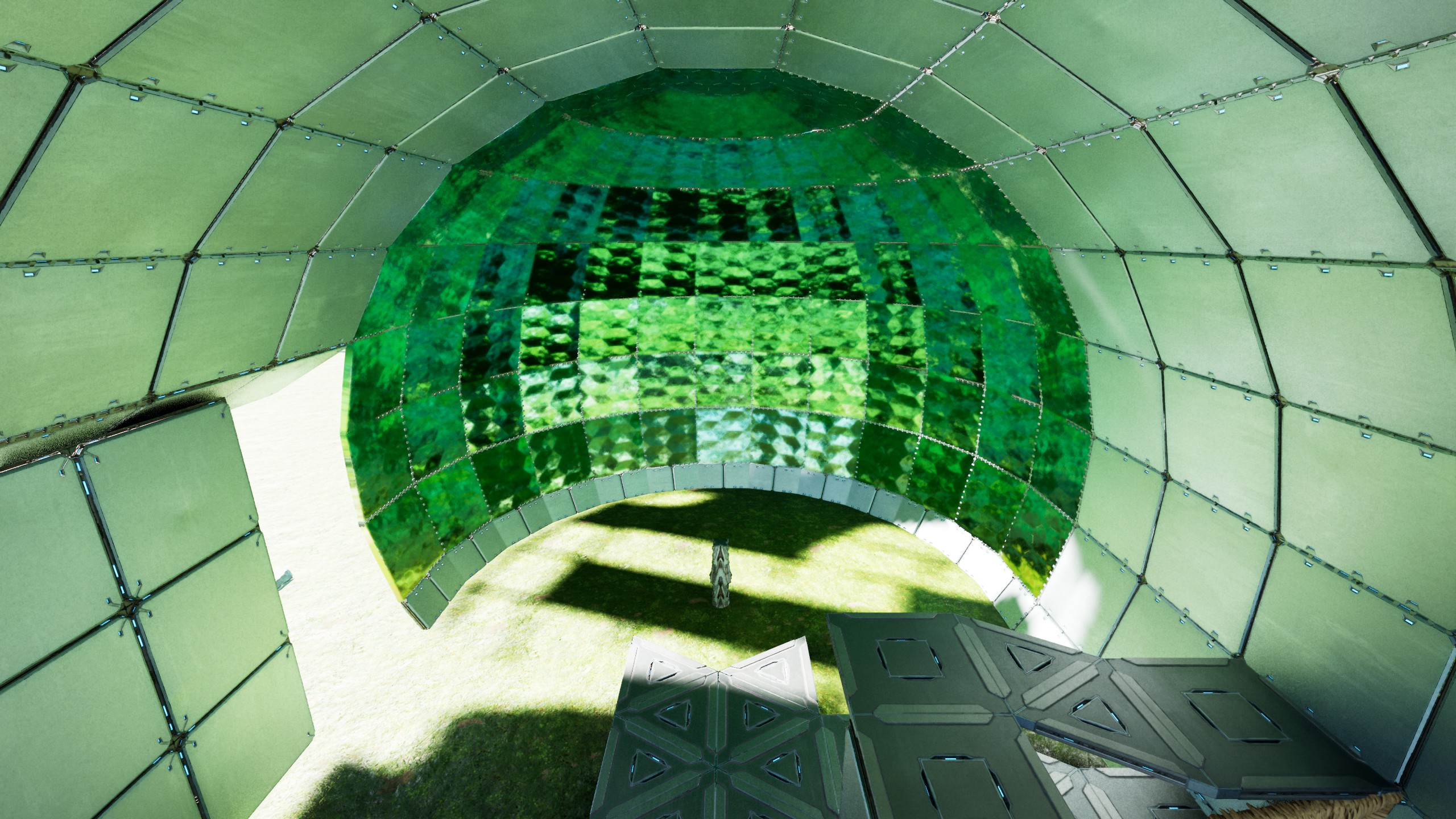
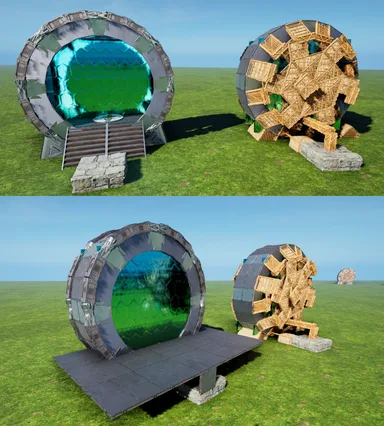
This builds a Quarter of a 24 sided Sphere/Dome, placed at 4 walls high, so it can be used as standalone Sphere or as Dome in Buildings - Place/snap this like any Foundation (at Double-Clicked Height) .... there is some whiggle-room but its made for that height! - use the extra Stone Foundation (on the "right") to snap the 2. Quarter & do that for all 4 sides - remove all Thatch (remove all quarterCeilings touching the TekPillars and the Thatch Pillars(they like to stay connected at Distance) ! make sure you "catch" the Sphere/Dome while removing the Scaffolding ! [as example: the screen on how to fill the 24Circle & add "quarterRamp offsets" uses Thatch to mark where Ceilings should be & also how to interconnect the central Pillars with the FoundationRing] Thats basically IT! ----- If you want the Sphere , just either use normal Foundations on the central Pillar, or a Foundation "12er Triangle Circle" inside the Ring to catch it all. The 24 Foundation Ring only exists to snap this all together, but isnt really needed for the Sphere! also the Central Pillar & the outer Ring have a QuarterRamp height difference! so it COULD be connected, just needs some "work" If you want the Dome, build 4(or 5) walls up & build Ceilings in the 12er-triangle-Circle rhythm around the Dome. On the 6 sides where the 2 FullCeilings touch the Dome, replace the one 90° Pillar with 2 small ones & add a Beam between the Ceilings. Now the Dome is connected to the Ceilings & can be held up by whatever Foundation-Grid YOU choose! (see Screens, i just used "thick"ThatchPillars for Visibility) After you made sure you have Foundations & the Connections done , just remove the entire lower half of the Sphere & you got a Dome glued to the Ceiling! - to close the Sphere you can either use TekCeilingDoors all around (snapped to the Beams) or normalCeilings on the outer rim & SecretDoorWalls on like 2-3 layers & the rest HAS TO be TekCeilingDoors! you can place the "next door" by holding existing ones open & then "overlap" em! I also added the "Blade" that made all this.... its just that one Template, snapped 24 times & has every 2."inner Foundation" moved so it all fits inside the Circle but if you should crash a side, just use the Blade to replace it - place a Ceiling outside the 24 sided Ring & snap this Blade to it, so it overwrites the smallFoundations aaand you are DONE! Enjoy your Sphere/Dome
主机端获取方法
完整主机指南主机玩家(PlayStation、Xbox)可以使用 Template Hammer Importer 模组,直接在游戏内下载并放置此模板。
- 1安装模组Open the in-game mod browser and search "Wikily" or "Template Hammer Importer".
- 2制作导入器进入单人 + 创造模式,制作 Wikily 模板导入器(1 个纤维)。
- 3输入模板 ID使用该物品,输入模板 ID
100168和建筑索引,然后放置。


 实用