Flower art

Статистика Мастерской
Всего подписчиков
Текущие подписчики
Всего в избранном
Просмотры
Размер файла
Последнее обновление
Опубликовано
Скриншоты

Описание мода
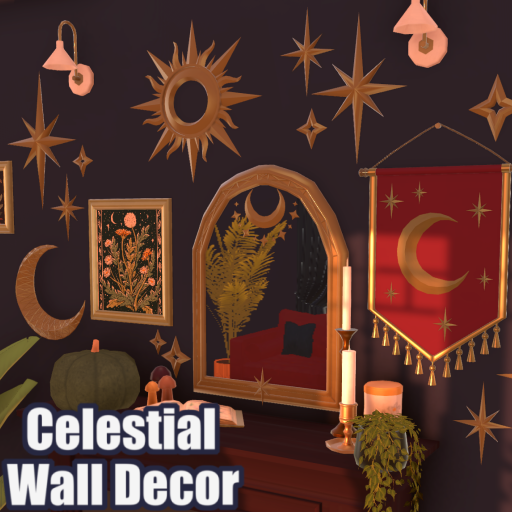
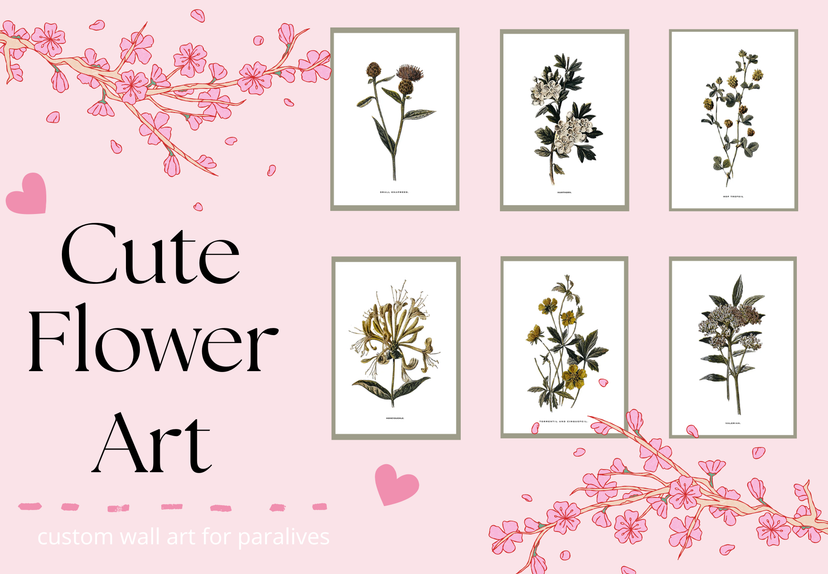
My very first art project! It's simple, but super cute. The perfect little flowers to brighten up your beautiful home! <3
How to instal
1. Place the fram that you want to use. 2. Select "Change Image," scroll to the bottom of the picture menu, and click the + button. 3. Select "Mod" at the bottom of the menu. 4.Choose "Flower Art" and click "Confirm." 5. Choose which folder you want to select art from. 6. Select the pictures you want to use, then click "Confirm." 7. That's it! Your mod is installed, and you're ready to decorate your game.
Написано автором мода в Мастерской Steam и показано на языке оригинала.
Другие моды этого типа
Моды с тем же тегом Мастерской, у которых больше всего подписчиков. Число на карточке - всего подписчиков.