[Fernkveld] Window Channels

Статистика Мастерской
Всего подписчиков
Текущие подписчики
Всего в избранном
Просмотры
Размер файла
Последнее обновление
Опубликовано

Описание мода
Turn any TV into a window with a view! This mod adds 5 cozy ambient "channels" you can watch on any television in the game — perfect for background atmosphere while your Paras relax, study, or just vibe.
Channels included
Rain — grey overcast sky with rain streaking down the glass
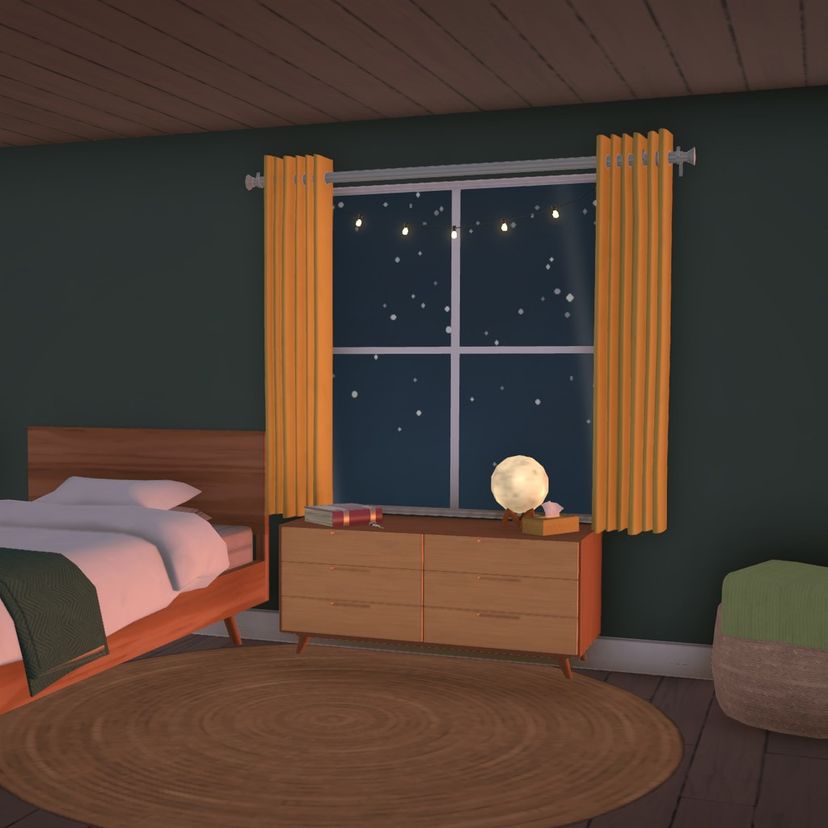
Snow — soft snowfall drifting past a gentle streetlight glow
Autumn Leaves — warm amber sky with leaves swirling by
Starry Night — a deep blue night sky with twinkling stars
Thunderstorm — a dark broody sky with rain and flashes of lightlning
Just click any TV in Live mode and pick your favorite channel from the watch menu.
Notes
Visual only — no audio.
Works on any regular TV, base game or custom — no special object required.
Doesn't touch or override any existing channels, so it's fully compatible alongside other channel mods.
Enjoy the view!
Написано автором мода в Мастерской Steam и показано на языке оригинала.
Другие моды этого типа
Моды с тем же тегом Мастерской, у которых больше всего подписчиков. Число на карточке - всего подписчиков.