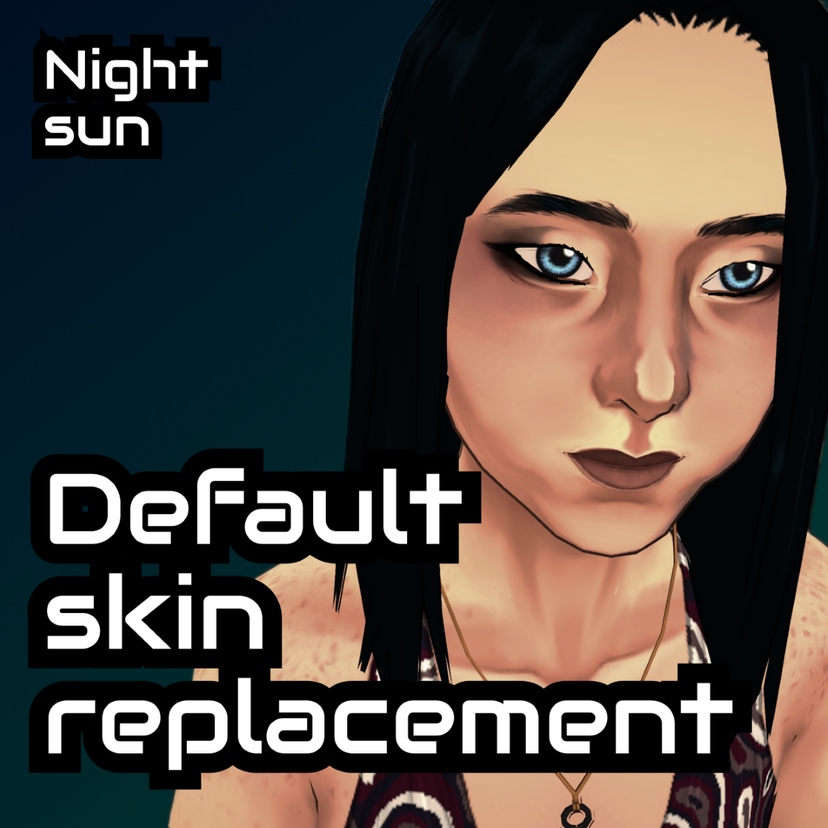
Default skin replacement

Статистика Мастерской
Всего подписчиков
Текущие подписчики
Всего в избранном
Просмотры
Размер файла
Последнее обновление
Опубликовано
Скриншоты

Описание мода
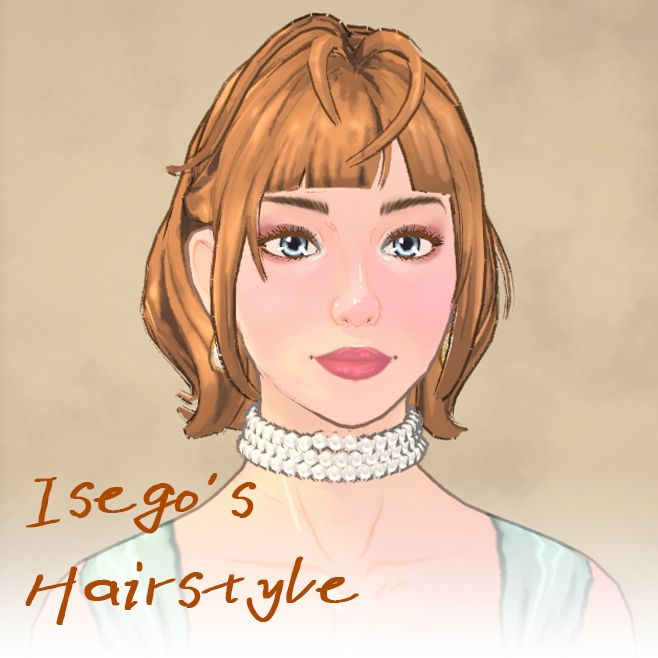
This mod replaces the default character skin texture in the game with a custom, more detailed version.
✨ Key Features
All Ages Supported Works perfectly for all life stages, from toddlers to elders (except infants and babies).
All Body Types Fully compatible with any body shape and weight slider in the game.
- Preset-Specific Textures Each face preset (eyes, nose, etc.) comes with its own unique texture details.
Future Updates More unique textures for different face and body presets will be added in future updates!
⚠️ *Note: Some in-game skin overlays (like wrinkles or age lines) might look a bit off depending on your preference. It's mostly a matter of personal taste!
Enjoy the new look for your Parafolks! If you encounter any bugs or have feedback, feel free to leave a comment.
Написано автором мода в Мастерской Steam и показано на языке оригинала.
Другие моды этого типа
Моды с тем же тегом Мастерской, у которых больше всего подписчиков. Число на карточке - всего подписчиков.