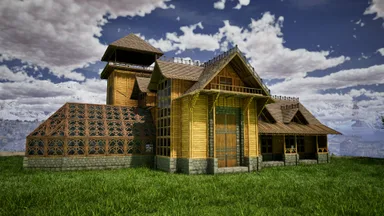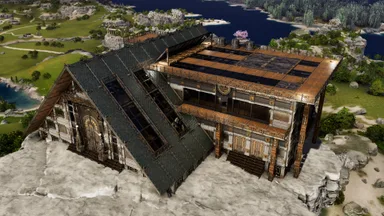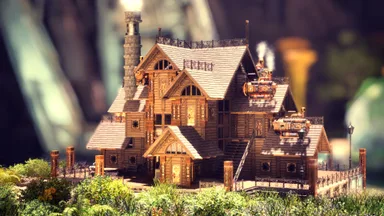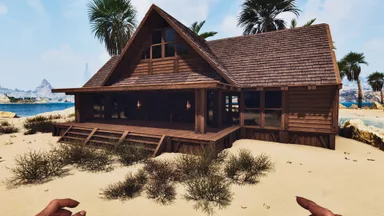

 Basi
The 48 Sided Sphere
- 1249strutture
- 2Edifici
- 21Download
- 0Mi Piace
Descrizione
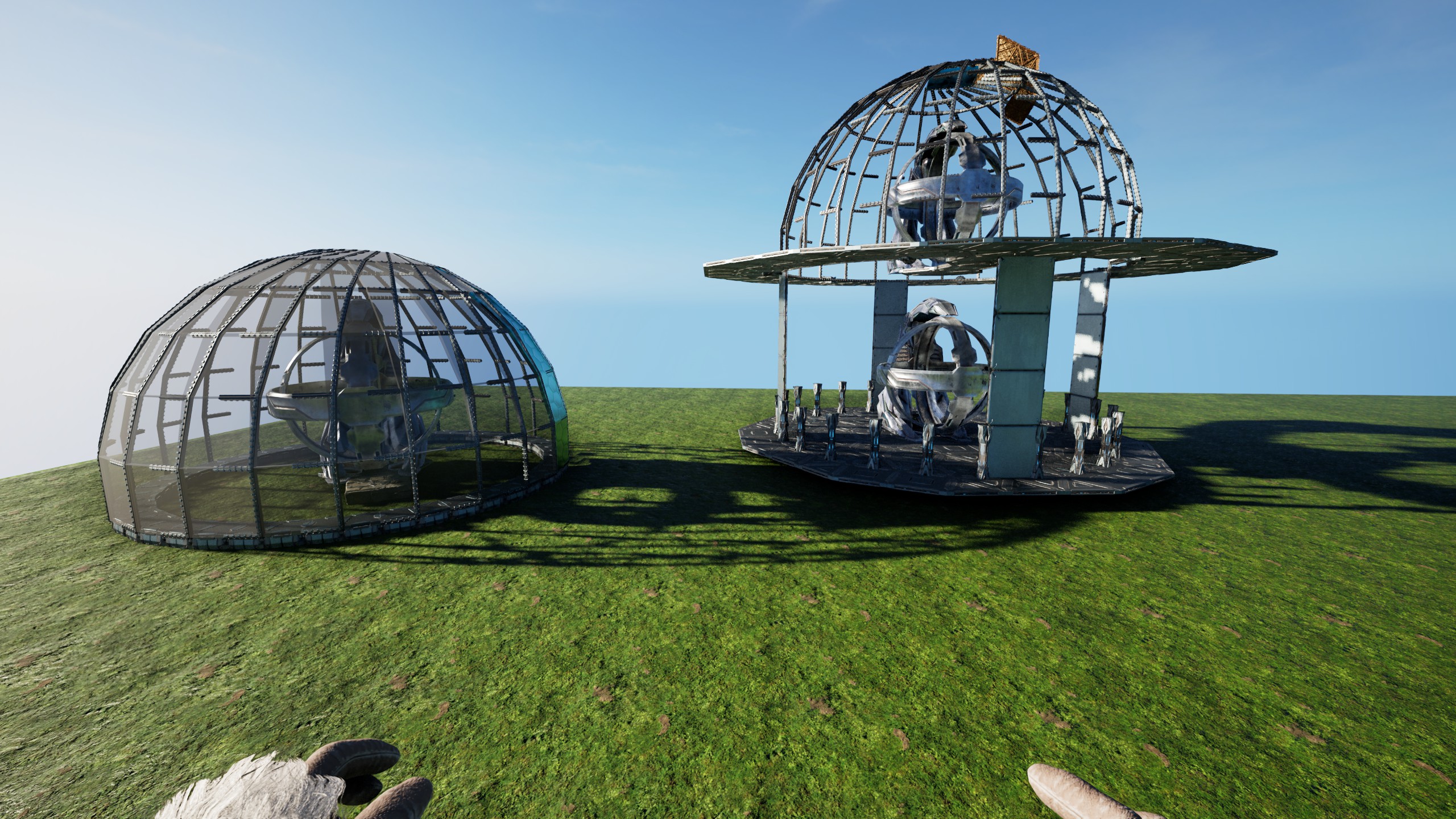
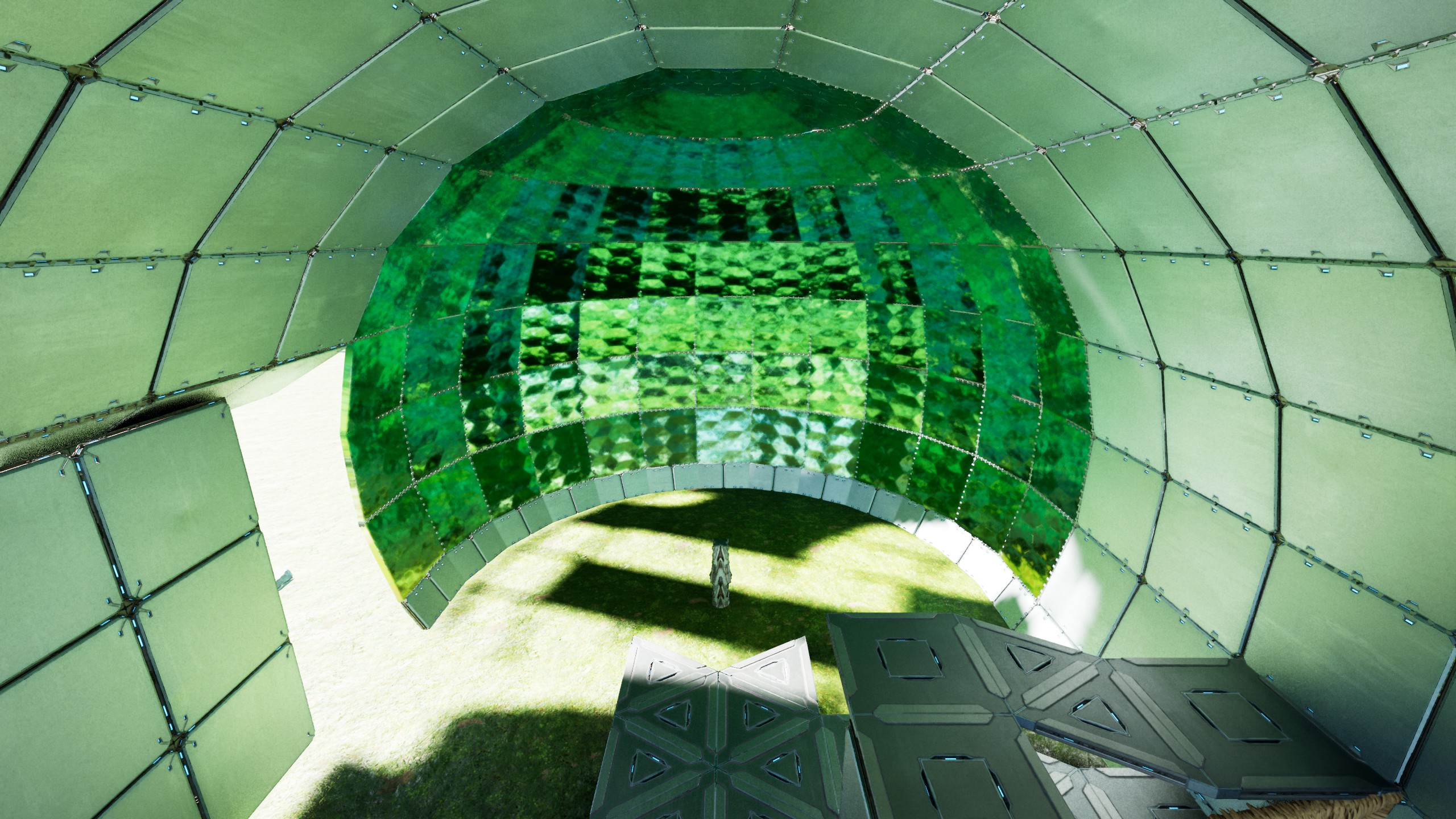
The 48 sided Sphere These two Templates are all you need to build a 48 sided sphere! (based on Four 12er Triangle Circles) Long Story Short: - place the Foundation Template (doubleclick-Foundation Height) - snap the "Scaffolding Arch" 24times [Counter-Clockwise!] with its Stone snap-Foundation outside of the 48 sided Ring! (the Prototype was clock-wise but that made it...complicated) - if it snaps stupid, just add a Ceiling outside the 48'er & look at the smallFoundations to snap the StoneFoundation "below" that Ceiling [This also makes it easier to see "where you are at"] - remove all Thatch & fill in the "missing" TekCellarDoors by opening their [overlapping]Neighbours & snap them to the Pillar-Beams Thats basically it! [only takes two people like 5-15 Hours on official, depending on how good you are & if nothing goes wrong ;) ] Kudos to my Generous Allies from #Reiz, who enabled me to actually fully test & build this on Official (in record time i might add) Without Them, it would have been impossible for me to give these refined Templates to all of YOU now! ------ This is build on a "double-clicked" Foundation height. There is some Whiggle-Room, but the cleanest Result you will get when snapped-to/placed-at that Height! The central Pillar that will hold it all, is connected to the outer most Part of the Sphere & basically holds that 48 sided Circle on 2 Sides [just with 90° turned Walls instead of normal ones] and can be interconnected on 6 Sides naturally, with small Ceilings & Pillars/Beams(mimicking 1 Ceiling on the outer Wall) You can Place "90° Hidden Door Walls" all around as "Floor" inside to cleanly close the Ceiling with the Walls in the End(Shout-Out to Lia for coming up with the idea & for all the help in building the Sphere) The Arches just "hang" Up&Down from that "horizontal Ring"! When placing the Scaffolding-Arches, its a Dance between having Support for the already existing Sphere & enough Space for the eight 90° TriangleFoundations, that build the Arches. !!! Use 'DebugStructures' and make sure ALL Triangles ALWAYS have all Connections around them(and are not just parked next another, without ALL connections), or you will have Gaps in Support and/or Connection, which might make Things crash...always ONLY snap Triangles in-Line with other Triangles, dont switch Directions by starting again from a Ceiling somewhere !!! - after each Placement, remove all Thatch I'd recommend starting from the Top by disconnecting the "Arch" & also removing all Pillars [they like to stay connected at Distance] and while you are "up there" your Body can also hold open the CellarDoors to allow you to place the ones on the new Arch! If you ever pick up a Metal-Piece with the Scaffolding, dont Panic, just rebuild that one "arm" from Scaffolding(see last screen) If you already destroyed the Scaffolding, you can either get the "Side" back from any of the 4 related "12er Plates", or just "overwrite" that one Scaffolding again, the Hammer will fill in all missing Pieces! Each "Piece" is just either a Wall- or a PillarBeam with 2 smallPillars on its Up&Down Sides, that glue each Arch together the Horizontal "48-Ring" also has a snallPillar on the "Left&Right". Either keep or remove the 48 sided Foundation Circle, its of no Consequence for the Sphere! if you want to, you could fully fill the Top&Bottom, by using the full Scaffolding & by overlapping HARD i think thats all enjoy your Sphere! PS: on a personal Note, i sincerely hope Wildcard will not take this from us by "patching", but lets us enjoy these Gems, Their Game allows us to Create!
Come ottenerlo su console
Guida completa per consoleI giocatori su console (PlayStation, Xbox) possono scaricare e piazzare questo template direttamente nel gioco con la mod Template Hammer Importer.
- 1Installa la modOpen the in-game mod browser and search "Wikily" or "Template Hammer Importer".
- 2Crea l'ImporterVai in Giocatore singolo + Modalità Creativa e crea il Wikily Template Importer (1 fibra).
- 3Inserisci l'ID templateUsa l'oggetto, inserisci l'ID template
100123e l'indice della costruzione, poi piazzala.


 Utilità