
GTA 6 Controls and Settings
The button layout on PS5 and Xbox Series X|S, the three control schemes and what every settings tab holds, read from the game's own menus.
- 3
- Control schemes
- 8
- Settings tabs
- L3 + R3
- Focus
- None
- Performance mode in the menu
Default controls
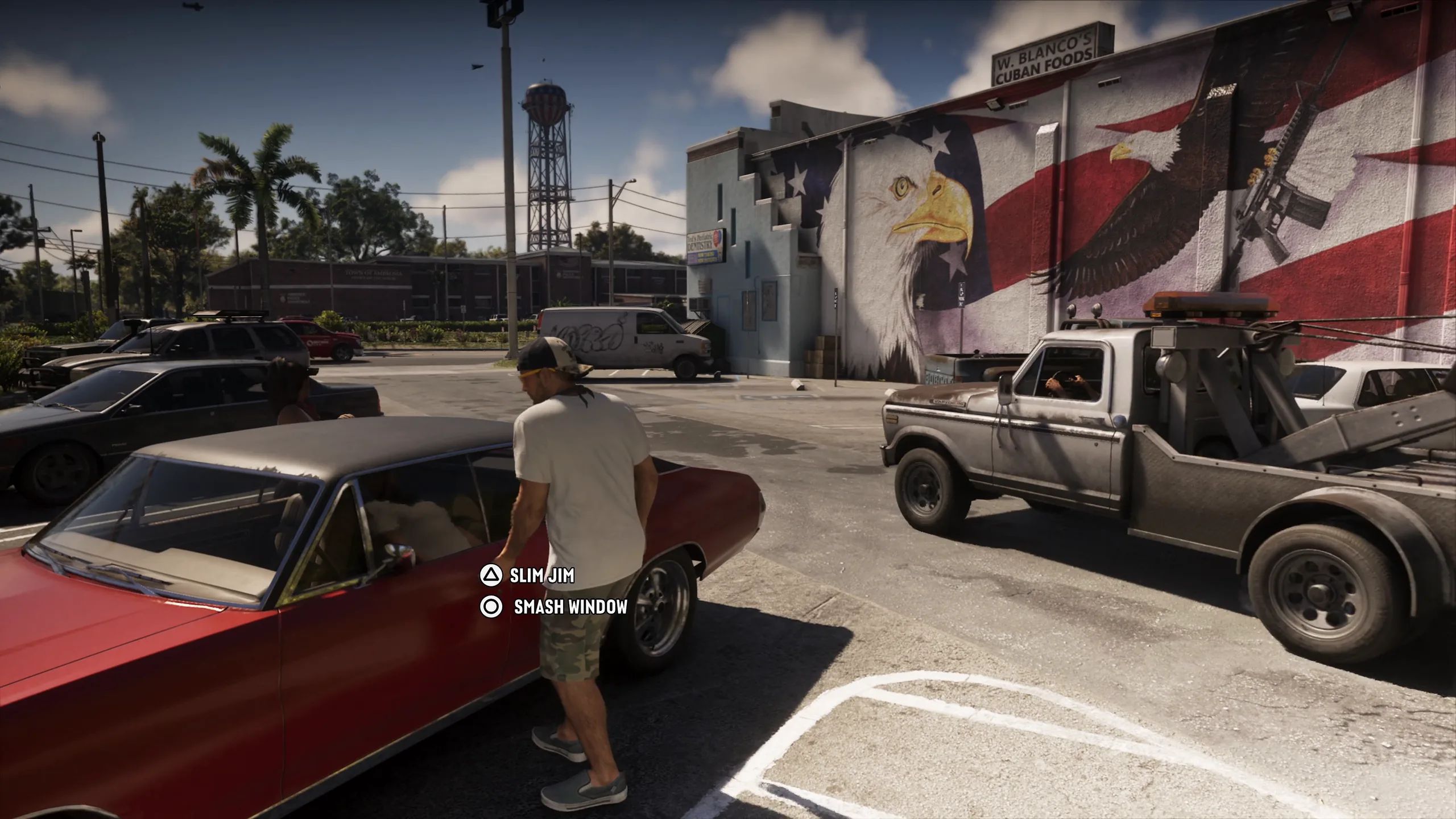
Breaking into a car: Slim Jim or Smash Window. An Extended Look, 6:05.
The Default layout as the game's controls screen shows it. The Xbox buttons sit in the same places; the Xbox screens for aiming were not shown, the others match.
| Button (PS5 / Xbox) | On foot | Aiming | Cars and boats | Aircraft |
|---|---|---|---|---|
| L1 / LB | Holster | Holster | Holster | Holster |
| L2 / LT | Aim, interact | Aim, interact | Brake, reverse | Throttle down |
| R1 / RB | Cover | Cover | Shoot | Shoot |
| R2 / RT | Shoot | Shoot | Accelerate | Throttle up |
| L3 / left stick click | Run | Run | Horn, nitrous | Undercarriage |
| R3 / right stick click | Look behind | Zoom, throw path | Look behind | Look behind |
| Left stick | Move | Move | Turn | Pitch and roll |
| Right stick | Look | Look | Look | Look |
| Triangle / Y | Interact | Quick swap weapon | Exit vehicle | Exit vehicle |
| Square / X | Melee | Melee | Melee | Yaw left |
| Circle / B | Crouch | Crouch | Headlights | Yaw right |
| Cross / A | Jump, climb | - | Handbrake | - |
| D-pad up | Phone | Zoom scope in | Phone | Phone |
| D-pad left | Radio | Switch shoulder | Indicate left | Radio |
| D-pad down | Objective, minimap | Zoom scope out | Objective, minimap | Objective, minimap |
| D-pad right | Detonate explosives | Detonate explosives | Indicate right | - |
| Touch pad / View | Map | Map | Map | Map |
| Options / Menu | Pause | Pause | Pause | Pause |
A dash means the controls screen gives that button no action in that situation.
Seen in: Shacknews controls video 0:16 (on foot), 0:19 (aiming), 0:34 (vehicles), 0:48 (aircraft); Insider Gaming 0:06; Philminator 0:24; VVaby 0:16, 0:24 and 0:27 (Xbox); DPJ 1:08 and 1:20 (Xbox).
Control schemes
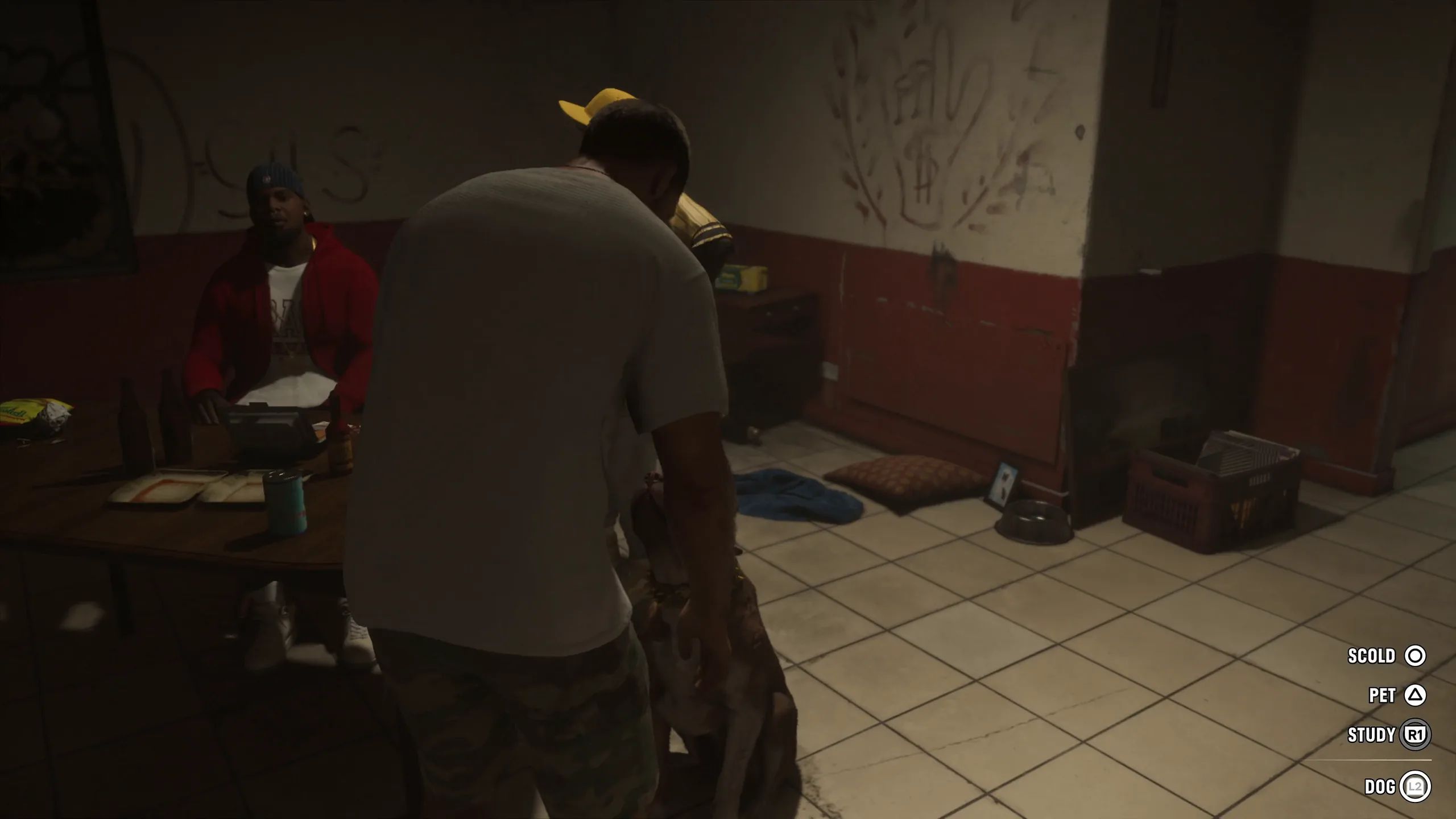
Dog prompts: Scold, Pet, Study. An Extended Look, 1:57.
The Control Scheme tab offers Default, Classic and Left-Handed. Classic puts the face buttons back where Grand Theft Auto V had them; in Default, running moved to the left stick. Each scheme has a picture of the controller per situation: on foot, aiming, melee, land and water vehicles, aircraft, bicycle, swimming and parachute.
Sources: Eurogamer, Finger Guns, The Outer Haven
Seen in: Shacknews controls video 0:00-0:09, DPJ 1:08 and 1:38 (Xbox), Insider Gaming 0:06.
Videos: the controls and settings screens
Every controls and settings screen in the finished game, recorded on launch day by Shacknews.
Videos by Shacknews. If a guide saved you a run, subscribe and leave a like.
Open the channelHold buttons and Focus
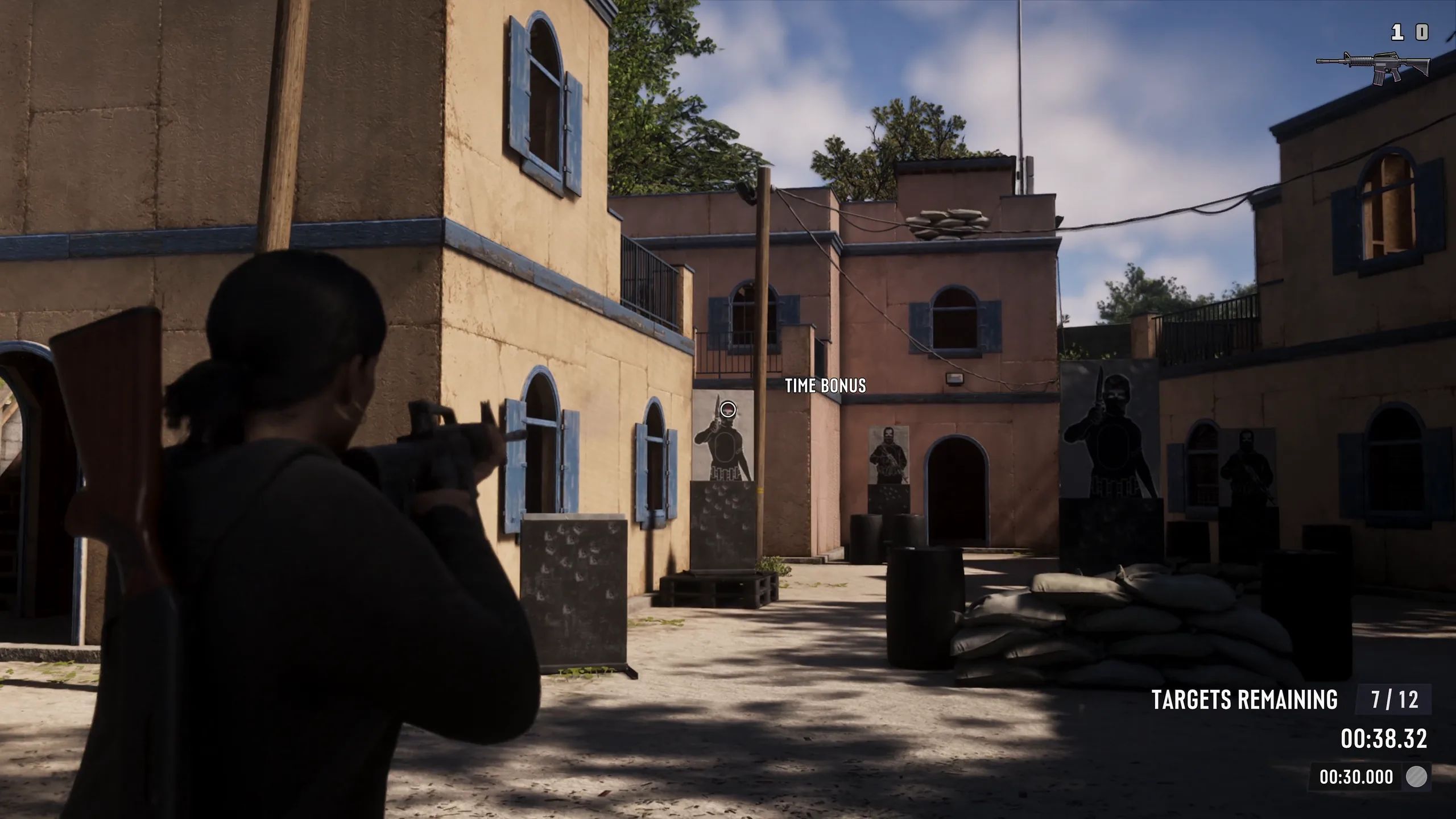
The shooting course. An Extended Look, 18:33.
- Focus
- Press L3 and R3 together (both sticks). The game's own prompt: "Focus L3 R3".
- Loadout
- Hold L1 (LB) to open the weapon loadout.
- Hold the D-pad
- The D-pad's hold actions open the WAINK app, the radio menu, quick navigation and the partner menu.
- Rest
- Hold Circle (B) on foot.
- Talk to people
- Hold L2 (LT) near someone to greet, provoke or calm them.
Sources: Digital Foundry, Eurogamer, VGC
Seen in: Shacknews controls video 0:02, Insider Gaming 0:15, Philminator 0:12; Focus prompt in Sirloin's part 1 at 17:46 and the Shacknews settings video 0:43.
Classic scheme
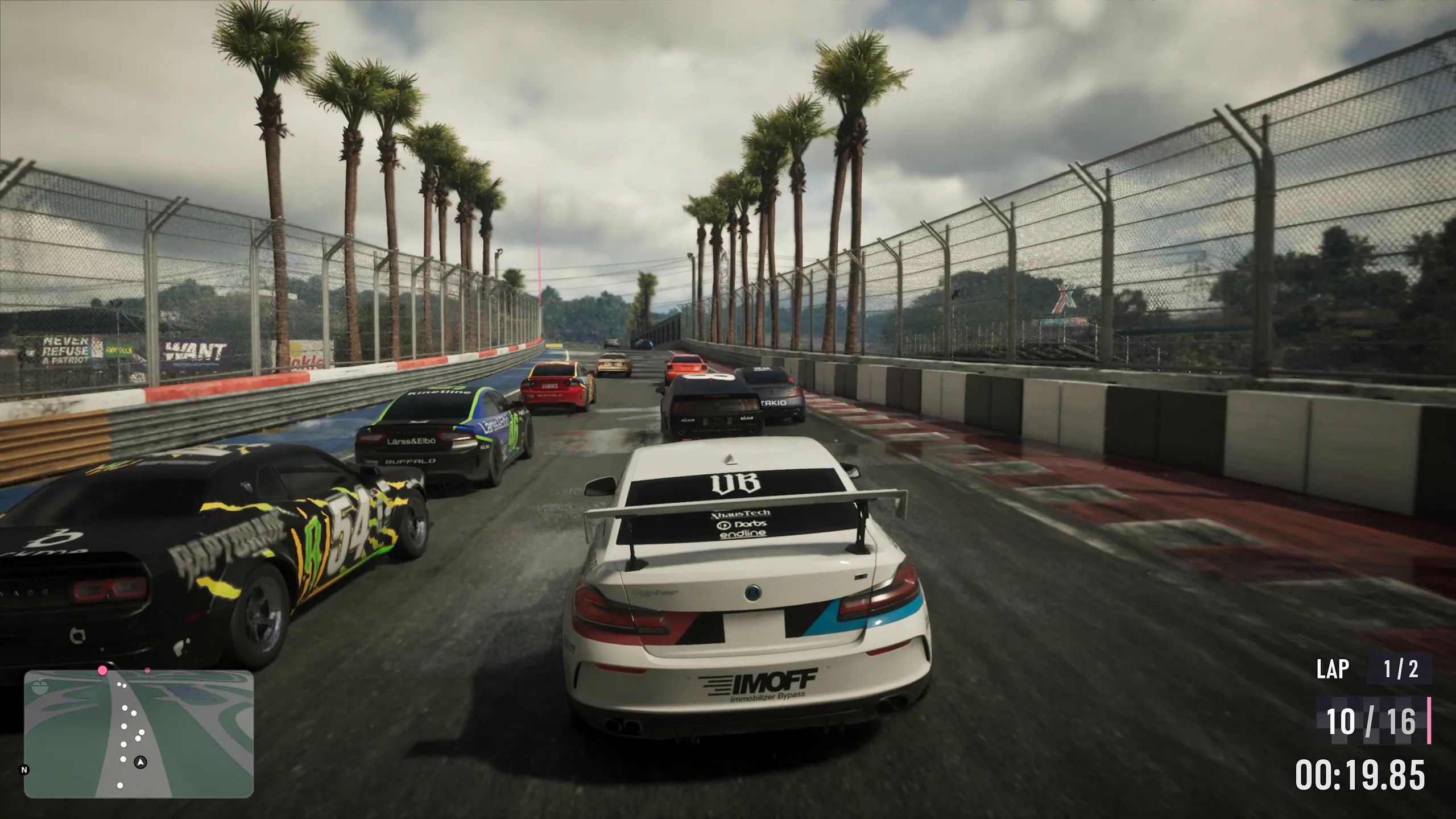
A circuit race. An Extended Look, 17:43.
Classic swaps the face buttons back to Grand Theft Auto V's layout on foot: jump and climb on Square (X on Xbox), melee on Circle (B), run on Cross (A) and crouch on L3 (left stick click).
Seen in: Shacknews controls video 0:05, DPJ 1:38 (Xbox).
Fighting, cycling and parachuting
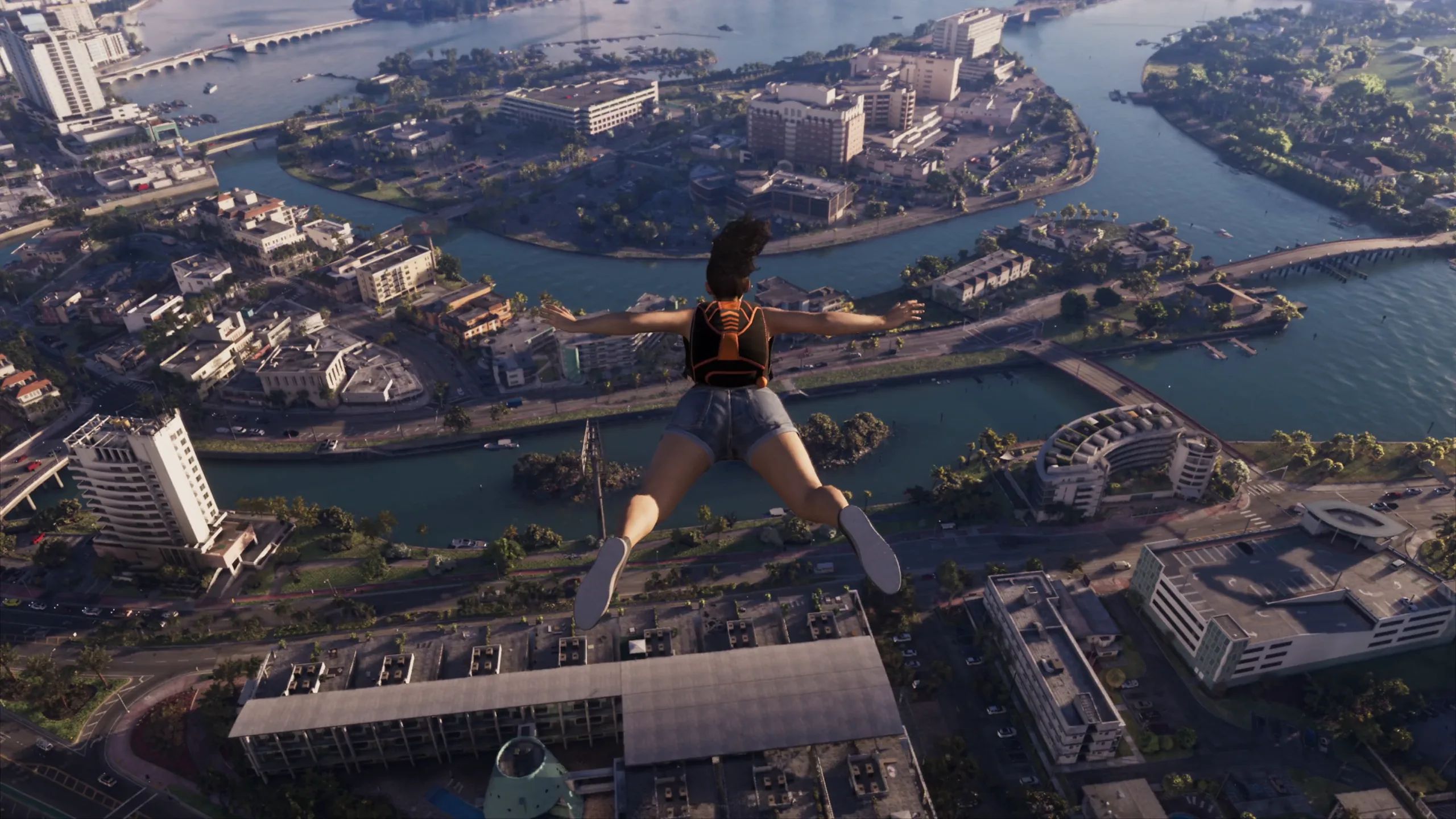
Skydiving over Vice City. An Extended Look, 18:50.
| Button (PS5 / Xbox) | Melee | Bicycle | Parachute |
|---|---|---|---|
| L1 / LB | - | Holster | Holster |
| L2 / LT | Lock on, strafe | Brake, reverse | Brake left |
| R1 / RB | - | Shoot | Shoot |
| R2 / RT | Grapple | Pedal | Brake right |
| L3 / left stick click | - | Bell | - |
| Left stick | Move | Turn, lean | Turn |
| R3 / right stick click | - | Look behind | Look behind |
| Right stick | Look | Look | Look |
| Triangle / Y | - | Dismount | Detach parachute |
| Square / X | Punch, kick | Melee | - |
| Circle / B | - | Bunnyhop | - |
| Cross / A | Block, dodge | Sprint | Open parachute |
Seen in: Shacknews controls video 0:28, 0:55 and 1:10; DPJ 1:22-1:28 (Xbox); VVaby 0:51 (Xbox, melee).
Weapon wheel
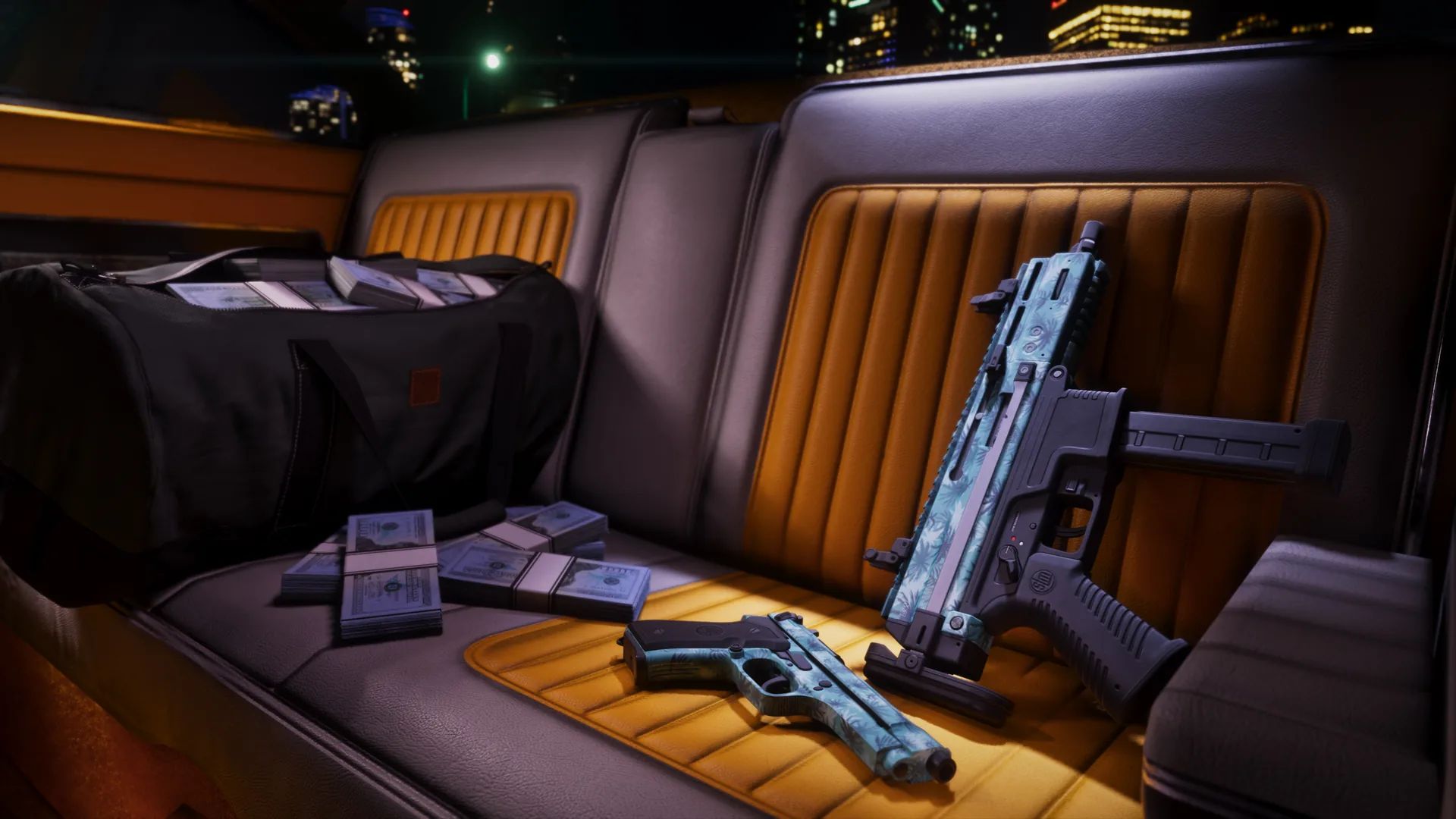
The palm-tree weapon pattern. Official screenshot, Rockstar Games, Vintage Vice City Pack.
Hold L1 (LB) to open the weapon wheel. R1 switches between its Weapons and Items tabs. The ring has a slot for what is in your hand, a sidearm, a long gun and explosives, and shows each gun's damage, accuracy, handling and range, with an option to drop it. Two consumables sit on Square and Triangle (X and Y on Xbox) in the corner.
Seen in: Sirloin's part 1 at 28:46; Luh Haiti's weapons video 0:12-0:31.
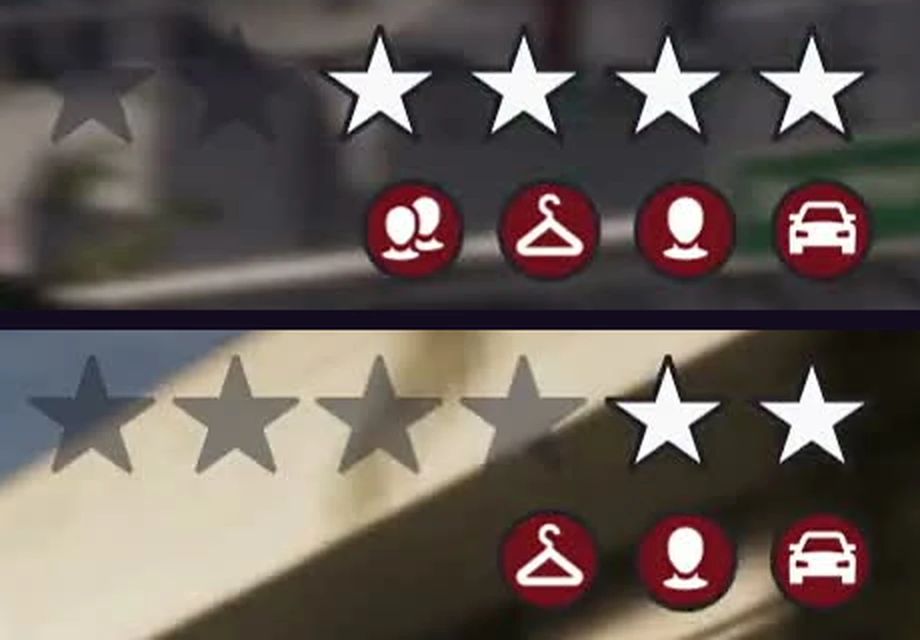
The stars and icons, enlarged. An Extended Look, 14:10 (top) and 18:25 (bottom).
- Controller
- Sensitivity, aim curve, inverted controls, vibration and deadzones; on PS5 also adaptive triggers and the light bar.
More
Look and aim sensitivity and acceleration, aim response curve, inverted look, movement and aircraft controls, vibration strength, stick deadzones, and on PS5 the adaptive trigger resistance and vibration, an adaptive speed limiter and the light bar.
- Gameplay
- Targeting mode, aim assist, lock-on, shooting and drive-by assists, movement speeds and the accessibility options.
More
Targeting (Lock-On, Partial or Free Aim), aim assist strength, lock-on time, shooting and drive-by assist, quick draw, cover selection, holstering in vehicles, movement speeds, and the accessibility options below.
- Display
- HDR and brightness, motion blur, gore and dismemberment, flashbang effect and high contrast shaders.
More
HDR (on an HDR screen), brightness calibration, safe zone, motion blur strength, dismemberment, blood and gore intensity, flashbang effect, a focus trail colour-blind mode, brightness reduction and high contrast shaders.
- UI
- Language, text size, subtitles, minimap and compass, GPS, reticle, notifications and units.
More
Language, text size, subtitles, a dynamic or fixed minimap and compass, the GPS route, markers, the reticle, which notifications appear (Criminal Profile and relationship among them), and imperial or metric units.
- Camera
- Camera height and follow speed, weapon sway, shake and bob, and how often cinematic cameras play.
More
Camera height and follow speed on foot, in vehicles, in aircraft and underwater; weapon sway, camera shake and bob; how often cinematic kill shots and crash cameras play.
- Audio
- Mono audio, tinnitus reduction, controller speaker and police scanner, music muting, volumes and audio descriptions.
More
Mono audio, tinnitus reduction, the controller speaker and police scanner through it, GPS voice, muting licensed music, volume sliders, screen narration and audio descriptions for cutscenes (English only).
- Account
- Customer support, your Rockstar Games account, GTA+ boosts, credits and the legal pages.
Seen in: Shacknews settings video 0:10-3:39, Insider Gaming 1:15-3:30, Philminator 1:05-2:36, DPJ and VVaby (Xbox).
Rockstar Support lists the same eight tabs, reached from the pause menu's Settings, and notes that Restore All and Restore Default at the bottom of the screen reset what you changed.
Graphics and performance
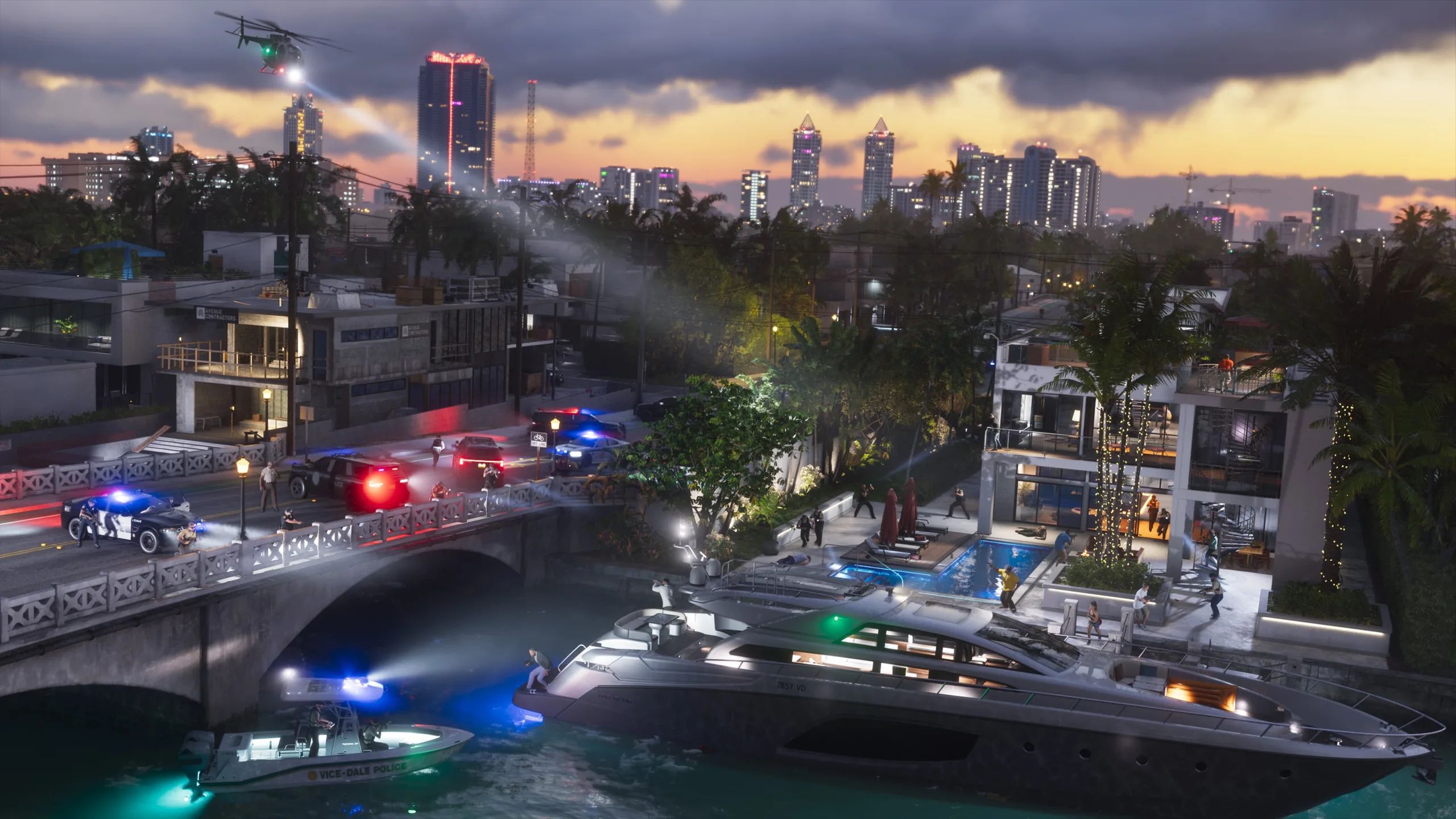
Waterfront homes at night. Official screenshot, Rockstar Games, Launch Gallery.
The Display tab has no performance or quality mode, frame rate option or field-of-view slider, on PS5 Pro either. The game runs at 30 frames per second on every console.
Sources: Rockstar, in a statement to Wccftech, Digital Foundry
There is no full first-person mode at launch, and the Camera tab has no first-person option. Some guns switch to a first-person view when you aim, and a first-person camera is available when driving.
Sources: TheSixthAxis, Vice, interviewing Rockstar, Beebom, Everyeye.it, Windows Central
Seen in: Shacknews settings video, Insider Gaming 1:15, Philminator 2:36 (PS5 Pro).
Accessibility
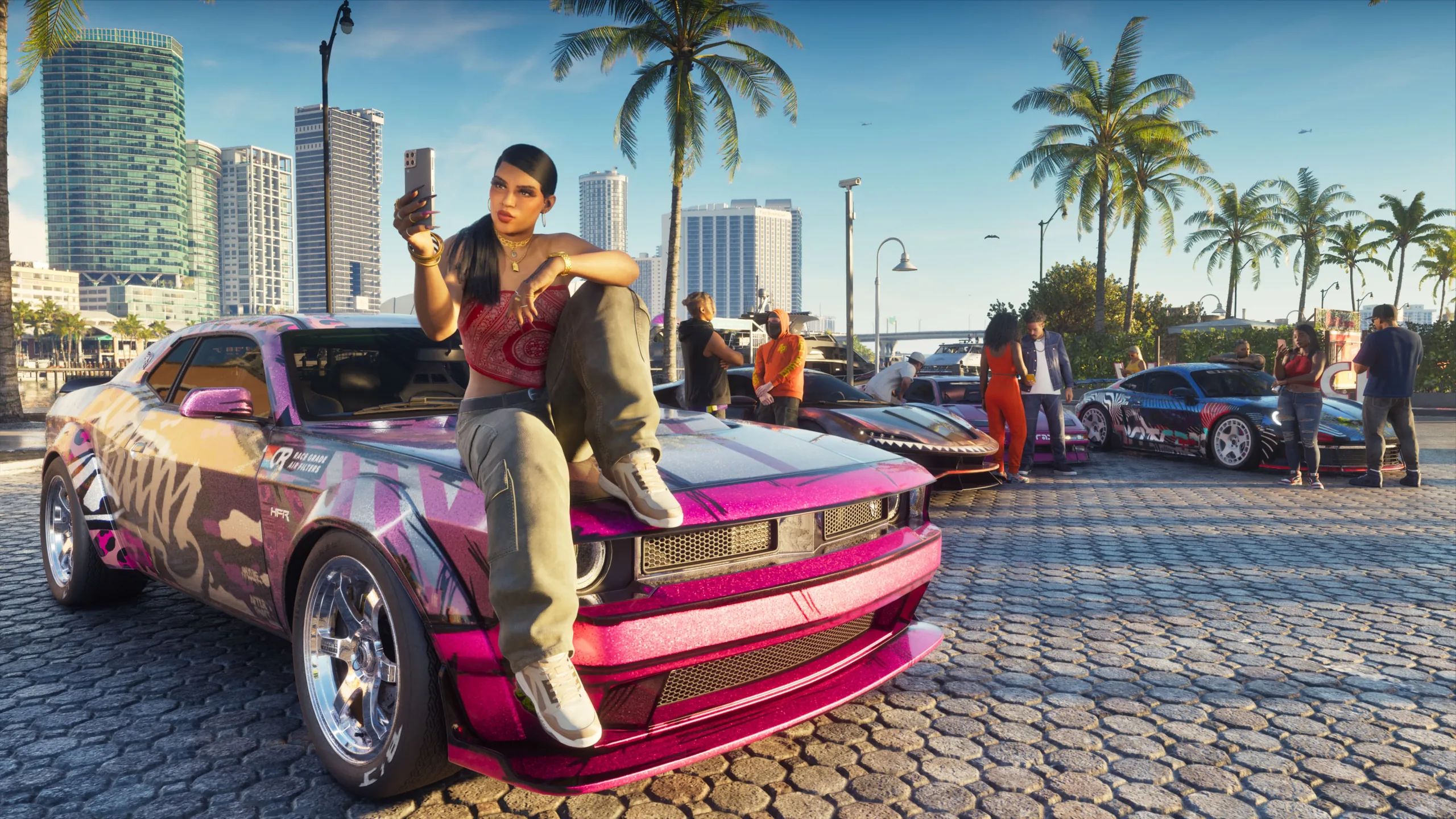
Official screenshot, Rockstar Games, Launch Gallery (November 5, 2026).
- Input
- Tap and hold assists, hold or toggle for Focus, aiming and the loadout, simpler fishing and nitrous.
More
Tap and hold assists, hold delay, and hold-or-toggle choices for Focus, aiming, interacting, the loadout and the D-pad actions; a simpler fishing control and nitrous option.
- Assists
- Simplified mini-games, auto drive, accessible combat (less enemy health and damage taken), reduced vehicle damage and auto-equipped helmets.
Sources: Eurogamer, TechRadar
- Seeing
- High contrast shaders, brightness reduction and a colour-blind mode for the focus trail; text size and subtitle settings.
Sources: Eurogamer, TechRadar
- Hearing
- Tinnitus reduction, mono audio, screen narration and audio descriptions.
Sources: Eurogamer, TechRadar, a Rockstar developer, to The Outer Haven
- HUD
- The minimap and compass can be changed or hidden.
Sources: Eurogamer, Digital Foundry, Finger Guns
Seen in: Shacknews settings video 0:43-0:55 and 3:15-3:24, Philminator 2:30, Insider Gaming 3:30.
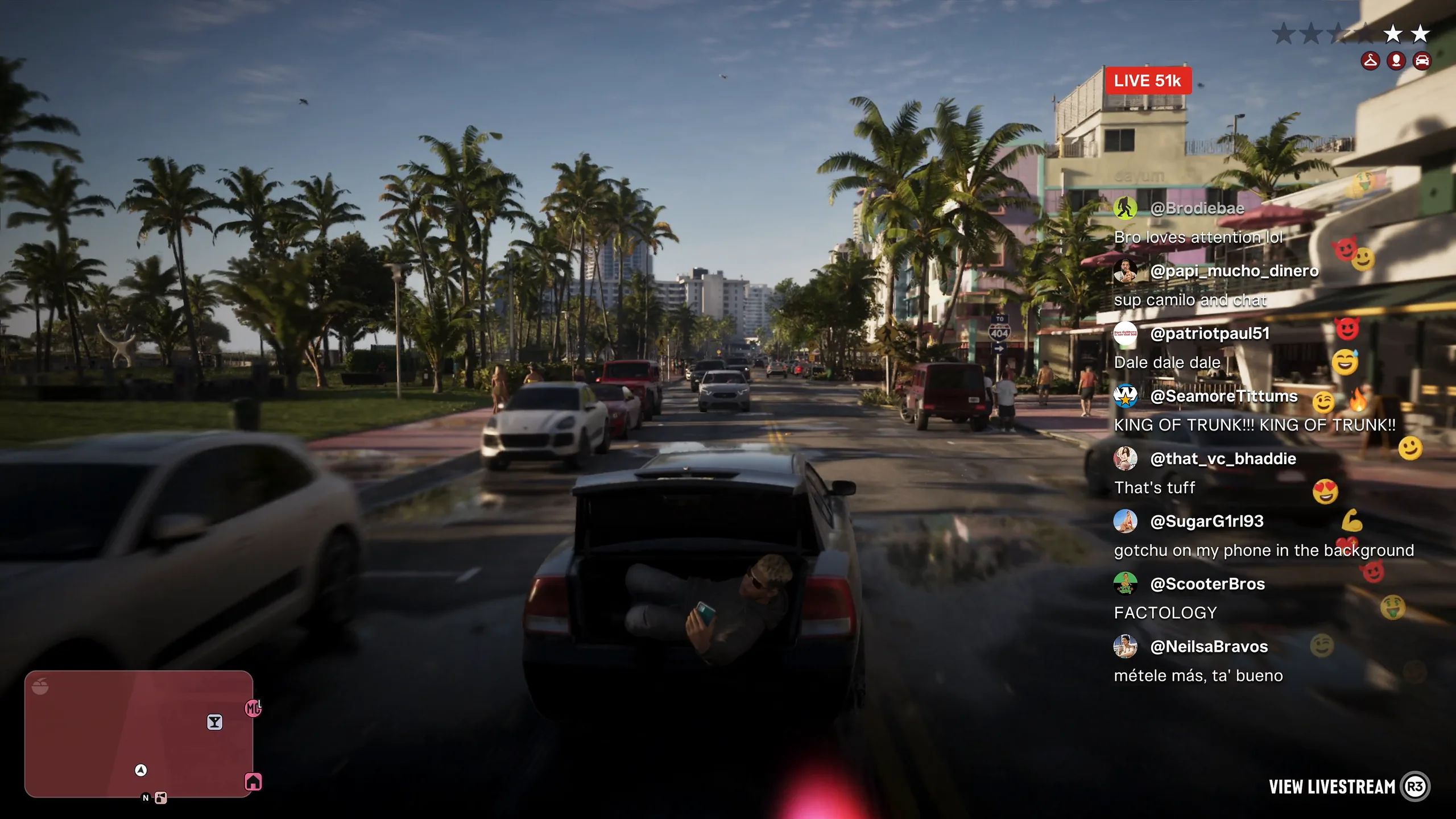
A livestream with live chat while driving. An Extended Look, 18:25.
- Pause menu
- Map, Game, Store, Help, Photo Studio and Settings, plus retry checkpoint or restart mission.
More
Map, Game, Store, Help, Photo Studio and Settings, with the current chapter and mission shown and options to retry from the checkpoint or restart the mission.
- Map screen
- Four tabsFour tabs: Jason & Lucia, Map, Brief and Progress; the map opens in 3D with time and cash.
More
Four tabs: Jason & Lucia, Map, Brief and Progress. The map opens in 3D (R3 switches to 2D) and shows the time and your cash; Square adds a marker and Cross sets a destination.
- Jason & Lucia
- Levels out of 4A sheet per character: Criminal Profile, cash, sleep, nutrition, body, and Strength, Cardio and Focus levels.
More
A sheet for each of them: Criminal Profile, cash on hand, height and weight, sleep, nutrition and calories, body shape, muscle and body fat, Strength, Cardio and Focus levels out of 4, and money spent.
- Map index
- Icons on the map's left edge list the tasks and places you've found, including the story list.
More
A row of icons on the map's left edge opens an index of the tasks and places you have found, including the story list. Each place has a card with a short description and what it offers.
- Progress
- Twelve cards, starting Stats, Vehicles, Weapons, Animals, Equipment, Collections, Activities, Contacts, Gangs, Robberies and Challenges.
- Story list
- The pause menu's story list shows open jobs; after the first mission several are open at once.
More
The pause menu's story list shows the jobs open to you; after the first mission several are open at once.
- HUD
- Health, Stamina and Focus bars top left, cash and wanted stars top right, minimap when needed.
More
Three bars top left for Health, Stamina and Focus; cash on hand and the cash in your stash top right with the wanted stars; a compass at the top; the minimap appears when it is needed or on D-pad down.
- Phone
- Ten apps at the start, among them WhatUp, Contacts, Snapmatic, Fitness, Gallery, Weather, WAINK and Settings.
More
A home screen with the time, weather, reminders and ten apps, among them WhatUp (messages), Contacts, Snapmatic, Fitness, Gallery, Weather, WAINK and Settings. WAINK scans cars and points of interest.
- Fitness app
- Strength, Cardio and Focus levels out of 4, the best training window, and body and nutrition.
More
Shows each character's health, Strength, Cardio and Focus levels out of 4, the best window for training, and body and nutrition. Its Focus page says Focus grows through activities that need concentration, such as basketball, fishing and meditation; non-lethal takedowns raise it while the Criminal Profile is professional or hardened, headshots while it is violent or psycho.
Seen in: Philminator 0:03, Insider Gaming 0:00, VVaby 0:09, DPJ 1:05 (pause menu); Sirloin's part 1 at 28:46-30:42, Kinda Funny's first hour at 53:54-58:40 AFGuidesHD 45:47-47:00 and Sirloin's part 2 at 51:28 (tabs, character sheet, map index, Progress, story list, HUD); Phunix 48:24-49:02, Kinda Funny 1:03:10, Soiscool Mec 0:25-6:18, Quin69's stream 1:50:50-6:19:00 and NickMercs' stream 3:10:05 (phone and Fitness app).
More on GTA 6
The unlock time in every region, pre-load space and rules on PS5 and Xbox, boxed codes and their regions, the bonuses and GTA+.
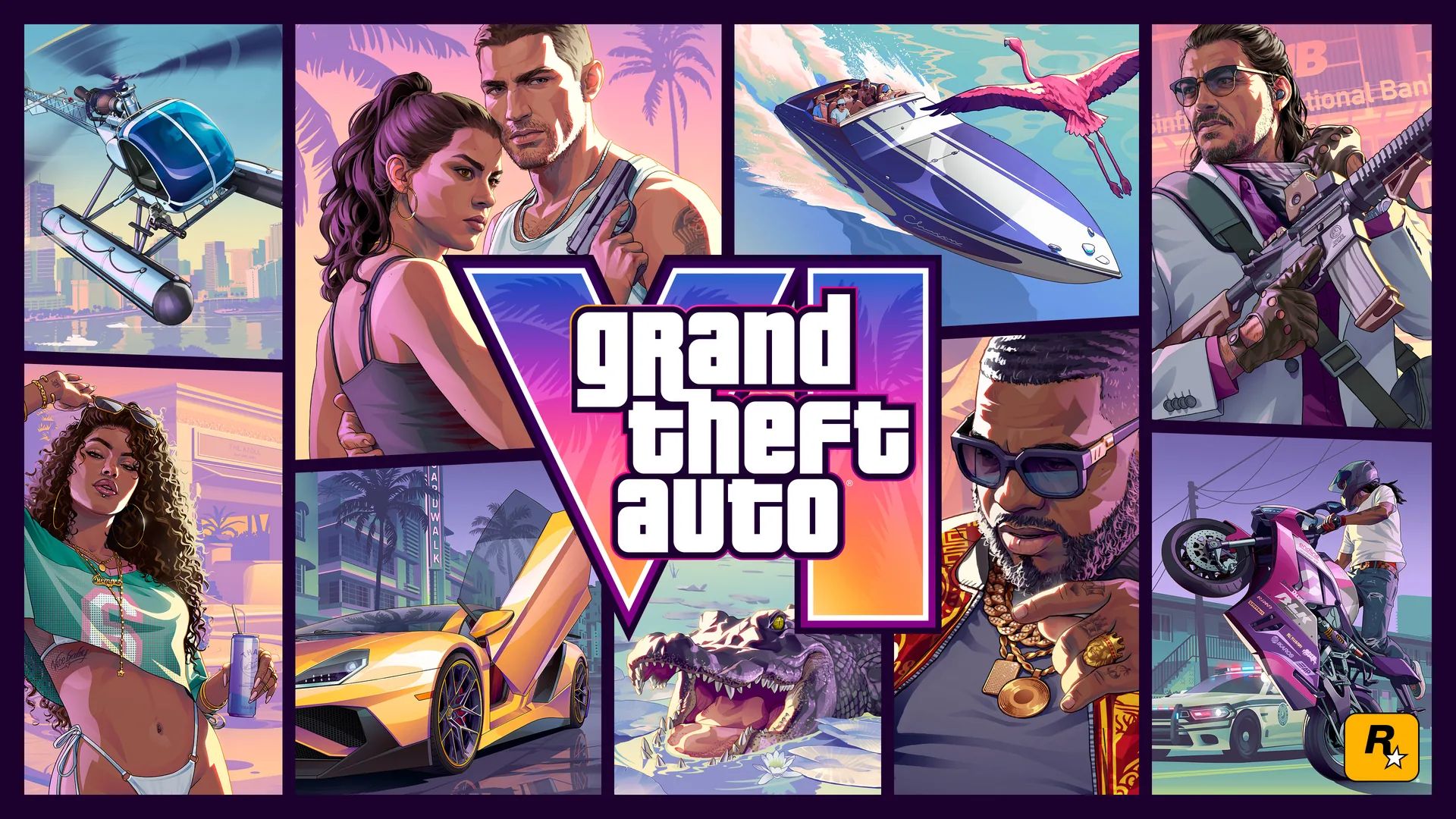
The most asked GTA 6 questions, from PC and price to map size and online play, answered from official sources.
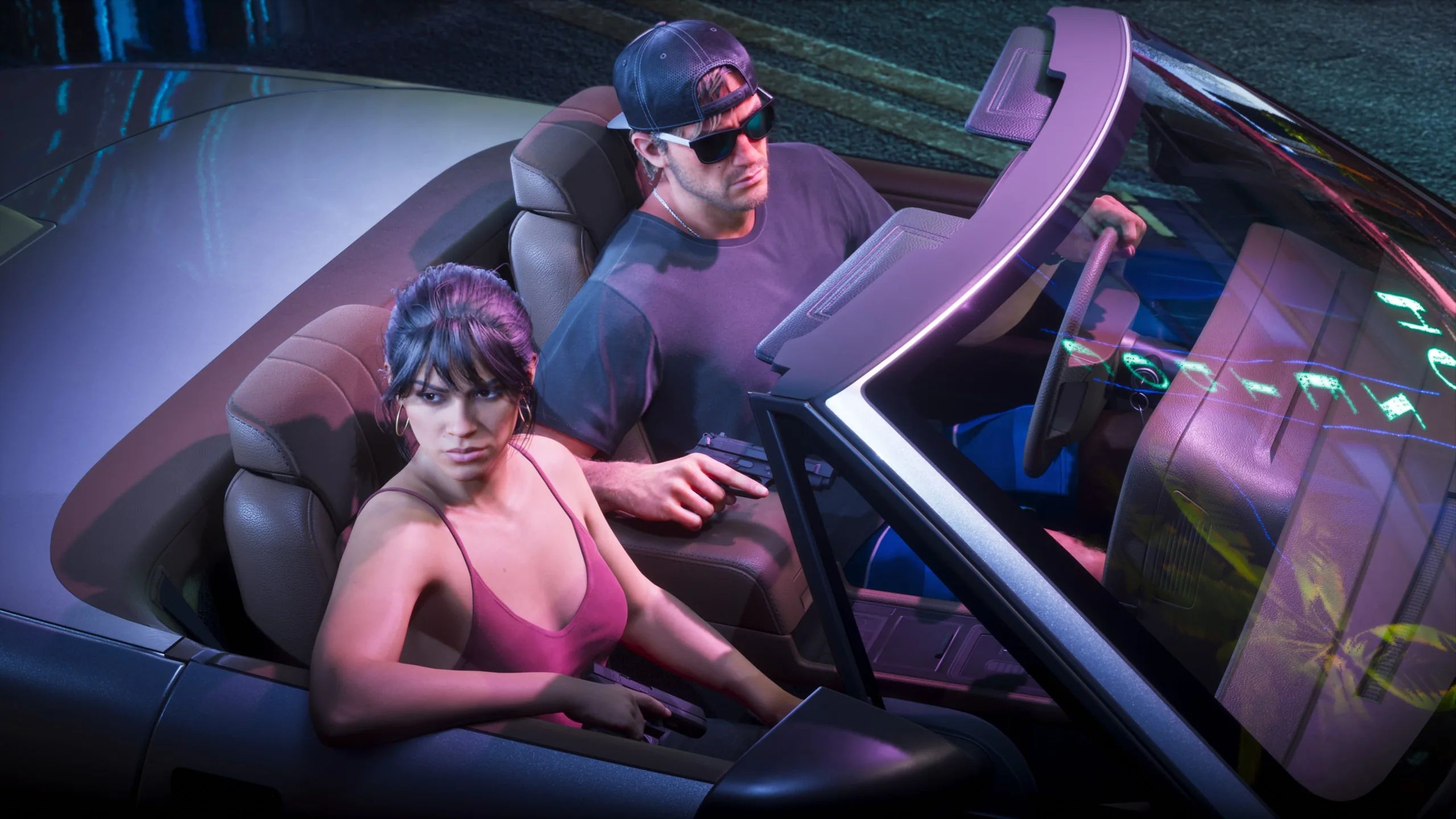
November 19, 2026 on PS5 and Xbox Series X|S, pre-load from November 10, 30 fps, PS5 Pro and cloud play.
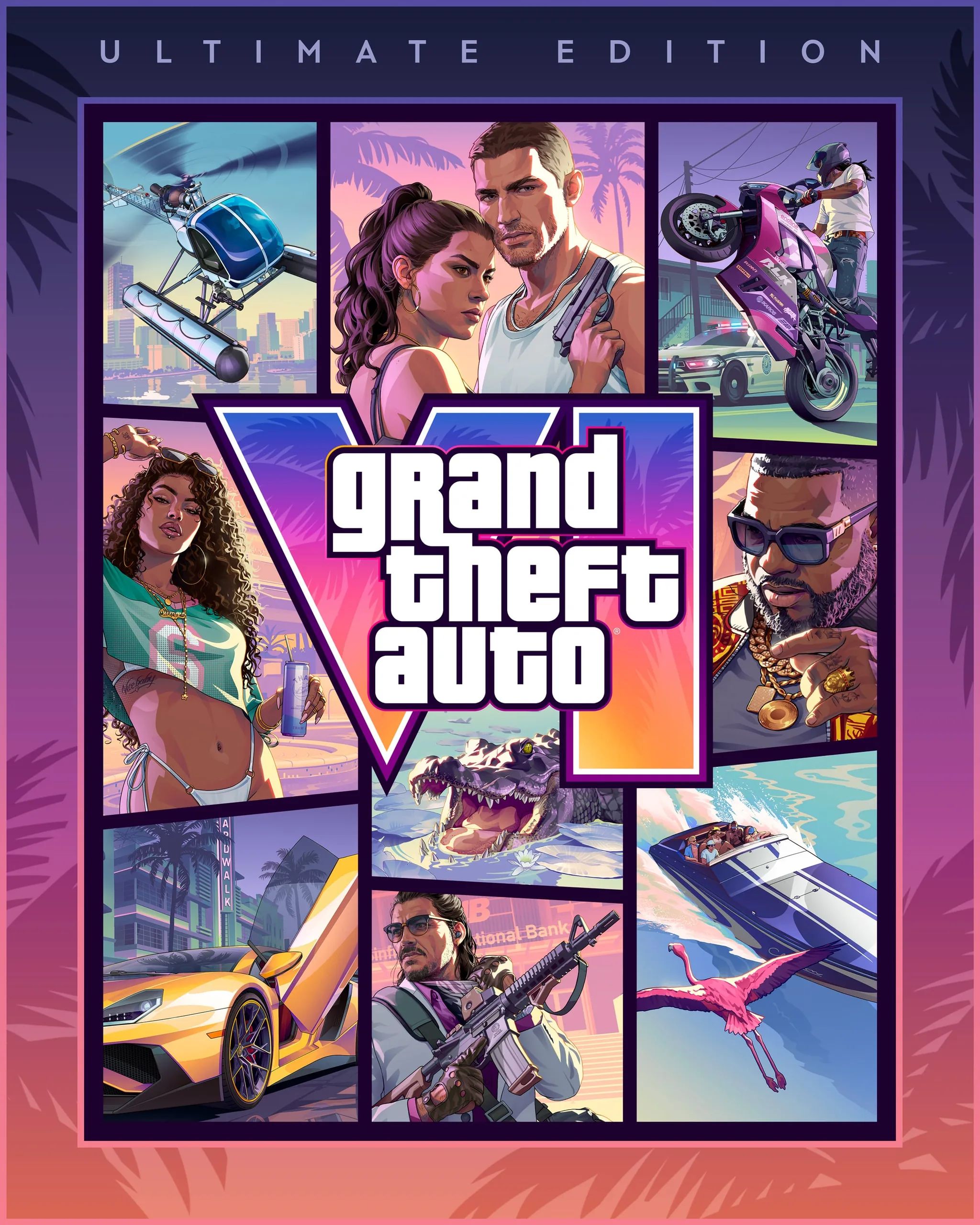
Standard and Ultimate Edition prices, Ultimate Edition contents and the Vintage Vice City Pack.
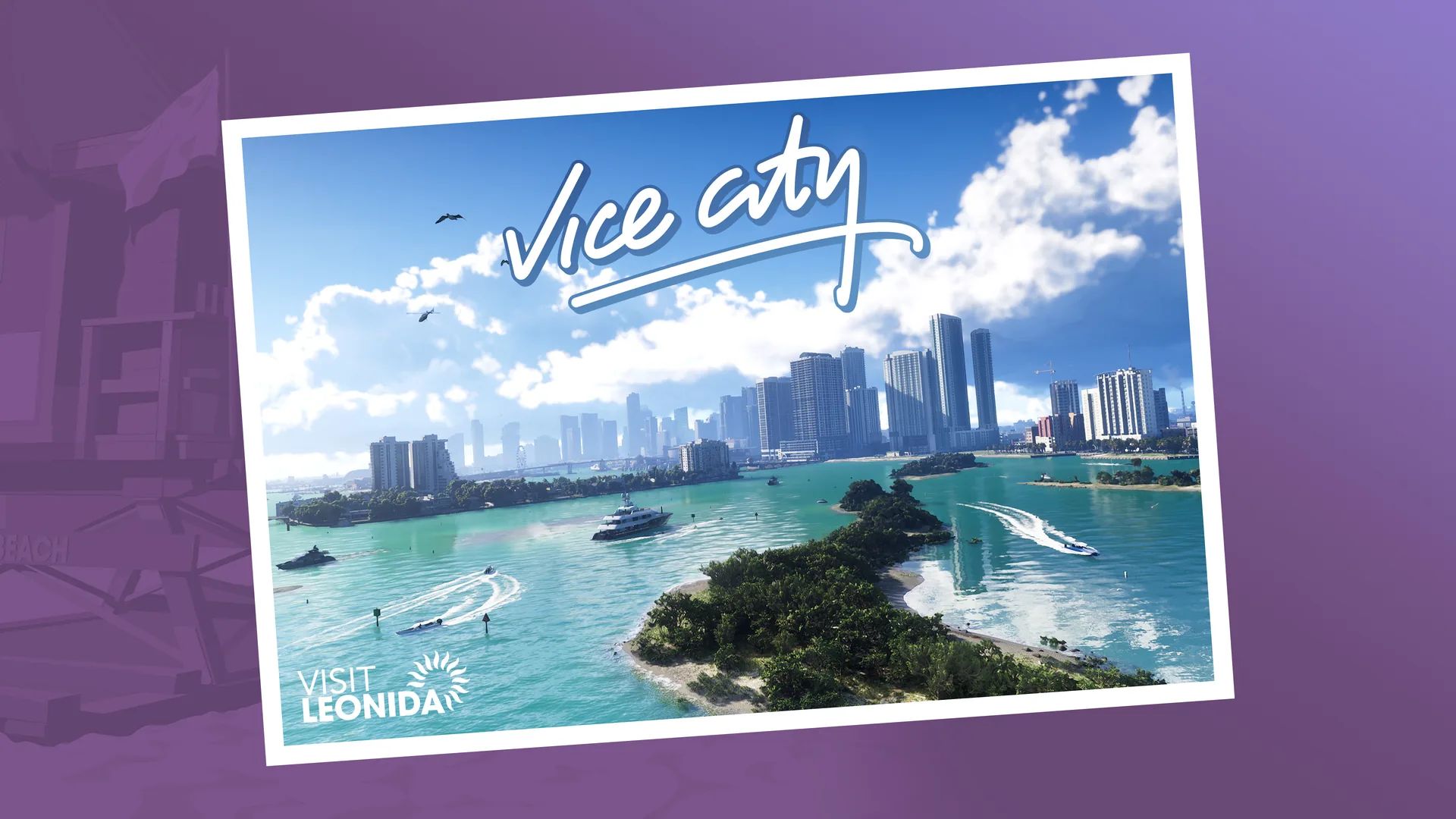
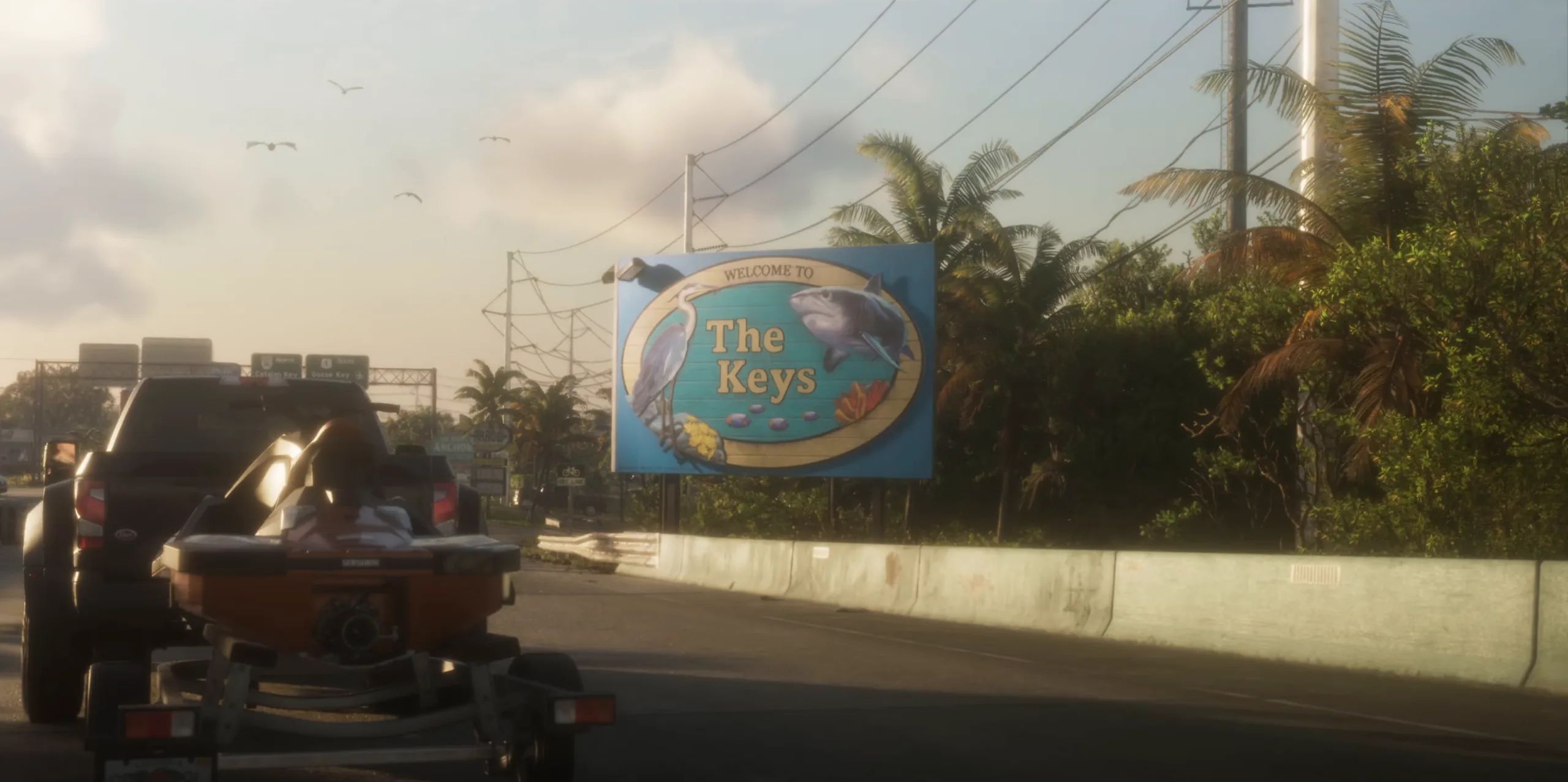
Vice City, the Leonida Keys, Grassrivers, Port Gellhorn, Ambrosia and Mount Kalaga, and the places named in the game.
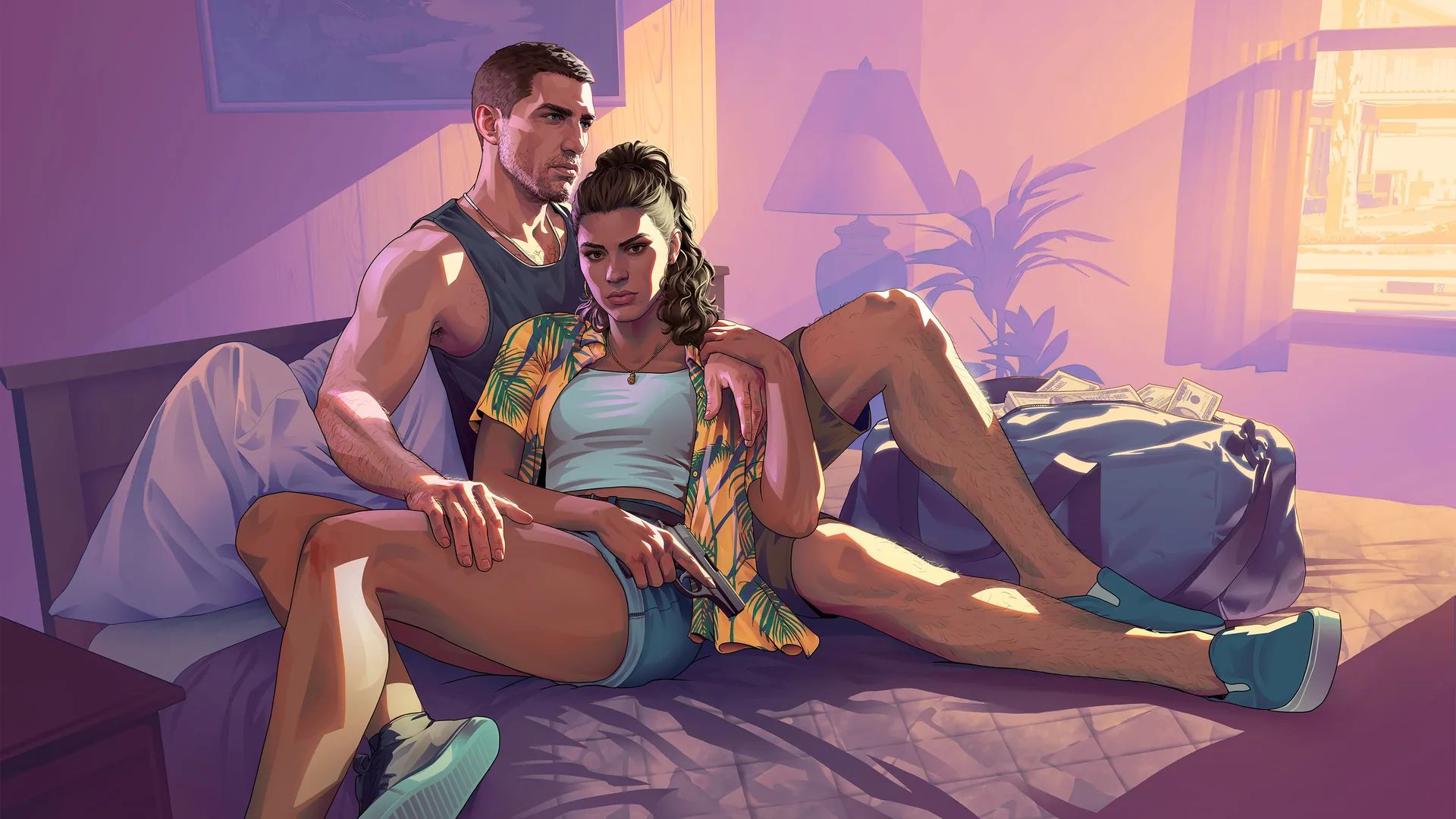
Switching between Jason and Lucia, their relationship, the Criminal Profile, robberies, the phone and what Rockstar has said.
How long GTA 6 takes, the prologue and chapters, switching between Jason and Lucia, the Criminal Profile and endings, without spoilers.
Keeping your Criminal Profile clean, losing the police, keeping stolen cars, fuel, guns, money and the settings to change first.
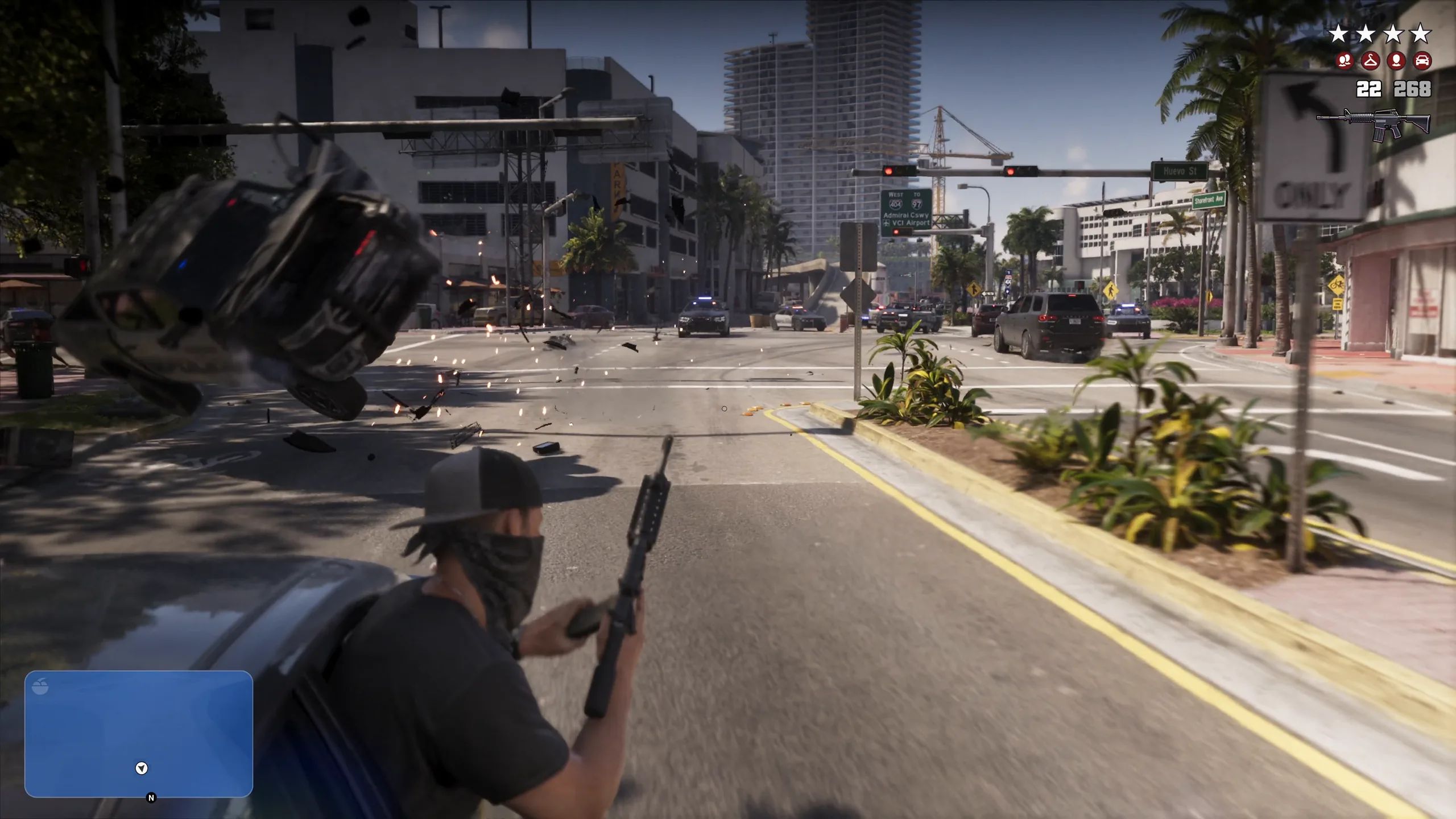
Six wanted stars, the icons for what police know, the heat area, and how new clothes, masks or splitting up help you get away.
Key cloners, trackers, the WAINK and Scooter Bros apps, fences, the bank account and why you need cash between jobs.
Races, jet skis, diving, the gym, clubs, skydiving, fishing and the Ultimate Edition shops, each with its source.
What PlayStation, Xbox and Rockstar say about online play, offline play, co-op and GTA+, with the GTA Online plans.
Every vehicle and weapon Rockstar has named, and the vehicle types seen in the official videos.
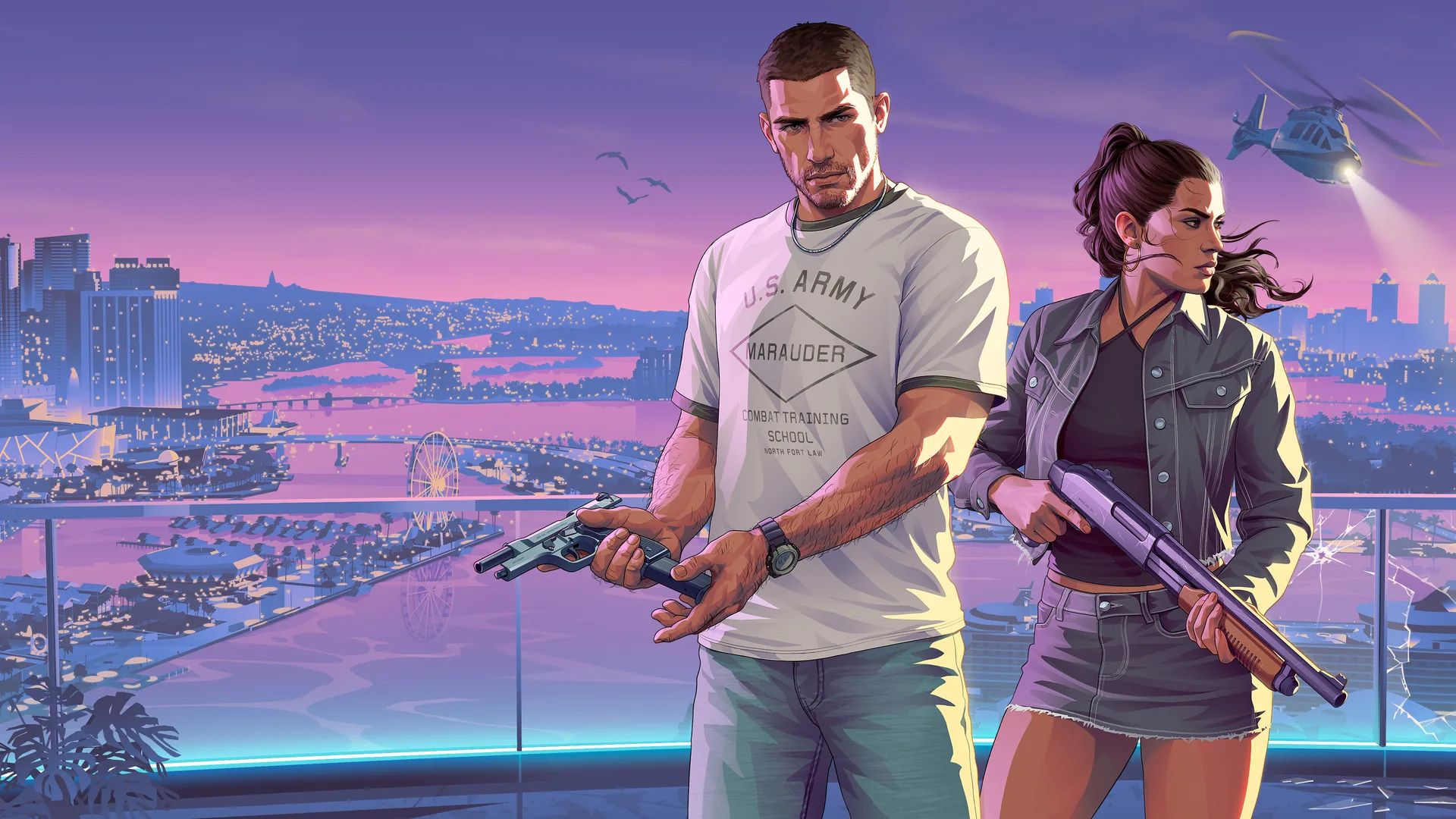
Jason Duval, Lucia Caminos and the other characters Rockstar Games has revealed.
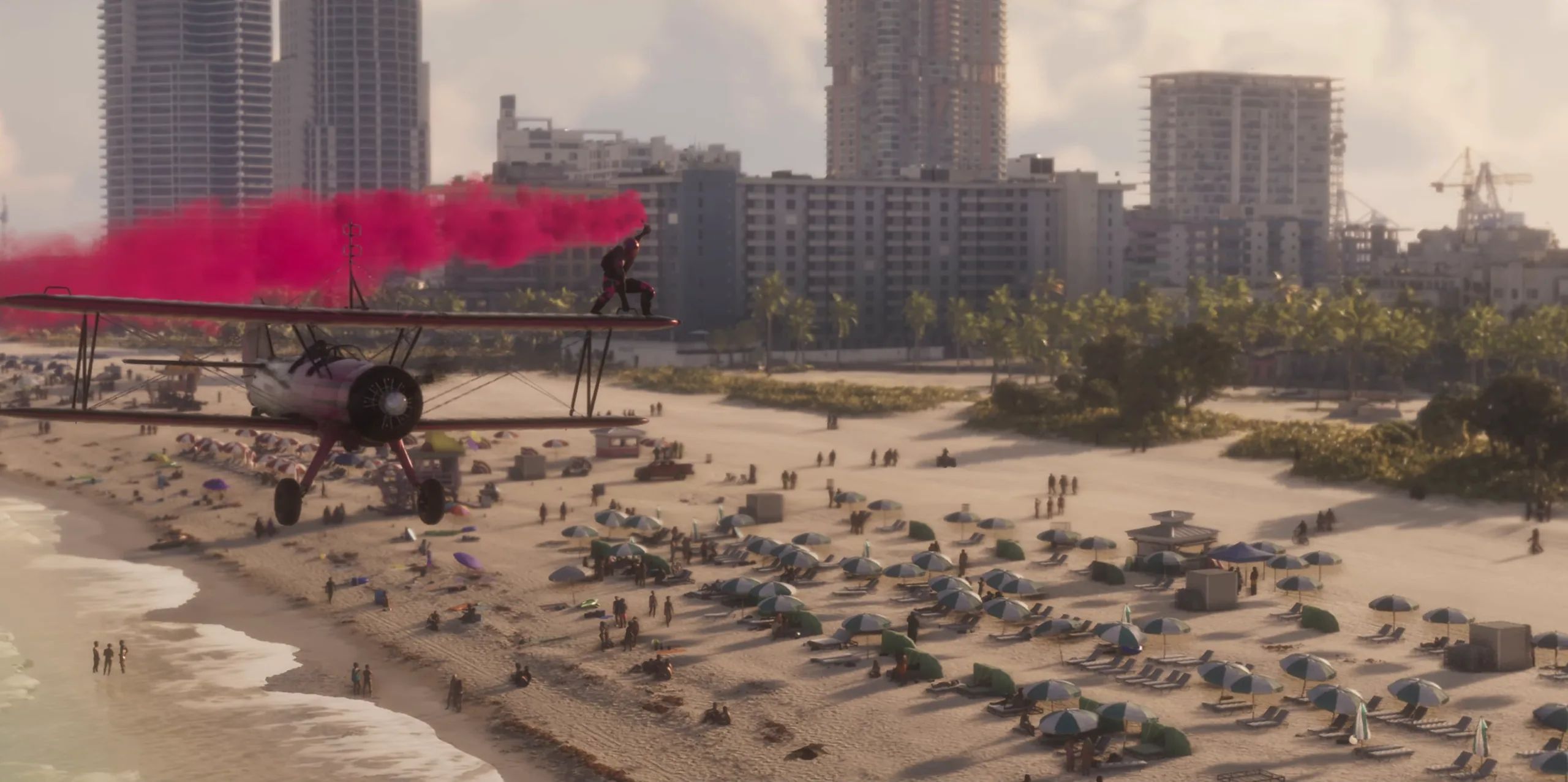
The Launch Trailer, Trailer 1, Trailer 2, An Extended Look and the other official videos, with what each shows and its song.
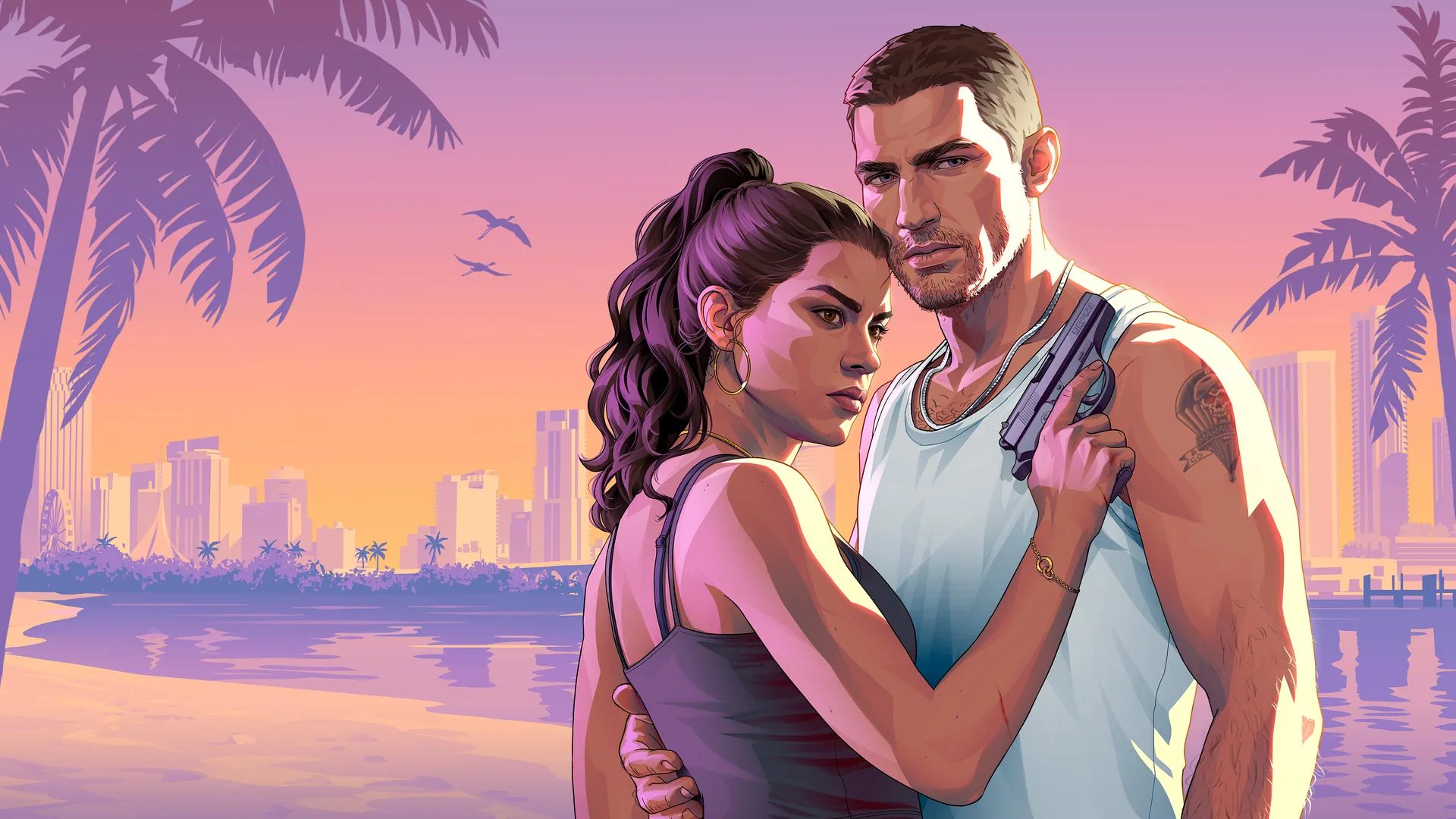
The cover art, key art, character artwork, the Visit Leonida postcards and screenshots, with Rockstar's full downloads.
The six revealed radio stations, The Album, the score by Justice and The Festival.
Sources
Updated November 19, 2026. Grand Theft Auto VI and its names are trademarks of Rockstar Games and Take-Two Interactive.