
How to Transfer an ASE Single-Player Save to a Server

The world you built alone, with its tames, bases and your own survivor, can carry on as a server world that friends join.
Back up first
Before you touch anything, make a copy of SavedArksLocal on your PC (see below) and of the server's ShooterGame\Saved\SavedArks folder.
Find the save on your PC
The single-player save sits in the game's own folder. In Steam, right-click ARK: Survival Evolved and choose Manage, then Browse local files, and open:
ShooterGame\Saved\SavedArksLocalWith a standard Steam library that is C:\Program Files (x86)\Steam\steamapps\common\ARK\ShooterGame\Saved\SavedArksLocal.
Inside are the map's save, named after the map (TheIsland.ark on The Island), your character as LocalPlayer.arkprofile, and .arktribe files for tribes.
Put it on your server
1. Save and stop the server (SaveWorld, then DoExit). 2. Copy the map's .ark file and the .arktribe files into ShooterGame\Saved\SavedArks on the server. Let the .ark replace the one already there.
3. A server knows players by their SteamID64, so rename LocalPlayer.arkprofile to that number, so the file is called YOUR-STEAMID64.arkprofile with your own 17 digits, and copy it in as well. 4. Start the server with the same map name at the start of the quoted part, for example TheIsland.
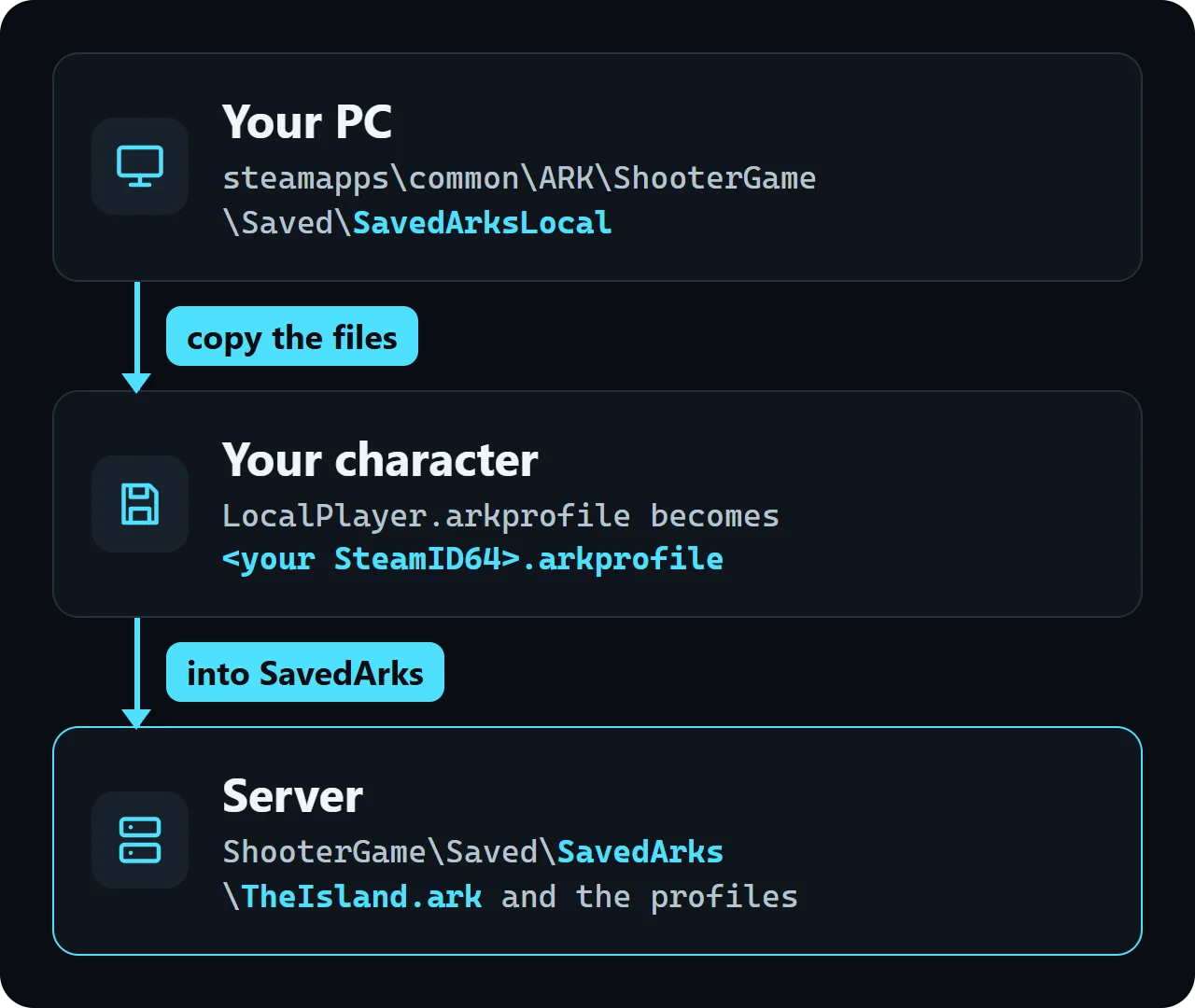
On our test server the world file was ShooterGame/Saved/SavedArks/TheIsland.ark, the same name the single-player save has on The Island, so your copy takes its place.
You find your SteamID64 on your Steam account details page, shown as Steam ID.