 Базы
The Crooked Man's Crooked Keep (TCMCK)
- 4 352конструкции
- 5Строения
- 7Загрузки
- 1Лайки
Описание
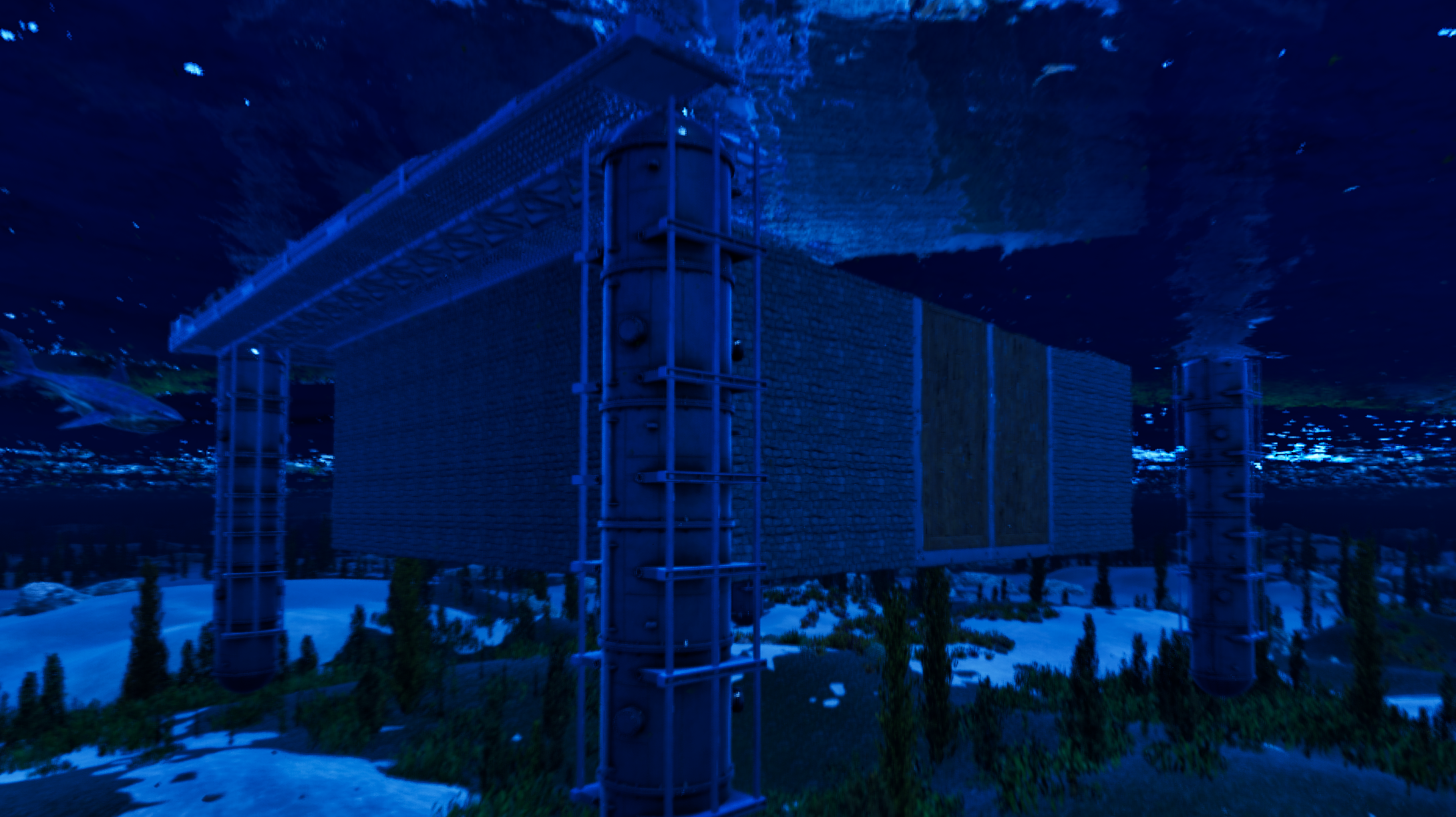
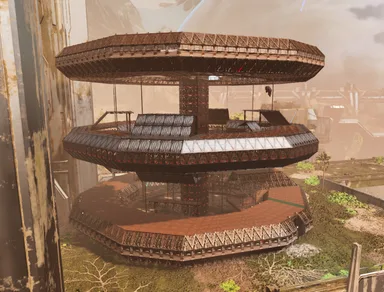
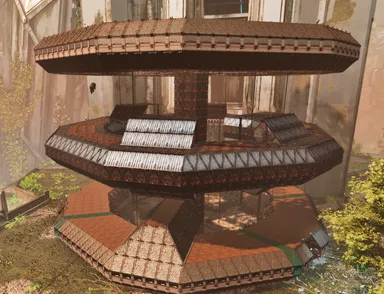
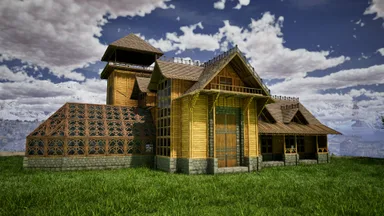
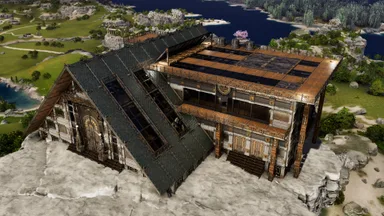
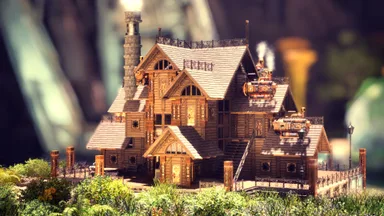
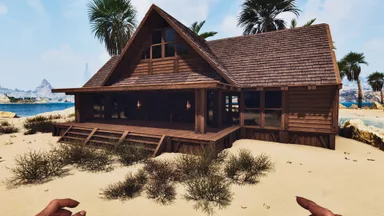
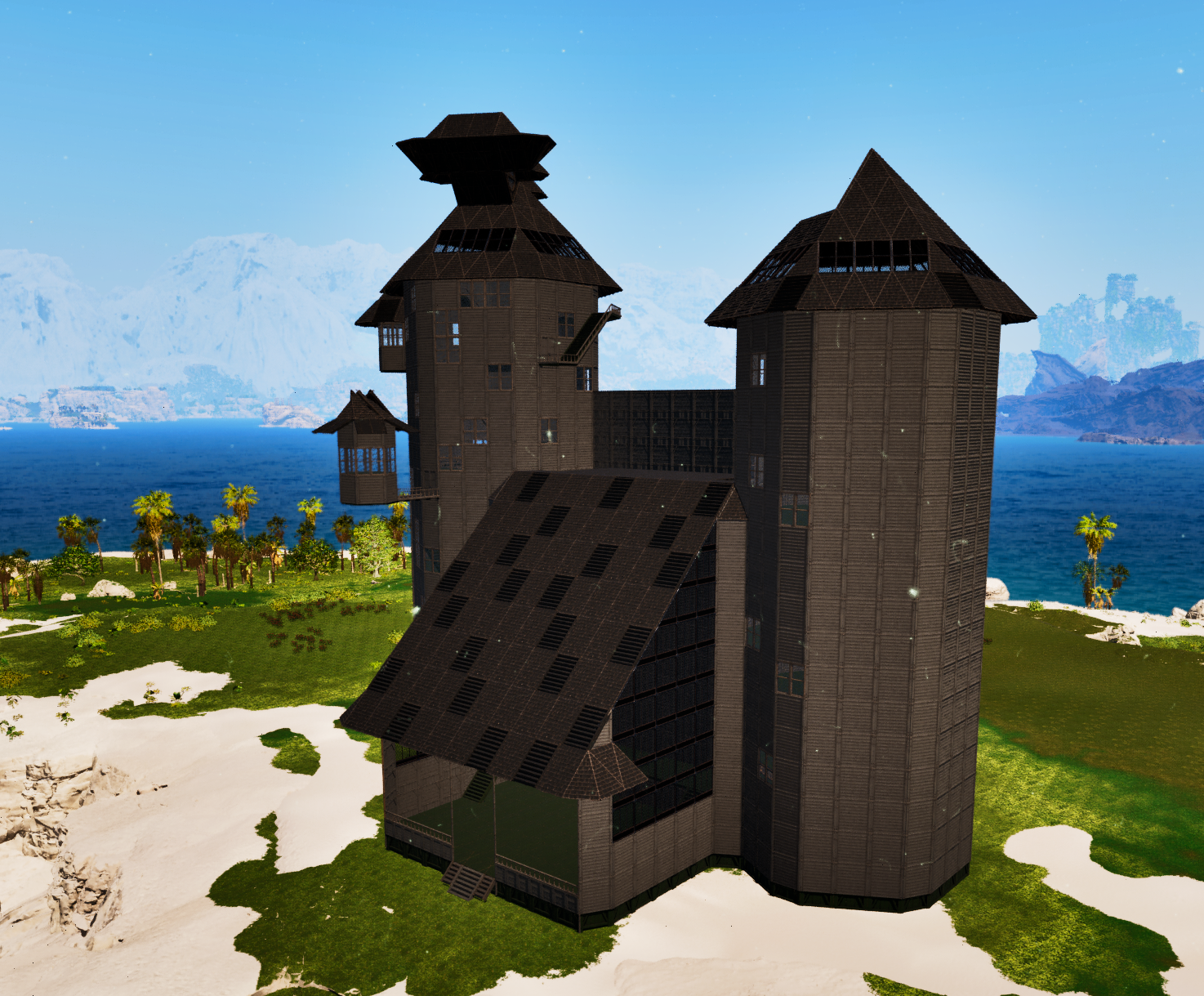
This build is primarily meant for players who like grinding, theres LOTS of wood and greenhouse structures so... Have fun! Pics 1 and 2 show the Patio(P1) and the Greenhouse/pool(P2), the closest tower is the "Right Tower", and yes, you have to place it in this specific way.(the tower placements I mean) TCMCK Center, houses greenhouse, pool, and patio w/ a central walkway between the two towers. Start here, end wherever you feel like. TCMCK Left Tower, Larger tower in the Build, Place to the LEFT of the "Center" Template(Left looking at the Patio) TCMCK Left Tower Roof, I attempted to get it to properly work in the template for the LT, but it refused to stay in the template, despite it grabbing the roof when I copied. TCMCK Right Tower, Smaller tower in the Build, place to the RIGHT of the "Center" Template(Left looking at the Patio) TCMCK Right Tower Roof, I attempted to get it to properly work in the template for the RT, but it refused to stay in the template, despite it grabbing the roof when I copied. Tested and functional in Single Player and my personal cluster, The Veridian Isles(PVE). Skins and Paint: PC controls below; console controls may differ. HOLD E to apply skins as structures are built. Do NOT use the “Apply Skins” Feature, I know it says "Template Skins" but this applies Frontier(or any) skins to the entire build indiscriminately. Hold E(or the console equivalent button) and let it apply skins during construction to preserve my original skin design. You may need to finesse some structures during placement. Placing the Towers: Place 10 foundations connecting the tower template's walkway to the Center template's central walkway (between the greenhouse/pool and patio). Rotate and/or flip the tower until the doorway and walls align correctly. For the Towers, I tried six rotations before finding the correct snap point on the seventh attempt. I flipped it once and looked at the center foundation of the three connected to the Center's central walkway. Your results may vary. Be sure to remove the pillar in the middle of the template at the top of the larger(Left) Tower. Switch the Template Hammer to Alter Mode, then disable the 10 temporary foundations. You can now build from the aligned template. Auto-Build: Auto-Build may report missing structures. This is expected: Left Tower: 1,667/1,677 structures Right Tower: 1,361/1,371 structures Select Complete. Do NOT click apply skins when it asks you after; apply them as structures are built (see above). The rooves are separate templates. Left Tower Roof: Go to the top floor and reach the second set of stairs before the attic. Look across at the top of the center wall. A greenhouse wall should be immediately to its left, touching a corner. Enter Orbital Camera on PC (IIRC, Orbital is a temporary or non-existent thing on console). Rotate the template until all roof corners cover the tower's edges. The correct placement should be Snap Point #18. If needed, place a few ceilings and try attaching the roof template to them until all edges are covered. Right Tower Roof: Place triangle ceilings on the roof facing the Left Tower/Center building, then stand on them. Face away from the Left Tower/Center building. Look toward the pointed edge of the center triangle ceiling, near the side touching the third triangle ceiling from the left. Use the row with 7 triangle ceilings across, not the row with 5. I got it after a few attempts on Snap Point #2. Reposition yourself as needed. Manual alternative: Use 12 Wood Triangle Ceilings, 2 Wood Walls, and 4 Wood Corner Walls. Apply Frontier skins to all; the two corner walls above the two regular walls should use Frontier Glass. Finish the pointed top with Wood Triangle Roofs & Ceilings. Building Location: You need a flat or mostly flat area with enough room for the entire build. Originally built around 48, 90 on Astraeos, then rebuilt at 59.9, 36.6 (the exact center of the build, shown in the pictures). Paint Colors Colors Used: Swamp Green: Foundations, tower interior ceilings, stairs. Gunmetal: Walls and railings. Black: Roofs and exterior ceilings. Important: Painting a structure increases its structure-count cost by 6× for you and the server. For example, five foundations with one painted count as "10" structures, as painted bases cost more resources on hardware. Keep this in mind when building. Final Notes: The unusual shapes on top are decorative, not required for functionality. They're there to make the build look crooked and strange as it's the Crooked Man's home, after all! Feel free to change the colors, skins, or create your own rendition. Enjoy my first piece of creativity!(ive never once had creativity in ark lol, so this is my first actually creative build.)
Как получить на консоли
Полное руководство для консолейИгроки на консолях (PlayStation, Xbox) могут скачать и разместить этот шаблон прямо в игре с помощью мода Template Hammer Importer.
- 1Установите модOpen the in-game mod browser and search "Wikily" or "Template Hammer Importer".
- 2Создайте импортёрЗайдите в одиночную игру + творческий режим и создайте Wikily Template Importer (1 волокно).
- 3Введите ID шаблонаИспользуйте предмет, введите ID шаблона
100057и индекс постройки, затем разместите её.