 Декоративные
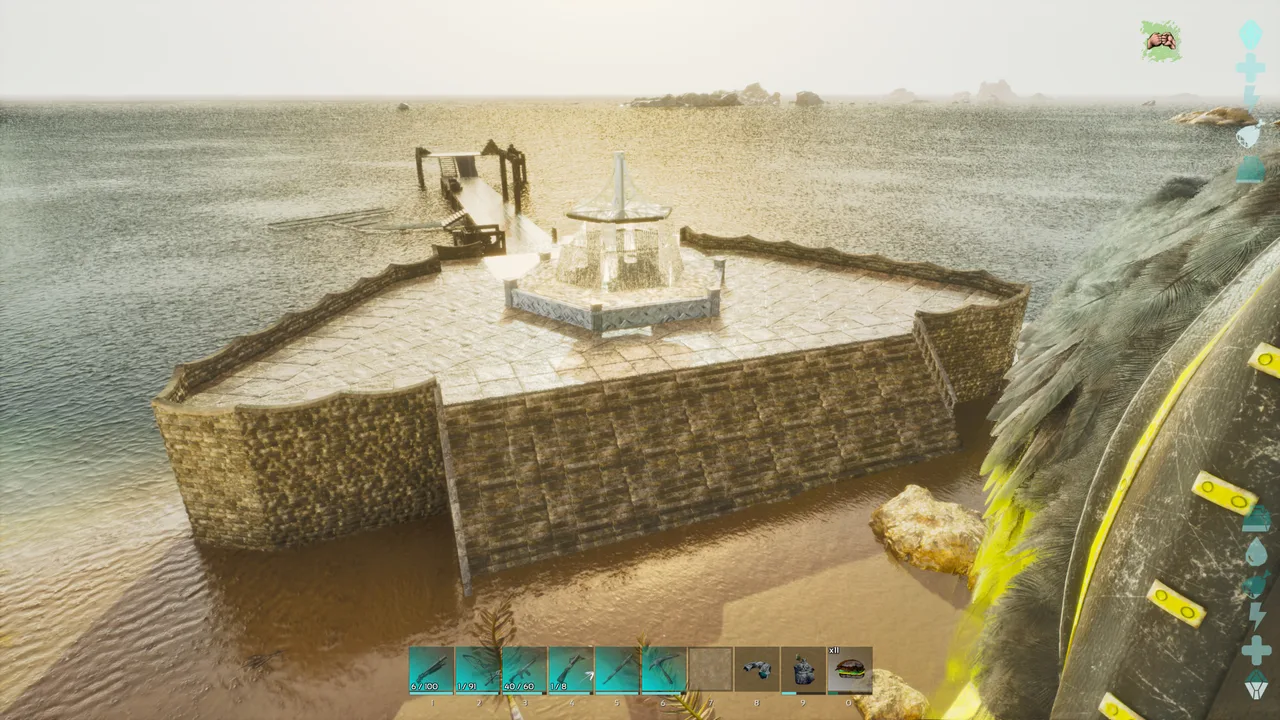
Pier build
 Malak13Stone AgeЗагружено 24 окт. 2025 г.
- 634конструкции
- 2Строения
- 45Загрузки
- 3Лайки
Описание
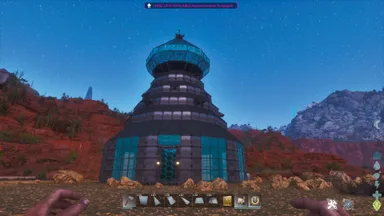
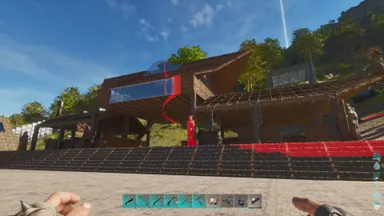
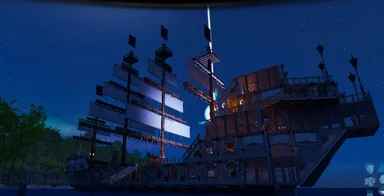
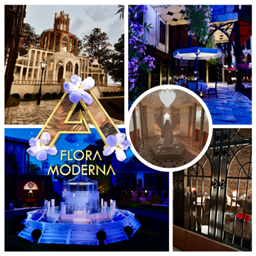
This comes in 2 parts and should snap together. This is based loosely off of assassin's creed black flag when you enter into Havana's port. I used quite a bit of decor with this. When building the fountain, you will have to place beams on the triangle ceiling tiles first. Step 1: then place one pillar onto the ceiling tile beam. Step 2: Then place one vertical beam on top of the pillar. Step 3: Then place another pillar in the second spot away from the beam. Step 4: Then place a beam going towards the other beam. They should kind of meet up. Step 5: Then place a pillar where the two beams meet. Delete one of the outside pillars and repeat all steps until the top horizontal beams match the floor beams with the pillars at all six points. I forgot one mod which gives the water effect for the ceiling it is: Arcadian Structures. There is a structure mod that allows you to change a tile to water, pond or clear. After the structure is placed, you will have to adjust the grass looking tile to the water one.
Как получить на консоли
Полное руководство для консолейИгроки на консолях (PlayStation, Xbox) могут скачать и разместить этот шаблон прямо в игре с помощью мода Template Hammer Importer.
- 1Установите модOpen the in-game mod browser and search "Wikily" or "Template Hammer Importer".
- 2Создайте импортёрЗайдите в одиночную игру + творческий режим и создайте Wikily Template Importer (1 волокно).
- 3Введите ID шаблонаИспользуйте предмет, введите ID шаблона
1300и индекс постройки, затем разместите её.




 Базы
Базы