 Bases
Bases
설명
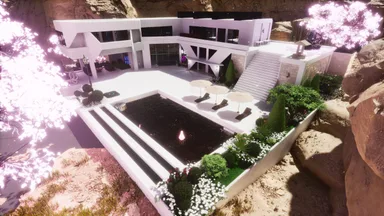
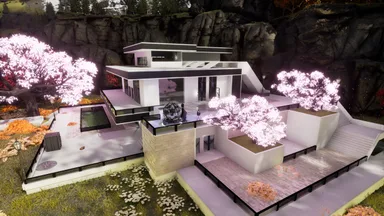
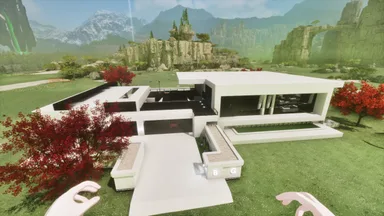
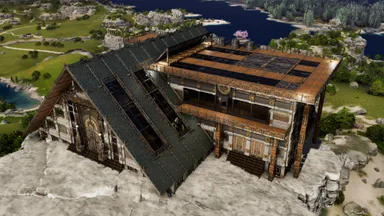
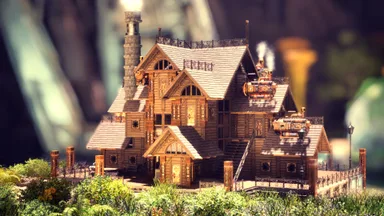
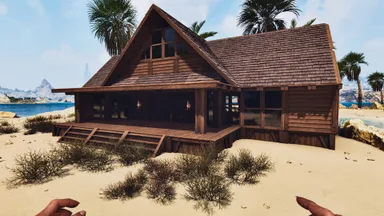
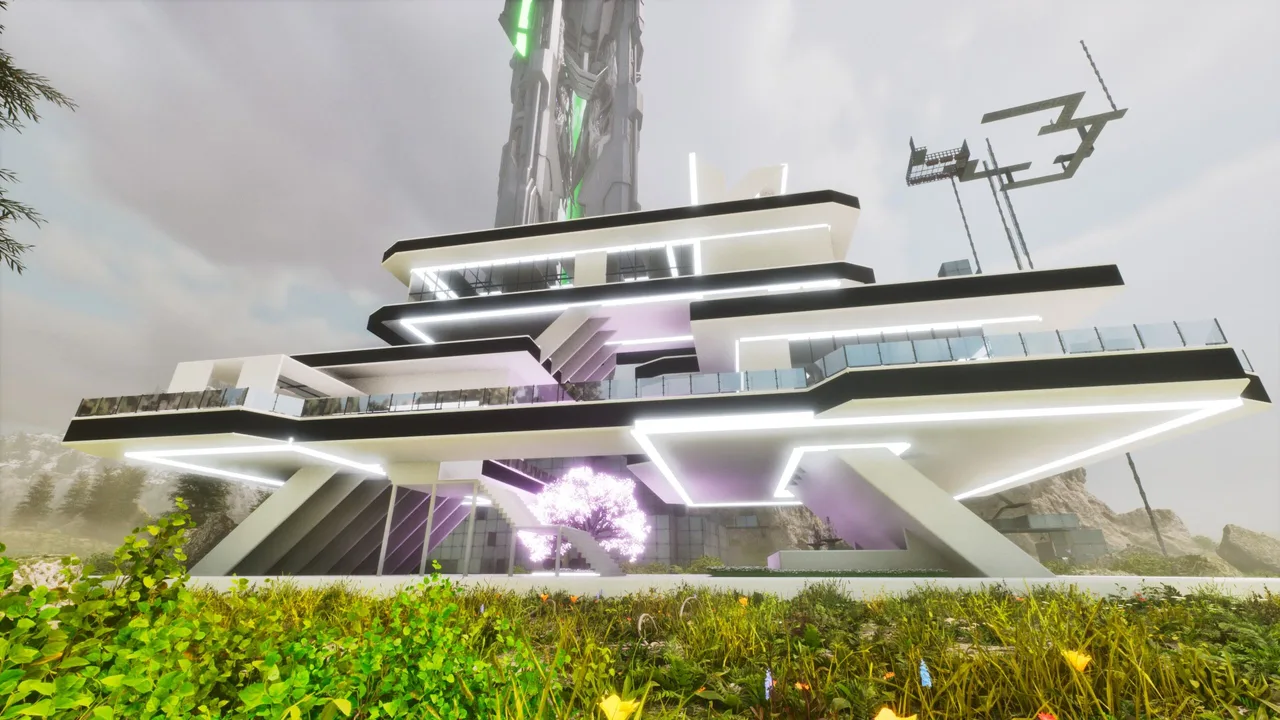
现代建筑7 分左右两部分 中间拆开部分需要自己补充几块天花版和墙,用到的mod主要是:108890, seamless wall ,1375642,1050420(其他建筑大多数也是这个几个,说实话我自己也忘记修的时候用了那些了哈哈哈) 有问题加qq群问,群里有视频 Modern Building 7 is split into two sections. For the gap in the middle, you will need to add several ceiling panels and walls yourself. The main mods used are: 108890, seamless wall, 1375642, 1050420.(Most of the other buildings also use these same mods. To be honest, I can’t even remember which ones I used when building them.I'm lazy and didn't keep track of them.) If you have any questions, join the QQ group to ask. There are tutorial videos in the group.
콘솔에서 받는 방법
콘솔 전체 가이드콘솔 플레이어 (PlayStation, Xbox)는 Template Hammer Importer 모드를 사용해 게임 안에서 이 템플릿을 바로 다운로드하고 설치할 수 있습니다.
- 1모드 설치Open the in-game mod browser and search "Wikily" or "Template Hammer Importer".
- 2임포터 제작싱글플레이어 + 크리에이티브 모드에 들어가 Wikily 템플릿 임포터를 제작하세요 (섬유 1개).
- 3템플릿 ID 입력아이템을 사용하고 템플릿 ID(
3063)와 건축 색인을 입력한 다음 설치하세요.