 Bases
Bases
설명
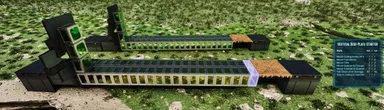
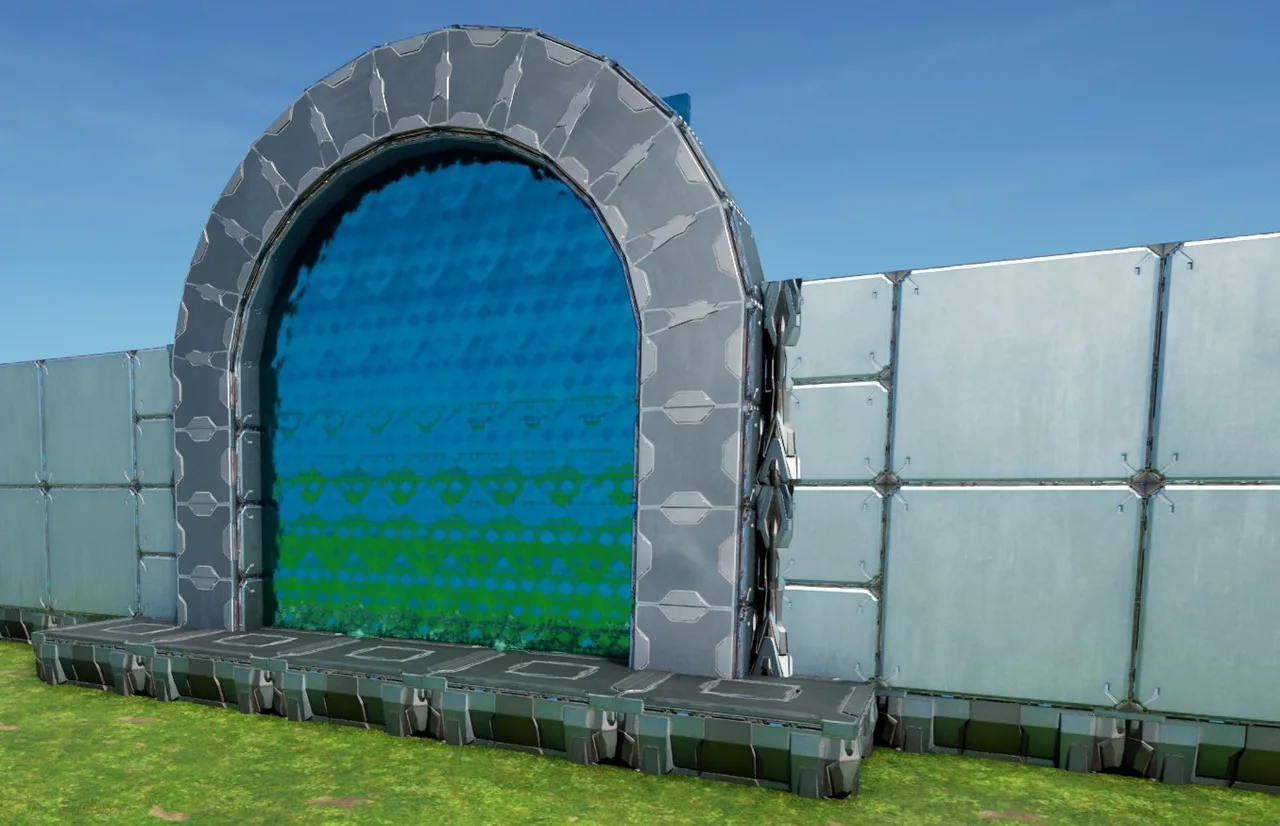
Check Template 2965 , its a post-patch version! --------Wildcard in their infinite wisdom, patched it on aug13, so that the walls on the inner arch cant be placed anymore--------------! .... Stellar job, i must say,this worked for over 1.5 years! ...... the basic mechanic still works!, but cant be closed gap-free anymore now, it seems -.- The simplified Arched Gate all you need is a "5 gap" in foundations, just leave the central foundation (turned north-outward) & snap this to it! place it like any foundation! just make sure its low enough, that the small pillars on the ends see ground! open the gate & place the 2 walls on the outer rim , afterwards remove all thatch & place all the inner arch walls now the foundations can just "cut through" the outer arch! to fully close it, add some small walls & pillars on the sides, since the distances are not full walls the other option would be to remove the outer arch walls, place normal walls on the (gate or) foundations & then close it all again (if you prefer that look or want to fully integrade it into a "house" wall) PS: you can always replace the gate! just make sure the inner & outer walls on the gates corners are removed! (the 2 outside and around 6 on the inside arch should be enough) enjoy your gates
콘솔에서 받는 방법
콘솔 전체 가이드콘솔 플레이어 (PlayStation, Xbox)는 Template Hammer Importer 모드를 사용해 게임 안에서 이 템플릿을 바로 다운로드하고 설치할 수 있습니다.
- 1모드 설치Open the in-game mod browser and search "Wikily" or "Template Hammer Importer".
- 2임포터 제작싱글플레이어 + 크리에이티브 모드에 들어가 Wikily 템플릿 임포터를 제작하세요 (섬유 1개).
- 3템플릿 ID 입력아이템을 사용하고 템플릿 ID(
2915)와 건축 색인을 입력한 다음 설치하세요.


 유틸리티
유틸리티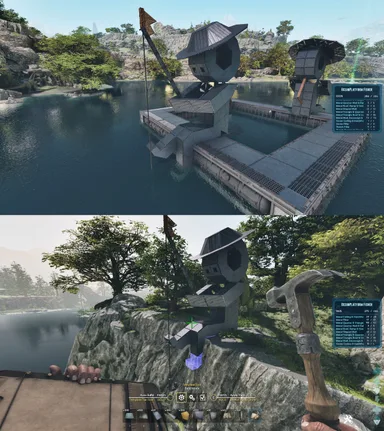
 장식
장식