 장식
장식
설명
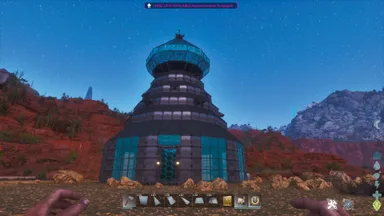
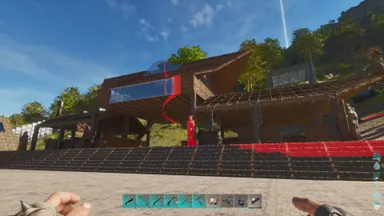
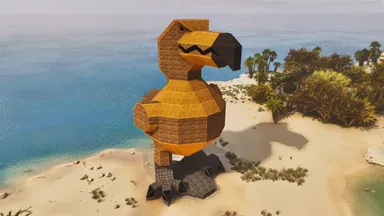
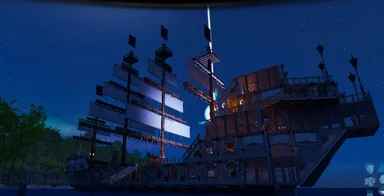
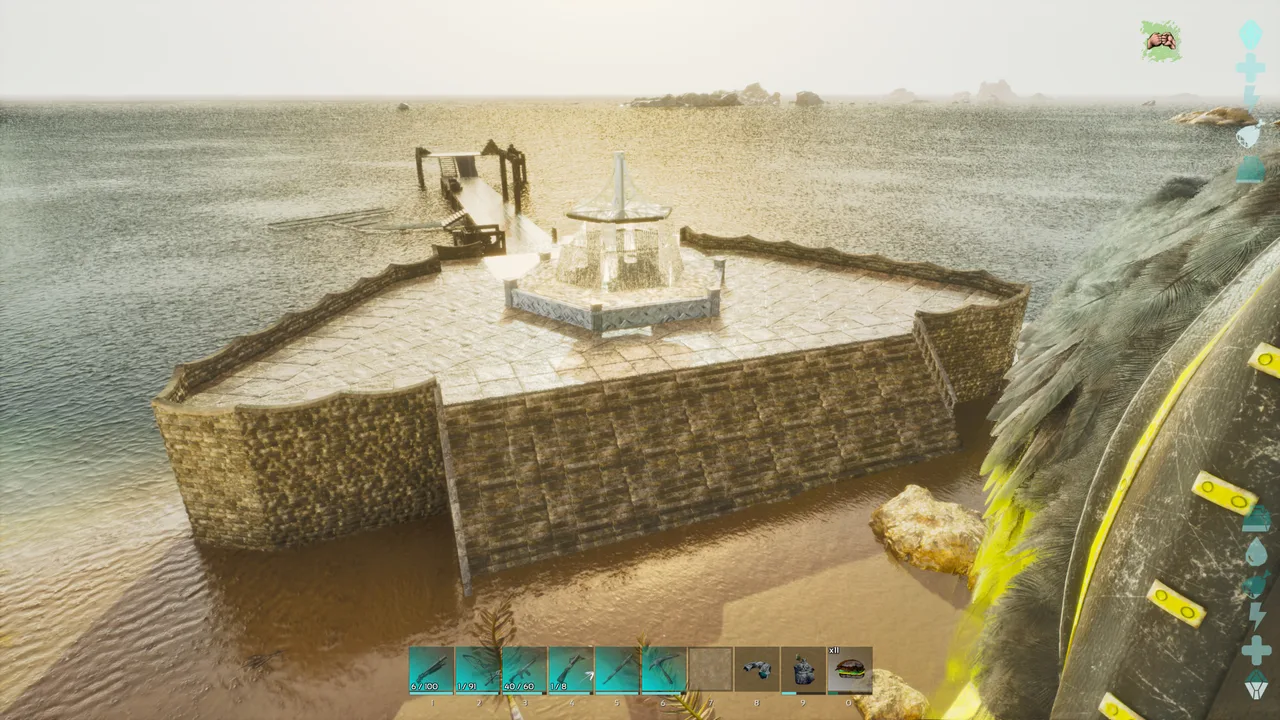
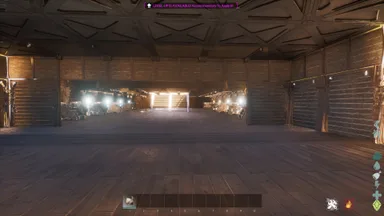
This comes in 2 parts and should snap together. This is based loosely off of assassin's creed black flag when you enter into Havana's port. I used quite a bit of decor with this. When building the fountain, you will have to place beams on the triangle ceiling tiles first. Step 1: then place one pillar onto the ceiling tile beam. Step 2: Then place one vertical beam on top of the pillar. Step 3: Then place another pillar in the second spot away from the beam. Step 4: Then place a beam going towards the other beam. They should kind of meet up. Step 5: Then place a pillar where the two beams meet. Delete one of the outside pillars and repeat all steps until the top horizontal beams match the floor beams with the pillars at all six points. I forgot one mod which gives the water effect for the ceiling it is: Arcadian Structures. There is a structure mod that allows you to change a tile to water, pond or clear. After the structure is placed, you will have to adjust the grass looking tile to the water one.
콘솔에서 받는 방법
콘솔 전체 가이드콘솔 플레이어 (PlayStation, Xbox)는 Template Hammer Importer 모드를 사용해 게임 안에서 이 템플릿을 바로 다운로드하고 설치할 수 있습니다.
- 1모드 설치Open the in-game mod browser and search "Wikily" or "Template Hammer Importer".
- 2임포터 제작싱글플레이어 + 크리에이티브 모드에 들어가 Wikily 템플릿 임포터를 제작하세요 (섬유 1개).
- 3템플릿 ID 입력아이템을 사용하고 템플릿 ID(
1300)와 건축 색인을 입력한 다음 설치하세요.





 Bases
Bases