 Bases
Bases
설명
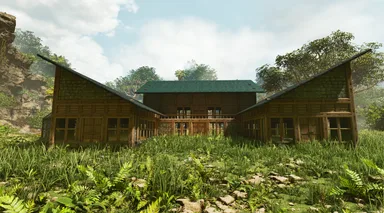
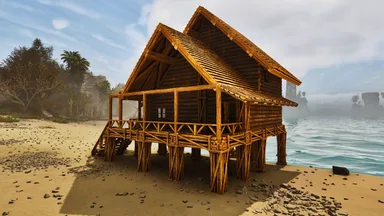
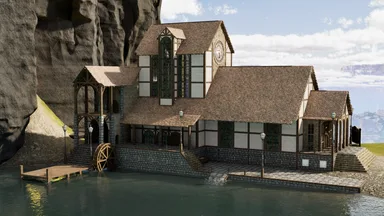
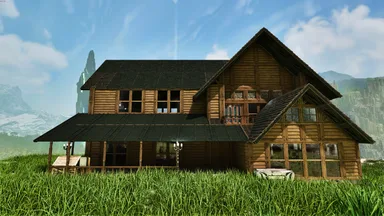
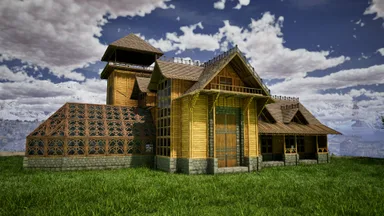
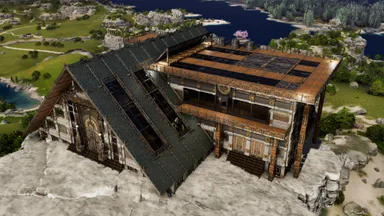
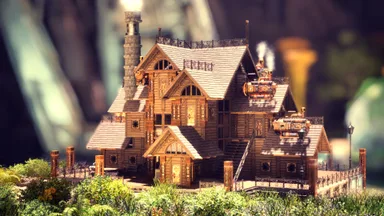
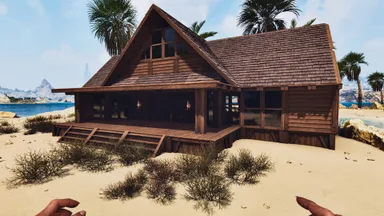
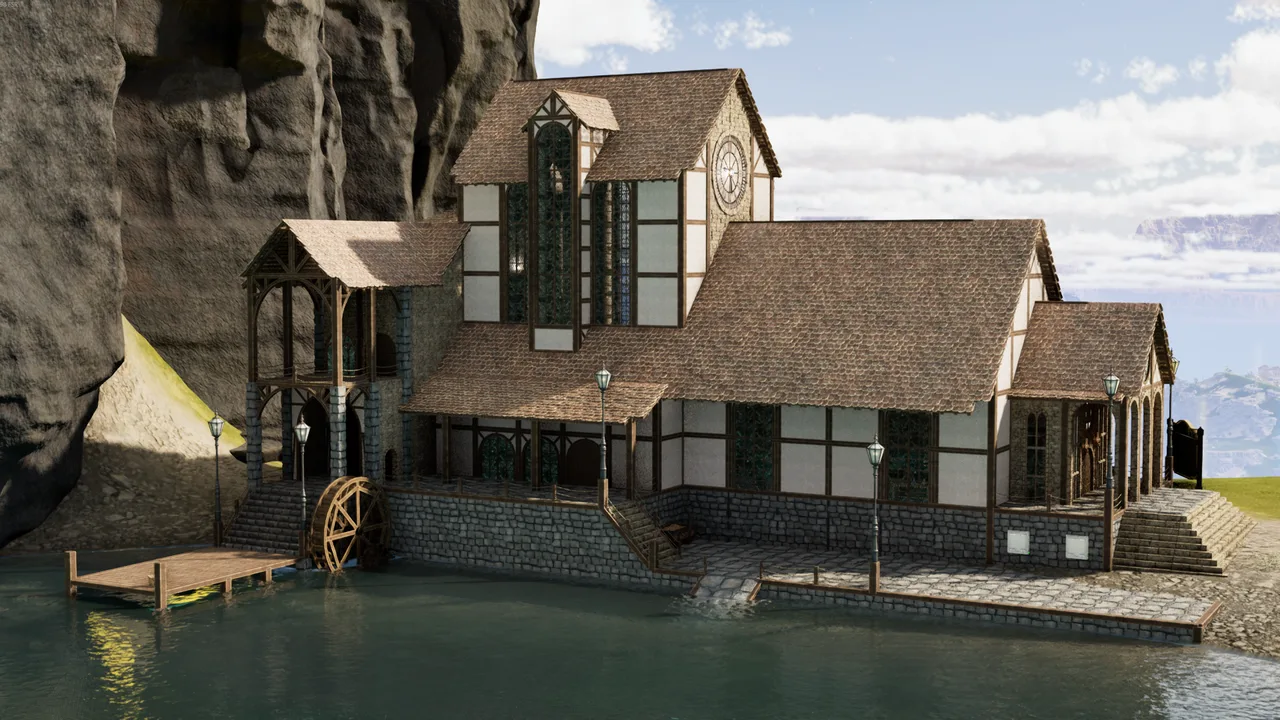
Mods: Castles, Keeps, and Forts (CKF) Premium, Klinger Additional Rustic Building Placement Tips: You may have to place a singular foundation to be able to place the blueprint initially if snapping is an issue. The blueprint will only show you the base foundation as it is vanilla, so just gradually lower the template until the base of the stairs are touching a grounded point, you can bury in the ground if need be as the entire bottom layer is just foundation. Modded structures can be very fiddly and the build is very large so building it 'in order' is very preferred; having all foundations > pillars > walls while building! Notes: Internal structures/decor is not included in the blueprint itself, decorate as you see fit! I made this a while ago and am crossing my fingers the template actually functions, soooo if you have any issues feel free to let me know and I'll try to resolve them! OG Location: Astraeos Lat:10.3 Lon:13.2 NOTE: This template is placeable, me and friends have tested it, it just requires some playing around. If you're having trouble placing it at all/auto-building that is unfortunately a wildcard Template Hammer issue :(
콘솔에서 받는 방법
콘솔 전체 가이드콘솔 플레이어 (PlayStation, Xbox)는 Template Hammer Importer 모드를 사용해 게임 안에서 이 템플릿을 바로 다운로드하고 설치할 수 있습니다.
- 1모드 설치Open the in-game mod browser and search "Wikily" or "Template Hammer Importer".
- 2임포터 제작싱글플레이어 + 크리에이티브 모드에 들어가 Wikily 템플릿 임포터를 제작하세요 (섬유 1개).
- 3템플릿 ID 입력아이템을 사용하고 템플릿 ID(
1211)와 건축 색인을 입력한 다음 설치하세요.