 Bases
24 Half Dome 1 Wall High
- 618Structures
- 1Constructions
- 3Téléchargements
- 0J'aime
Description
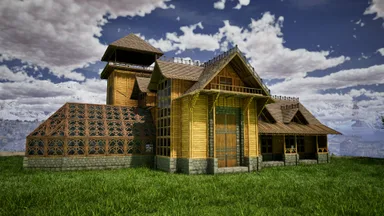
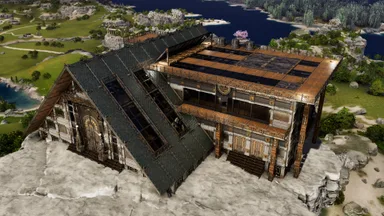
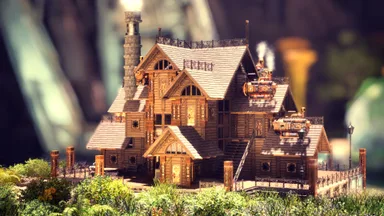
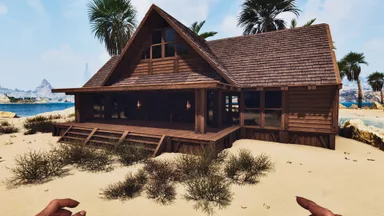
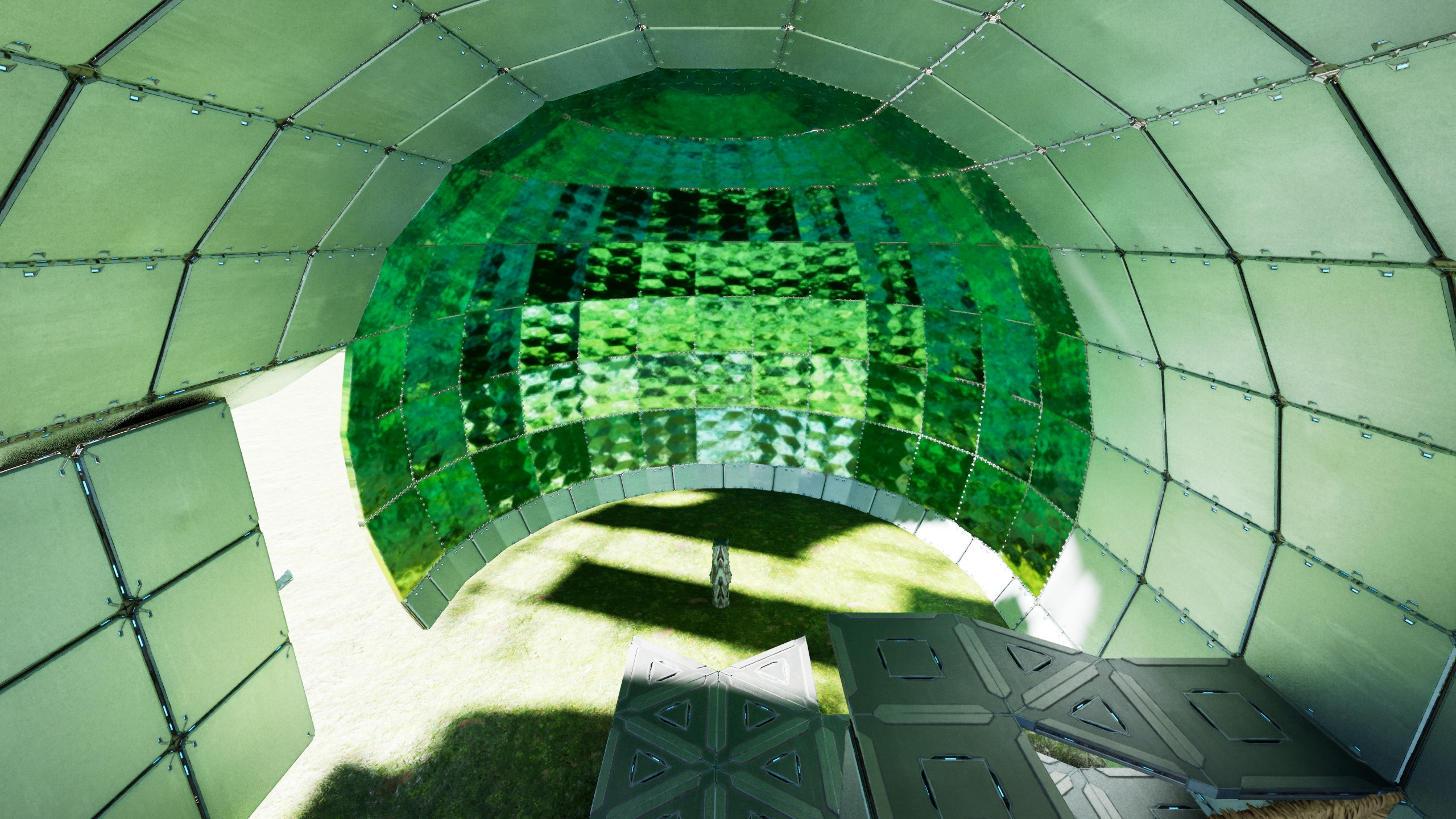
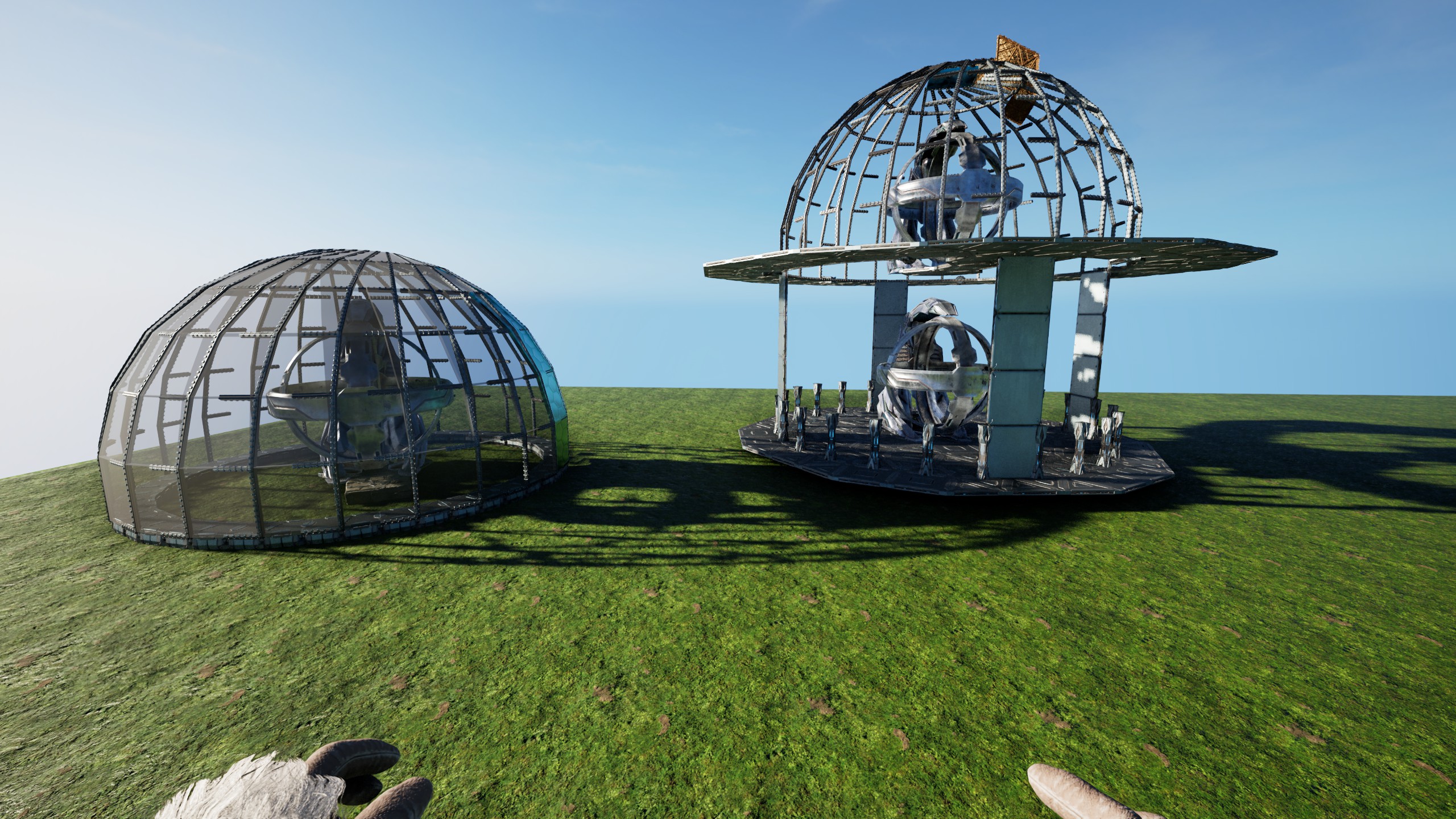
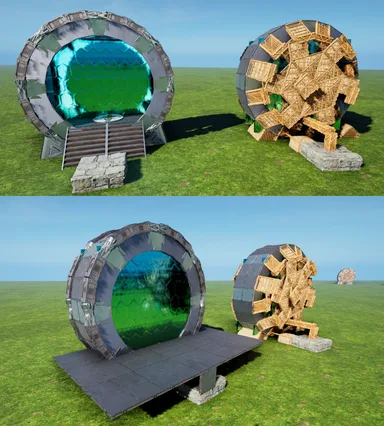
This builds half a 24sided Dome, one Wall high above Foundations & is also able to stand alone I chose this height, because it offers useful Ground inside the "Sphere" and can be integrated into any Building really Its also fully created from Foundations! Long Story short: - Place this maximal as high as a "Double-Clicked"Foundation & remove all Thatch! - If you want a full Dome, add a Ceiling to the left "South-Facing" Foundation and build it again - If you want it on a House-Wall, just have a 7-Gap in your Wall & add a small Foundation extra Distance to a "north"-outward-facing Foundation (finish the Dome & add in normal Walls last) Thats all really! Some small TekPillars [that touched a Foundation] might not become "Foundations" , check all & replace those who arent (it sometime happens, idk why!, i build this a bunch of Times & sometimes some Pillars just dont become Foundations...#arklife ) should you place it too high, the 90° Pillars will not become Foundations & you have to either build it high enough, so you can place new Pillars on the lowest (small) Ceilings Or catch the Dome on its side with normal Foundations to remove all Thatch remove all smallCeilings that Touch the TekPillars (& the ThatchPillars, they like to stay connected at Distance) - add a rim of small walls on the lowest beams - Fill all Beams with CeilingDoors (or partially with SecretWallDoors) they have to be open, to place "the Next" and overlap PS: i added the "logic" how this works to the Screens, but its just the 2x12 sided Circles(15° offset) this means, you can use & extend any of these "Blades" inner or outer "12er Circle"...if you want the HalfSphere to continue as a tube for example or fill the Top Enjoy!
Comment l'obtenir sur console
Guide complet pour consoleLes joueurs sur console (PlayStation, Xbox) peuvent télécharger et placer ce modèle directement en jeu grâce au mod Template Hammer Importer.
- 1Installer le modOpen the in-game mod browser and search "Wikily" or "Template Hammer Importer".
- 2Fabriquer l'importateurLancez Solo + Mode créatif et fabriquez le Wikily Template Importer (1 fibre).
- 3Saisir l'ID du modèleUtilisez l'objet, saisissez l'ID de modèle
100122et l'index de construction, puis placez-le.


 Utilitaire