
Wikily appFree for Windows PC
Use the Aniimo wiki while you play
Wikily is a free app that opens the wiki on top of your game. Press Shift+F9 to look up the map, Alphas, Omegas and items, then press it again to close it.
- No account needed
- Works with every Wikily wiki


How it works
- WikilyIncludes Overwolf
Install itTakes about a minute.
- PressShift+F9to open Wikily
Start AniimoWikily opens with the game.
- Shift+F9
Press Shift + F9The wiki opens over the game. Press again to close it.
Everything from the wiki is in the app
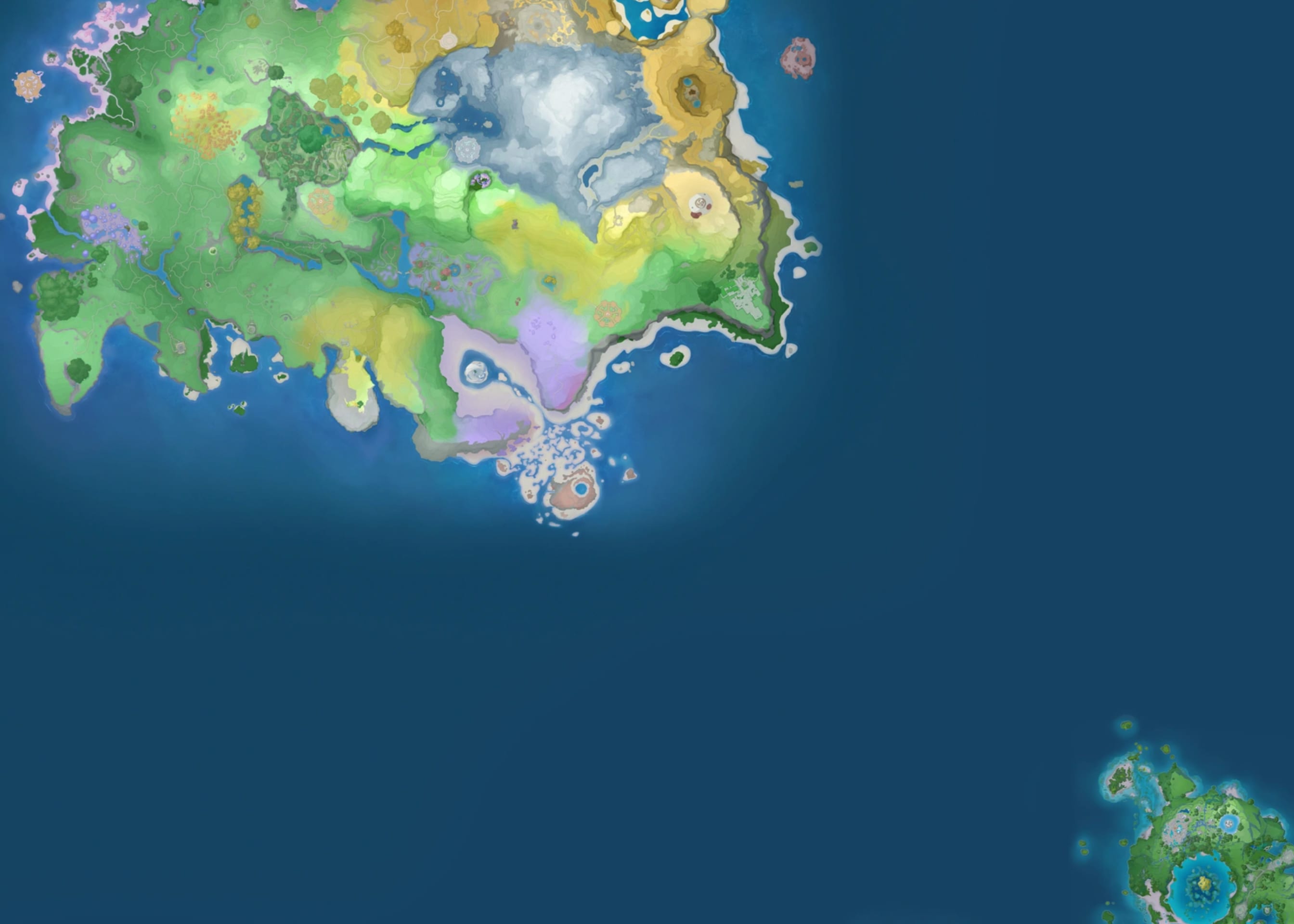
16 947spots on the map
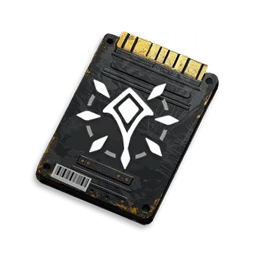
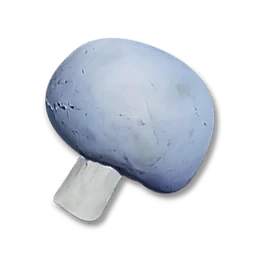
1 365Предметы






509Способности


277Анилог







When it comes in handy
Where's the closest teleporter?
16 947 spots on the map, including Aniimo spawns, chests, eggs and teleporters.
What level is that Alpha?
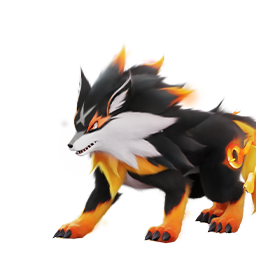
All 25 Alphas and Omegas. Filter by element, region or level.
Where do I get this item?
All 1 365 items. You can search by name, use or source.
Why not just alt-tab?
- Alt + Tab
- Find the browser
- Search
- Close the cookie popup
- Scroll to the answer
- Alt + Tab back
That's it.
Search the whole wiki from inside the game
Press Ctrl+K and start typing.
Keyboard shortcuts
Works with every Wikily wiki
Press Ctrl+G to switch wikis. If you start another supported game, its wiki opens automatically.















Questions
Is it free?
Yes, and you don't need an account. Overwolf shows a few ads in the corner of the app.
What do I need?
A Windows PC. The installer also installs Overwolf, which the app runs on.
Does it touch Aniimo?
No. It doesn't read or change your game files. Overwolf draws the window over the game, and the app only checks which game is running so it can open the right wiki.
Which games open it in game?
AION 2, ARK: Survival Ascended, ARK: Survival Evolved, Aniimo, Enshrouded, Far Far West, Graveyard Keeper 2, Kingdom Rush, Minecraft Dungeons II, Minecraft Java Edition, Once Human, Paralives, Solarpunk, Subnautica, Subnautica 2. Every other Wikily wiki opens in the app's window.