 Bases
Bases
설명
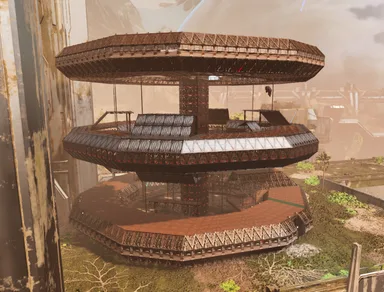
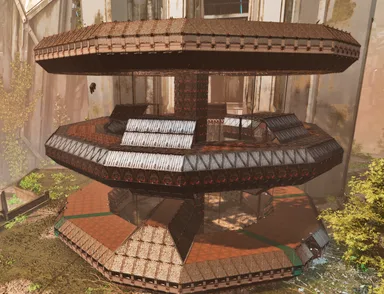
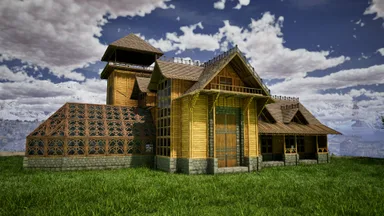
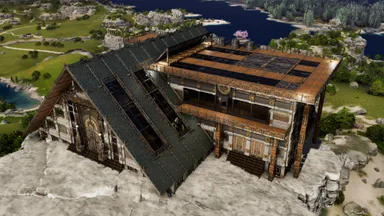
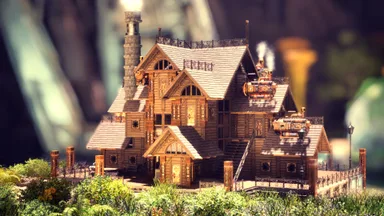
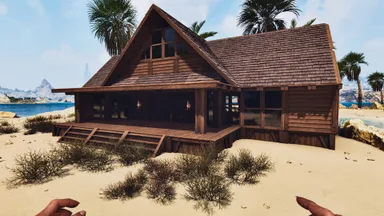
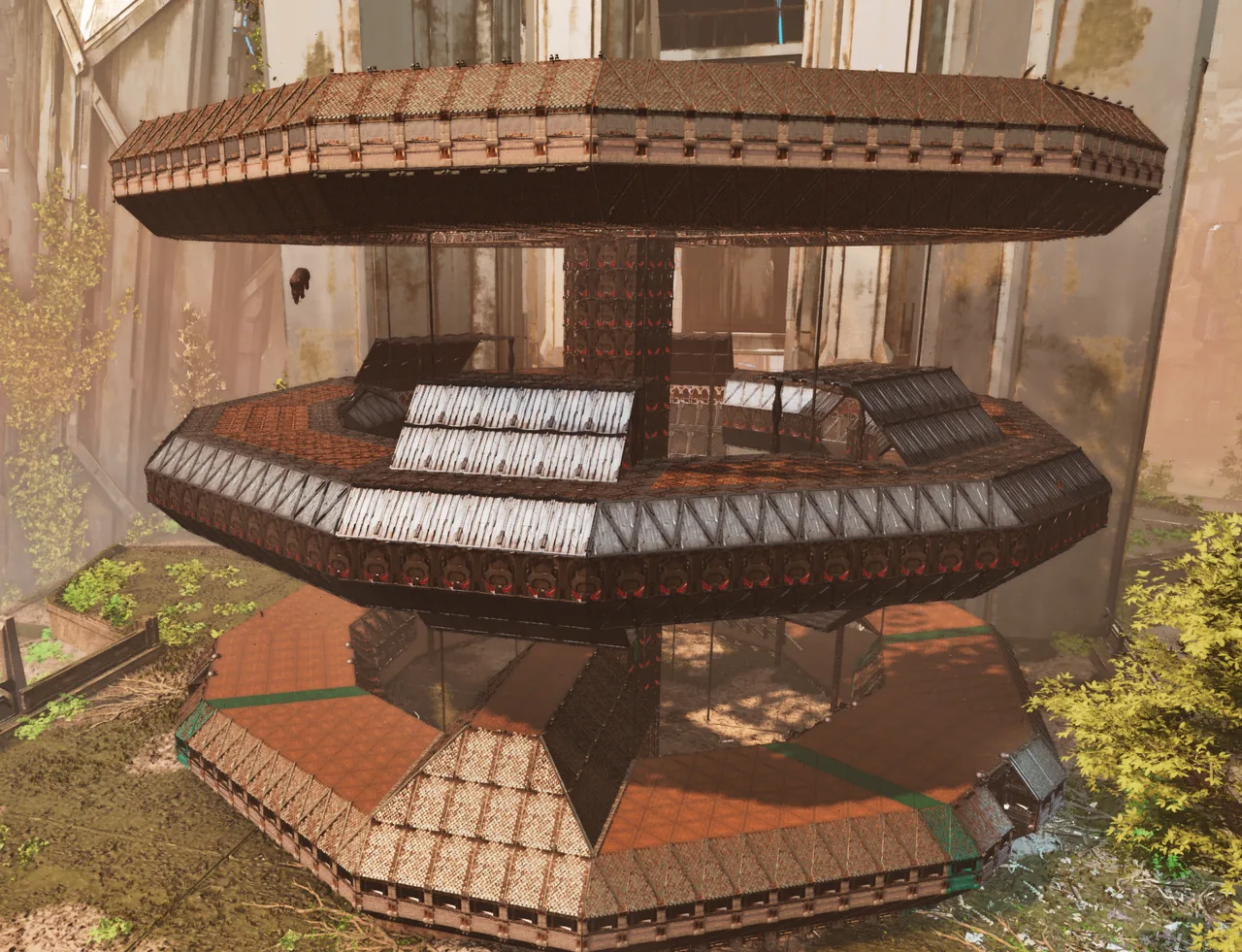
Rings 2 & 3: https://wikily.gg/ark-survival-ascended/building-templates/templates/3125/ The Eden Citadel is a base originally built on my cluster, The Veridian Isles PVE, by a player who has since quit the game. They gave me permission to turn the build into a template for others to use! With OVER 7,000 structures, this build is really only for ARK grinders who enjoy a bit of pain... and admins. 😂 This is my first time using the Template Hammer to EXPORT and SHARE a build, so bear with me! The build is split into MULTIPLE parts because, for some reason, I couldn't select foundations beyond a certain range. And, of course, we're dealing with 7,000+ structures using a Template Hammer with a 2,000-structure limit. lol Due to the sheer number of structures and how the Template Hammer works, you'll need to snap certain pieces together manually. Unfortunately, getting everything to snap correctly can be a real pain with builds this large. The base itself is located on Extinction at coordinates 49.8, 60.0. Please ignore the paint in the pictures, as those colors were simply markers I used while creating the templates. A quick note about the parts: There are A LOT of them! Ring 1: 9 parts Ring 2: 4 parts Ring 3: 3 parts All parts are labeled with names beginning with "TEC..." to help you identify them. I'll add links to the additional parts in the comments or the description if I run out of room here. If you only want to build Ring 1, I'll include a separate link for that as well! MY RECOMMENDED BUILD ORDER RING 1 Step 1: Build the Foundations Start with the outer foundations, followed by the inner foundations for Ring 1. I ran into MANY snapping issues when trying to place templates before the foundations were in place. Honestly, save yourself the headache and build the foundations first! For the triangle foundations, you can either: Build 21 triangle foundations away from the first regular foundation. OR build 7 regular foundations from the first triangle foundation. Alternatively, follow my advice above and complete both the inner and outer foundation rings before placing any templates. Step 2: TEC Main Building Ring 1 Start with the main building, or begin with TEC Ring 1 Elevator+EleShaft if you prefer. Personally, I found it easiest to start with the main building and work outward from there. Step 3: TEC Right Hall (Inner Circle Right) When standing inside Ring 1 and looking toward the main building, place this section on the RIGHT side. You may need to place an extra row of foundations to help everything snap correctly. Step 4: TEC Left Hall (Inner Circle Left) When standing inside Ring 1 and looking toward the main building, place this section on the LEFT side. As with the right hall, you may need an extra row of foundations to help with snapping. Step 5: TEC Ring 1 Elevator Entry+EleShaft This section connects Ring 1 and provides the platforms and bridges leading to Rings 2 and 3. WARNING: This template REALLY likes to fight you when it comes to snapping. My best advice: Starting from the outermost triangle foundation (the outer ring, NOT the inner ring), count six regular foundations away. On the seventh foundation position, build a row of foundations leading inward toward the ring. Remove the six foundations behind that row from the outer ring. Try placing the template again until you find a position that it will cooperate with. If you're only building Ring 1, you can skip this step for now and use the Ring 1-only entryway in Step 9 instead. Step 6: TEC Ring 1 Gate Hall Left (Inner Circle Left) Place this section to the LEFT of where the gate opposite the main building will be. Step 7: TEC Ring 1 Gate Hall Right (Inner Circle Right) Place this section to the RIGHT of where the gate opposite the main building will be. Step 8: TEC Ring 1 Gate Opposite Side of Main As the name suggests, place this section directly opposite the main building on Ring 1. Step 9: TEC Ring 1 Large Entryway (Right of TEC Right Hall) My best advice: Starting from the outermost triangle foundation (the outer ring, NOT the inner ring), count six regular foundations away. On the seventh foundation position, build a row of foundations leading inward toward the ring. Remove the six foundations behind that row from the outer ring. Try placing the template again until you find a position that it will cooperate with. Connect The above section(Step 9) to TEC Right Hall (Inner Circle Right). Important: Steps 3–9 may require additional foundations to help the templates snap into place. If you're having trouble, don't fight with the templates for hours. Go back to Step 1 and make sure your inner and outer foundations are in place first! You can also “Skip” 6-8 because I do have a gate+hall version that combines the three, its just harder to snap. Once Ring 1 is complete, you can stop here if that's all you wanted to build. Otherwise, move on to Ring 2.
콘솔에서 받는 방법
콘솔 전체 가이드콘솔 플레이어 (PlayStation, Xbox)는 Template Hammer Importer 모드를 사용해 게임 안에서 이 템플릿을 바로 다운로드하고 설치할 수 있습니다.
- 1모드 설치Open the in-game mod browser and search "Wikily" or "Template Hammer Importer".
- 2임포터 제작싱글플레이어 + 크리에이티브 모드에 들어가 Wikily 템플릿 임포터를 제작하세요 (섬유 1개).
- 3템플릿 ID 입력아이템을 사용하고 템플릿 ID(
3124)와 건축 색인을 입력한 다음 설치하세요.